Deleted a Text Message You Should Not Have? Your iPhone Might Still Have It — Here Is Where to Look
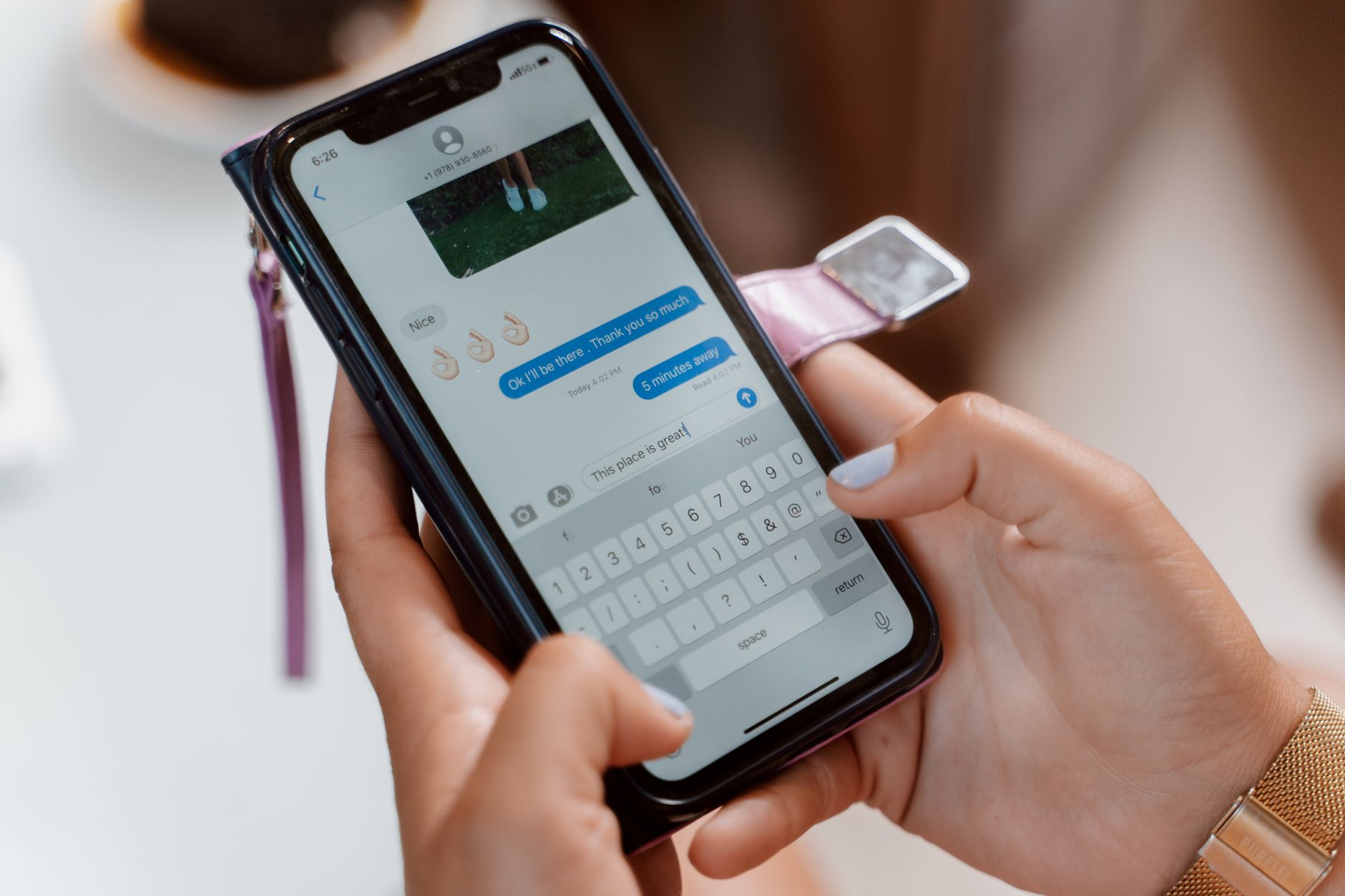
You know that sinking feeling when you delete a text message and immediately realize it had important information? A door code. A confirmation number. A photo someone sent that you swiped away without saving. I did this with a flight confirmation text — deleted it while clearing notifications, then spent twenty panicked minutes trying to recover my booking reference.
Here is what I wish I had known: iPhones have a Recently Deleted folder for messages, just like Photos. It is buried in the interface and nobody tells you it exists.

Method 1: The Recently Deleted Folder
- Open Messages and tap “Edit” in the top left corner. If you do not see Edit, tap Filters instead.
- Select “Show Recently Deleted” from the menu.
- You will see all messages deleted in the last 30 days, organized by conversation.
- Tap the conversation, select the messages you want back, and hit “Recover”.
This only works if you are running iOS 16 or later and the message was deleted less than 30 days ago. If both conditions are met, the message is almost certainly here. I found my flight confirmation in this folder and nearly wept with relief.
Method 2: Check Your Other Devices
If you have an iPad or Mac signed into the same Apple ID with Messages in iCloud enabled, the deleted message might still be on a device that has not synced yet. Turn off Wi-Fi on your other devices before opening Messages — if they sync before you check, the deletion propagates everywhere.
Method 3: Ask Your Carrier
For regular SMS messages (green bubbles, not iMessage blue bubbles), your carrier keeps message logs for billing purposes. They generally cannot provide the content of the message, but they can usually give you the phone number and timestamp — which is enough to figure out who sent what and when. Call customer service and ask for your text message detail records.
What Probably Will Not Work
Those third-party “iPhone data recovery” apps that promise to retrieve deleted texts? Most of them require a full iTunes backup that already existed before the deletion. If you did not have a backup, they cannot magic deleted data back from the void. And many are subscription scams that let you “scan for free” then demand thirty dollars to show you the results — which are often just the same messages still on your phone.
Quick Summary: Go to Messages → Edit → Show Recently Deleted (works for 30 days on iOS 16+) — if that fails, check other Apple devices before they sync, and as a last resort request SMS detail records from your carrier.