Deep Clean Your Keyboard Without Breaking It
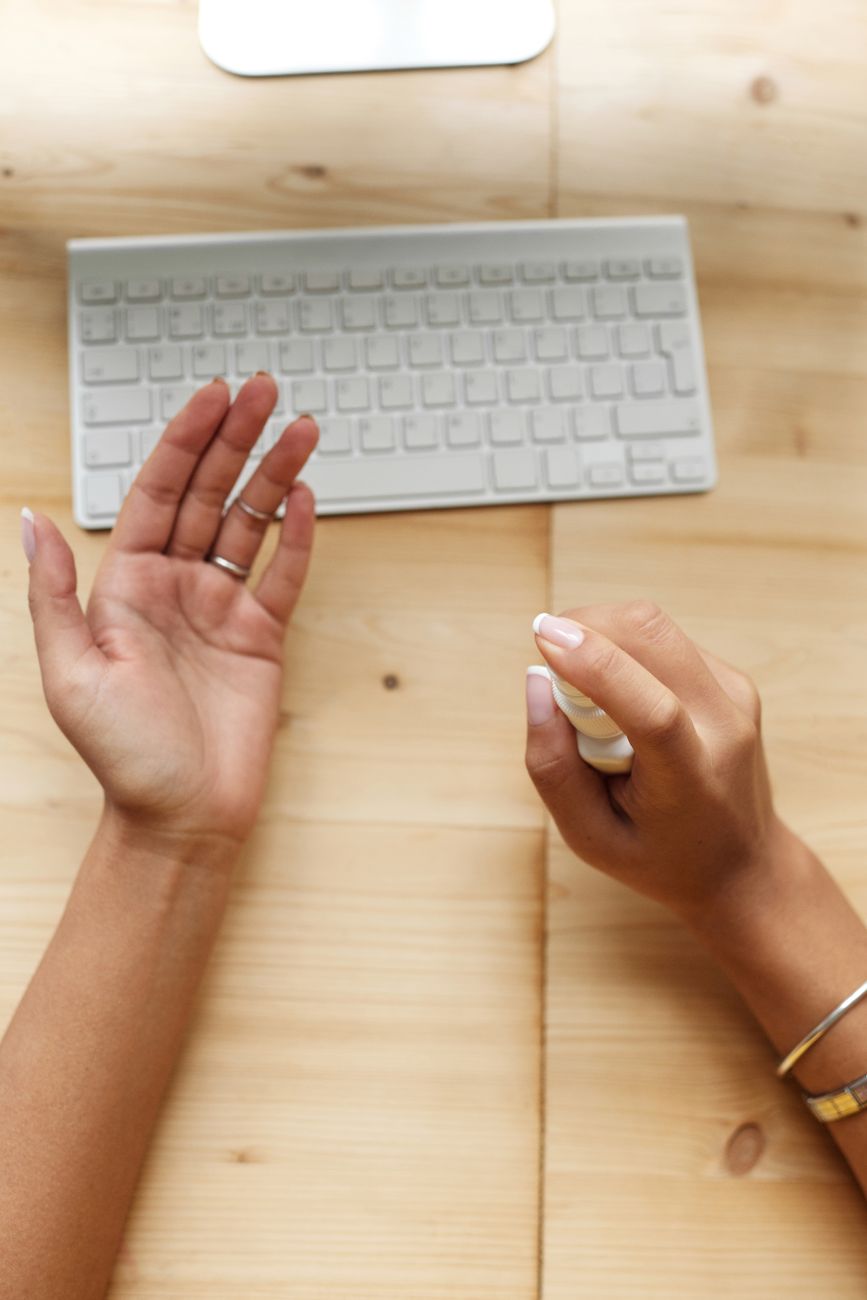
I once killed a perfectly good mechanical keyboard by trying to clean it. Unplugged it, ran it under the faucet, scrubbed with dish soap, set it in the sun to dry. Three days later I plugged it back in and nothing happened. A hundred and twenty dollars down the drain.
Keyboards are filthy. Studies have found more bacteria on the average keyboard than on a toilet seat. But they are also delicate. The trick is getting the crud out without shorting the circuits.
What you need
- Keycap puller (plastic ones come with most mechanical keyboards, or two dollars online)
- Canned air or an electric duster
- Isopropyl alcohol, 70% or higher
- Cotton swabs and a soft toothbrush
- A bowl of warm water with a drop of dish soap
- Microfiber cloth
Step by step without shorting anything
- Unplug it. Or turn off Bluetooth. No power, no chance of a short.
- Take a photo of the layout. You will forget where the function keys go. Everyone does. Snap a picture with your phone.
- Pull the keycaps. Start from a corner. The puller clips under two sides — squeeze and lift straight up. Do not twist. Twisting breaks the stems underneath.
- Soak the keycaps. Drop them in the bowl of warm soapy water. Let them sit for thirty minutes while you clean the board.
- Blow out the base. Hold the keyboard at an angle, spray canned air in short bursts. Do not invert the can — the liquid propellant will spray out and freeze whatever it touches. Keep the can upright.
- Clean between switches. Dip a cotton swab in isopropyl alcohol, squeeze out the excess, and gently clean around each switch housing. The alcohol evaporates quickly and will not damage electronics.
- Scrub stubborn grime. A dry toothbrush gets into the corners. Gentle circular motions. Do not press hard enough to bend switch stems.
- Rinse and dry keycaps. Dump the soaking water, rinse the caps under clean water, spread them on a towel overnight. They must be completely dry — water trapped inside a keycap will drip into the switch when you put it back.
- Reassemble. Use your photo. Press each keycap straight down until it clicks.
What never to do
- Never spray cleaner directly onto the keyboard. Moisture seeps into the circuit board.
- Never use a vacuum cleaner on your keyboard. Static electricity can fry components.
- Never put keycaps in the dishwasher. The heat warps them.
- Never use acetone or nail polish remover. It melts ABS plastic.
My replacement keyboard is three years old now and looks new. I clean it every three months. It takes twenty minutes and costs nothing in supplies.
Quick Summary: Unplug. Photo. Pull keycaps. Soak in warm soapy water. Blow out the board with canned air. Clean with isopropyl alcohol on cotton swabs. Dry everything completely before reassembly.