How to Fix Wireless Earbuds That Connect but Play No Sound
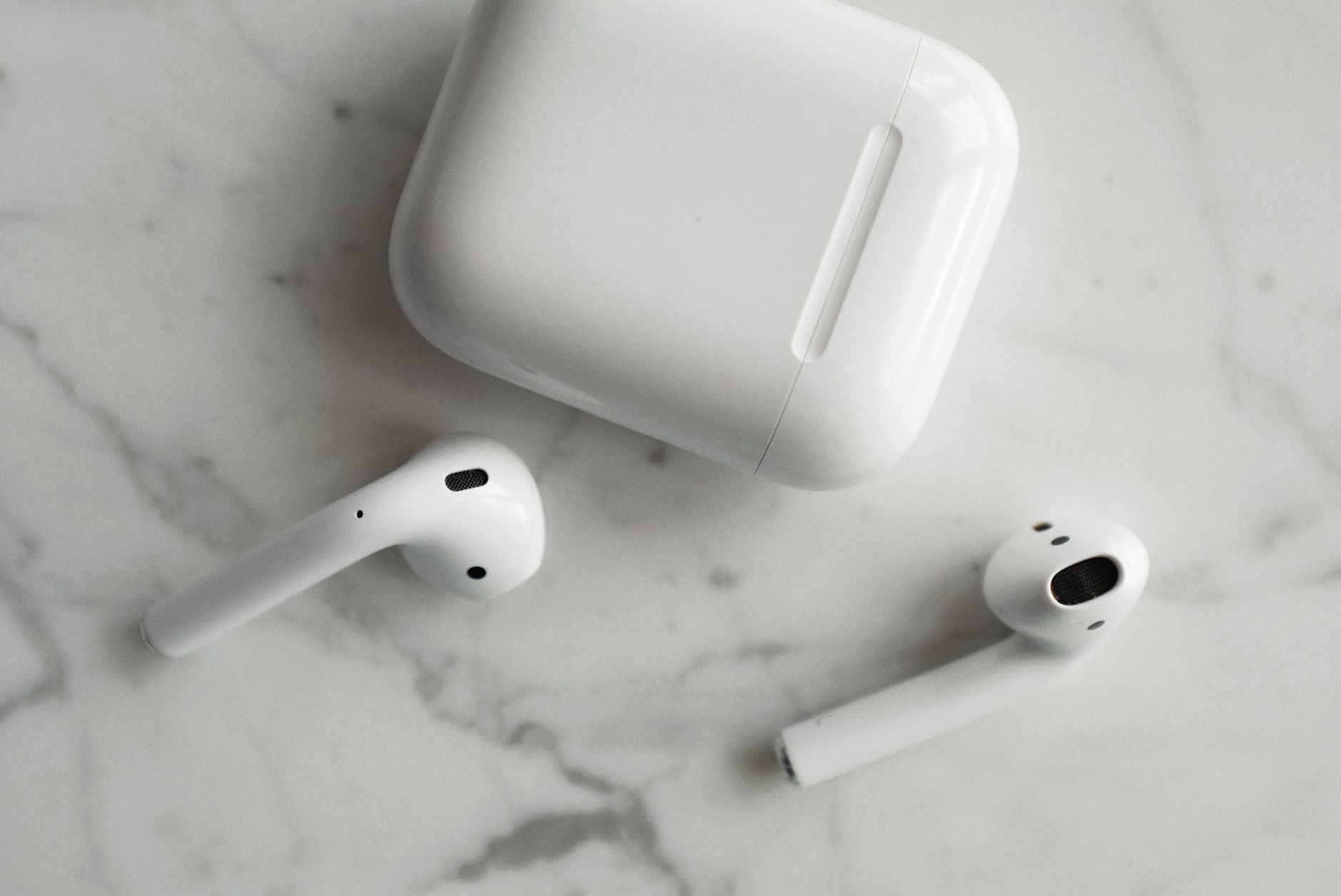
The most frustrating tech problem in my house is the one where everything looks fine and nothing works. The earbuds say connected. The phone says playing. And the only sound is silence. I have fixed this exact problem more times than I can count, for myself and for half my family, and it is usually one of five things.
Check the volume and the output device
Start boring. Press the volume buttons on the phone and make sure media volume is not at zero. Then check where the audio is going. Many phones have a setting that sends audio to the phone speaker even while earbuds are connected, especially if they connected to another device first. Open the quick settings and confirm the audio output shows your earbuds. This simple check solves the problem more often than any other fix.

Forget the device and reconnect
When the connection gets confused, a fresh start usually clears it. Go into Bluetooth settings, tap your earbuds, and choose Forget or Remove. Put the earbuds back in the case, close it for ten seconds, then pair them fresh. This resets the connection completely and fixes most silent earbud cases. I do this before trying anything else because it works so often.
Check each bud individually
Sometimes only one earbud has the problem. Put both earbuds in and check whether sound comes from each side. If one side is silent, it may have a blocked speaker grille or a weak connection to the case. Clean the grille gently with a dry cotton swab. Dirt and earwax block sound surprisingly often. If a bud still will not play, check the case contacts and make sure it is charging.
Reset the earbuds themselves
If reconnecting fails, most earbuds have a deeper reset. Look up the reset method for your specific model, usually holding the touch buttons for ten to fifteen seconds. A factory reset clears any internal glitch and returns the buds to a clean state. You will need to pair them again afterward, so do this when you have a few minutes. This has rescued earbuds I was ready to throw away.
- Check media volume and confirm the earbuds are the audio output.
- Forget the device in Bluetooth settings and pair fresh.
- Clean the speaker grilles with a dry swab.
- Reset the earbuds using the model’s button hold method.
Silent earbuds are almost never broken earbuds. In my experience it is a volume setting, a confused connection, or a dirty grille. Work through these in order and you will be back to your music in minutes, not at the store buying a new pair.
📋 Quick Summary: Check media volume and audio output, forget and re-pair the earbuds, clean blocked speaker grilles, and do a full reset if nothing else works.