How to Use Google Maps Offline When You Lose Signal
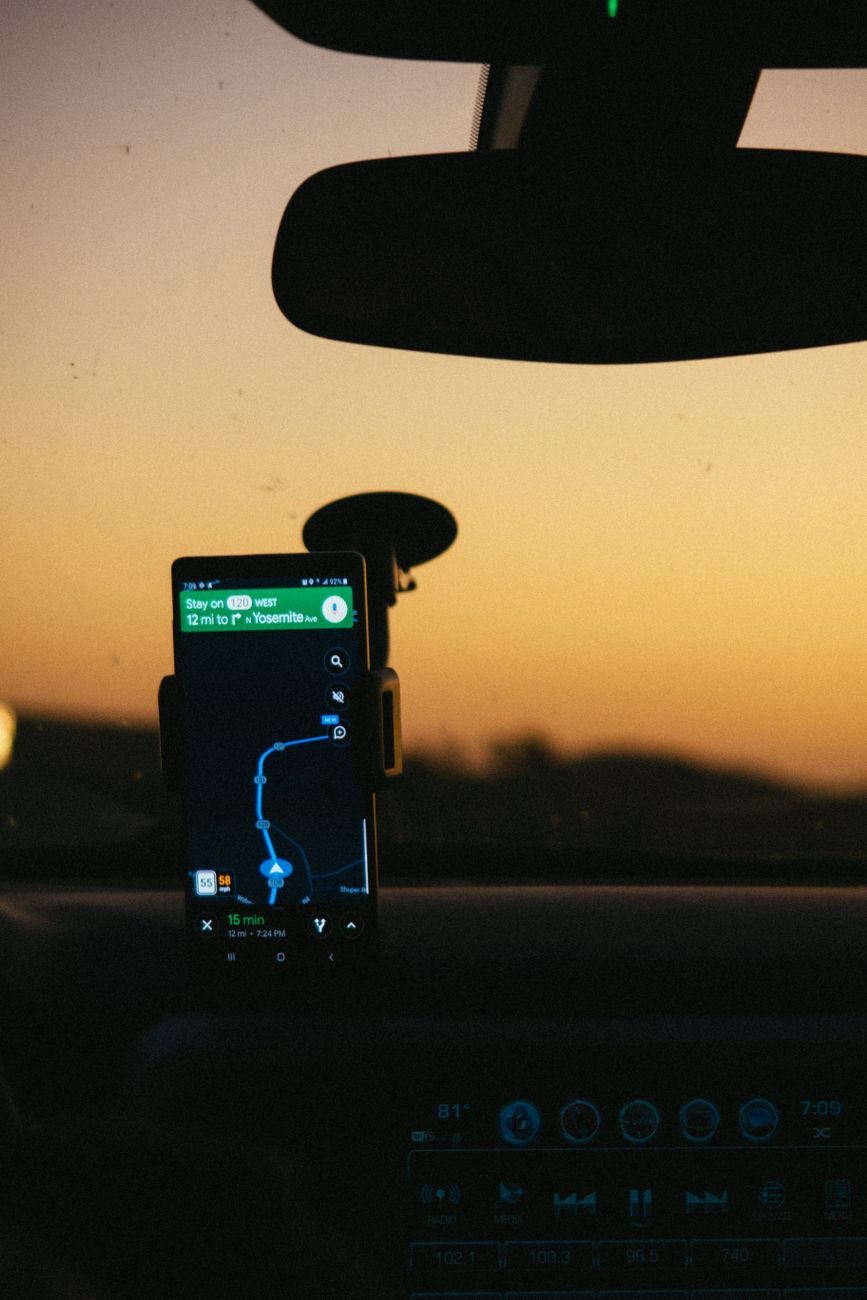
I learned this lesson the hard way on a road trip through a mountain pass where my phone showed no signal for two hours and the gas station attendant’s directions were wrong. Now I download offline maps before any trip, and it takes about a minute.
Download the area before you leave
Open Google Maps and search for the city or region you will drive through. Tap the name or address at the bottom, then tap Download, or use your profile menu and go to Offline maps. Choose the area on the map and the download happens over Wi Fi, so it does not eat your data. You can store multiple regions, and they update automatically when you are back online.
What works without signal
Once the map is downloaded, you can navigate turn by turn, search for places inside that area, and see your location on the map. Turn by turn navigation works fully offline, which is the part that saved me in the mountains. The voice prompts work too, so you can keep your eyes on the road.

What does not work offline
Live traffic, alternate route suggestions based on current conditions, and transit schedules need a connection. If you leave the downloaded area, the map stops. Download a generous region, bigger than you think you need, and you avoid the edge of the map problem. My rule is to download the whole region I might wander into, not just the town I am aiming for.
Other tricks for no signal navigation
- Drop a pin on your destination before you lose signal, then share it with yourself or save it.
- Take a screenshot of the directions as a paper backup. Old school, but it never dies.
- Download the maps for your return route too, not just the way there.
- Set the map to satellite view once while online if you need to recognize landmarks.
Offline maps are free, take seconds to set up, and cost nothing when you forget them, right up until the moment you need them and do not have them. Five minutes of prep before a trip beats two hours of lost driving. I have not been stranded by my phone since.
📋 Quick Summary: Download offline maps over Wi Fi before a trip, download a generous region, and remember turn by turn navigation works with no signal while live traffic does not.