How to Tell If a USB Cable Is Charging or Just Data
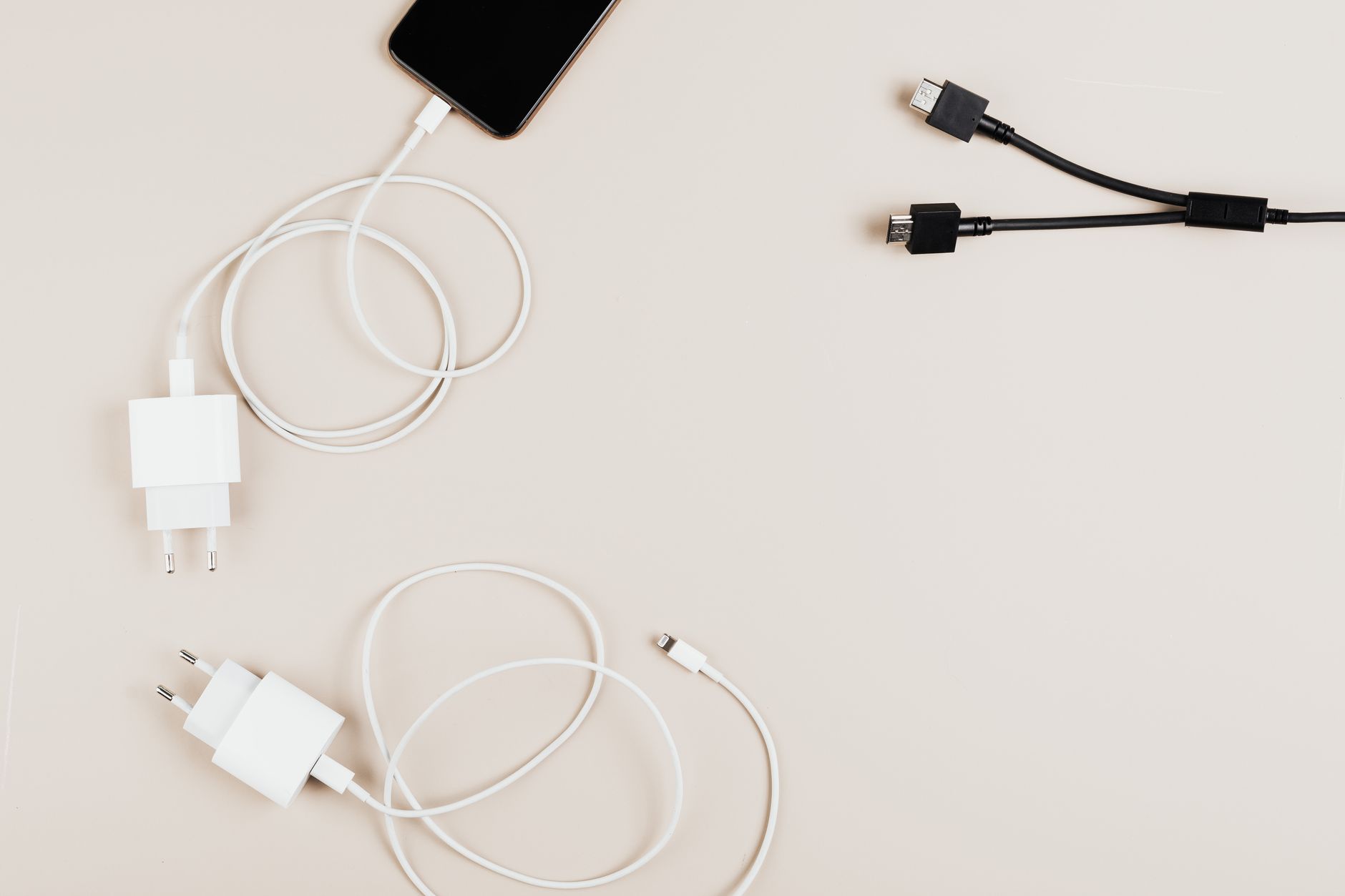
Every drawer has a graveyard of mystery USB cables, and every one of them looks identical until you plug it in and your phone charges at the speed of a bored snail. I bought a drawer full of these before learning how to tell them apart in seconds.
Why some cables only do one job
Cheap cables, especially freebies that come with random gadgets, often ship with only the power wires connected. They charge, but they cannot move data. Others are data only and barely charge at all. Both are technically USB cables. Neither is what you want when your phone is at two percent.
The phone test that tells you most of it
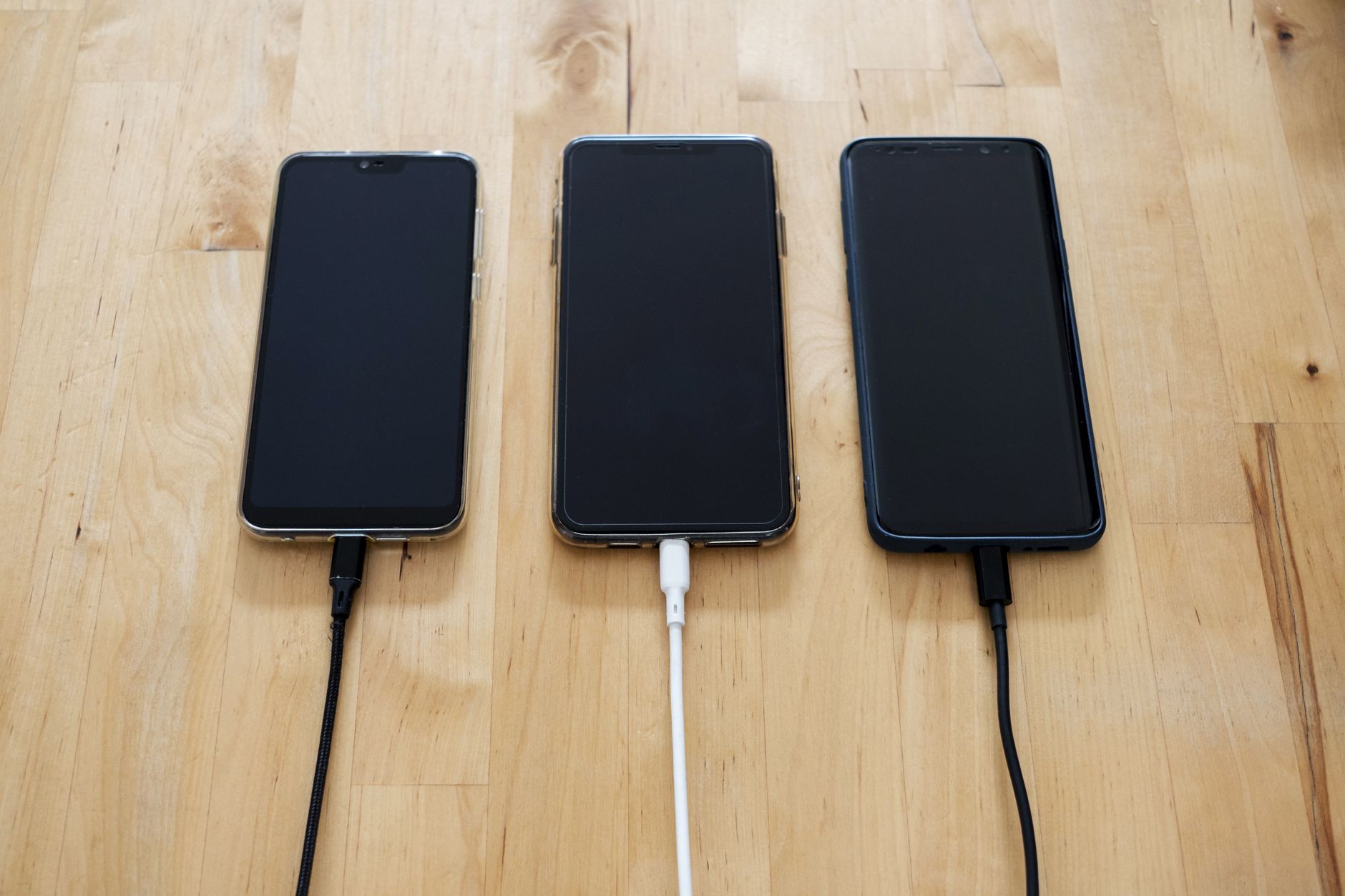
Plug the cable into your phone and a computer. If the computer recognizes the phone, the cable carries data. If it charges but shows no connection, it is power only. For charging speed, use a wall charger and watch the percentage over ten minutes. A decent cable should add ten to fifteen percent in that window with a fast charger. If it crawls, the cable is throttling your power.
Look for the USB IF certification
Real quality cables carry a USB IF certification logo or are labeled by reputable brands. The certification means the cable was tested for both power and data. Branded cables from Anker, Belkin, or similar are worth the few extra dollars. The unmarked three pack from a gas station is a gamble every time.
The tester if you want certainty
If you deal with cables a lot, a USB power meter costs about ten dollars. Plug it between the charger and the cable and it shows you the voltage and current in real time. It settles every argument about which cable is fastest. I finally labeled my good cables with a piece of tape after testing them all. A label beats a guessing game at eleven at night.
- Test every new cable when you get it, then mark it.
- Keep data cables separate from charging cables.
- Replace cables that charge slowly or feel warm at the connector.
Most charging problems are cable problems, not phone problems. Five minutes of testing saves you hours of slow charging and a drawer full of cables that do nothing useful.
📋 Quick Summary: Test a cable by plugging it into a computer for data, watch charging speed on a wall charger, and buy USB IF certified cables from reputable brands.