How to Stop Video Buffering When Your Wi-Fi Looks Fine

Nothing makes me question my whole setup like a video that plays for eight seconds and then freezes with that spinning circle. The show resumes, I relax, and thirty seconds later it freezes again. My Wi-Fi signal shows full bars. My speed test says everything is fast. So why is the stream choking?
The speed test lies to you
That speed test measures your phone sitting next to the router at that exact moment. Your TV in the living room is a different story. Walls, distance, and interference all eat into real performance. The fix is to test from the device that is actually buffering. Run a speed test on the TV or on a laptop in the same spot.
Fix the usual culprits in order
- Restart the router. Yes, again. A full sixty second power cycle clears the memory leaks that build up and slow everything. It fixes buffering more often than you would believe.
- Move the router up and out. Sitting on the floor behind the TV is the worst place for it. Mine sat on a shelf at waist height, and moving it higher fixed two rooms.
- Switch to the 5 GHz band for the TV if it supports it. It is faster and less crowded, though it does not travel through walls as well.
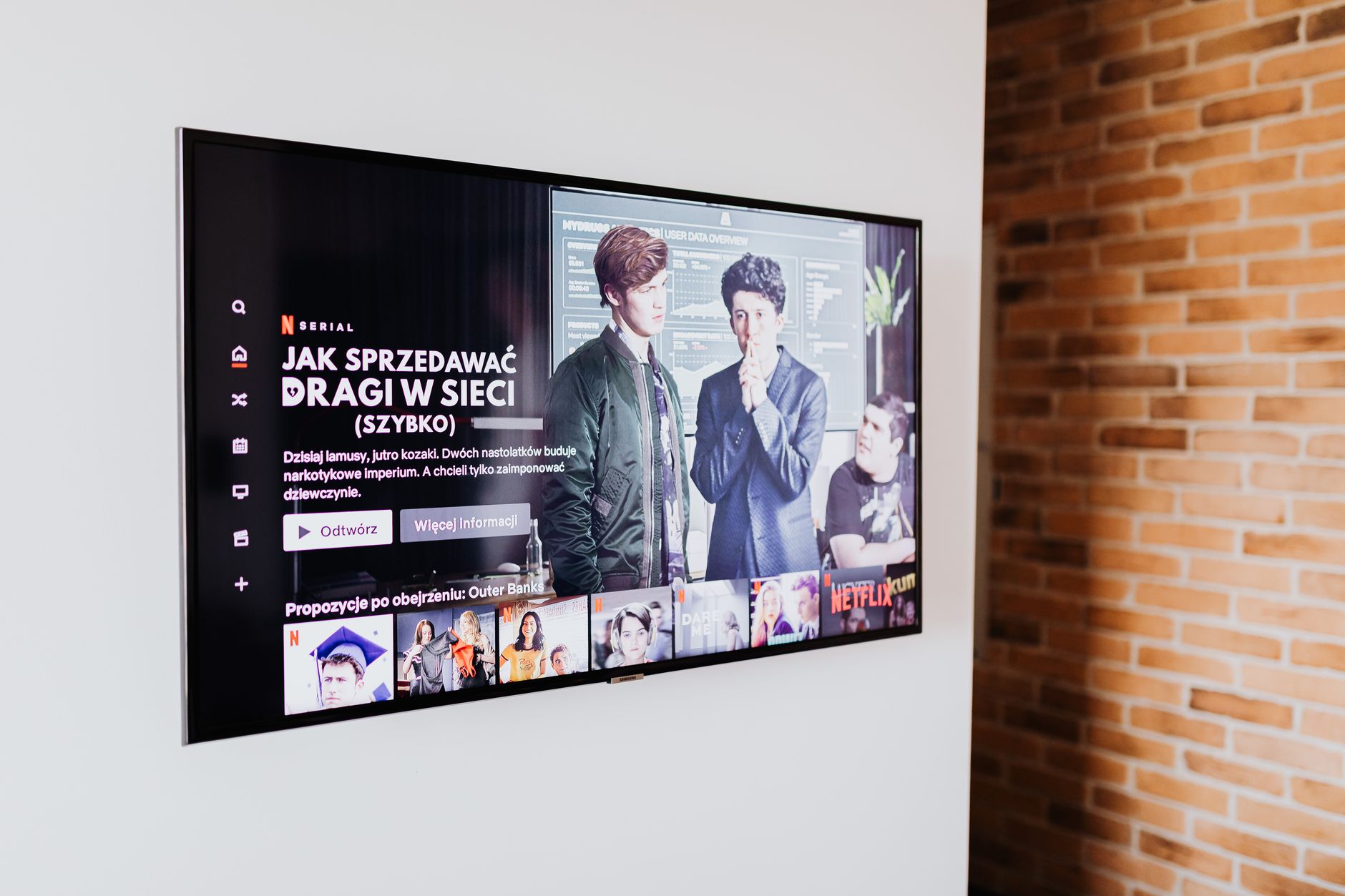
The sneaky cause: too many devices
I once spent an hour blaming my provider before realizing the kids had four devices streaming and gaming at once. Every device shares the same connection. Check what is running when the stream freezes. If the buffer circle appears right when someone starts a game download, that is your answer. Some routers let you prioritize the TV, which helps a lot.
Wired beats wireless, every time
The nuclear option that finally fixed my living room TV was a cheap network cable. Running an Ethernet cable from the router to the TV sounds old school, but it costs nothing compared to a new router and it eliminated buffering completely. If you cannot run a cable, a powerline adapter through the wall outlets is the next best thing. My streams have been smooth for six months. The spinning circle and I are officially on a break.
📋 Quick Summary: Test speed from the actual buffering device, restart the router fully, raise and reposition it, check how many devices are competing, and go wired with Ethernet or powerline if nothing else works.