The Monitor Setup Trick That Stopped My Neck Pain
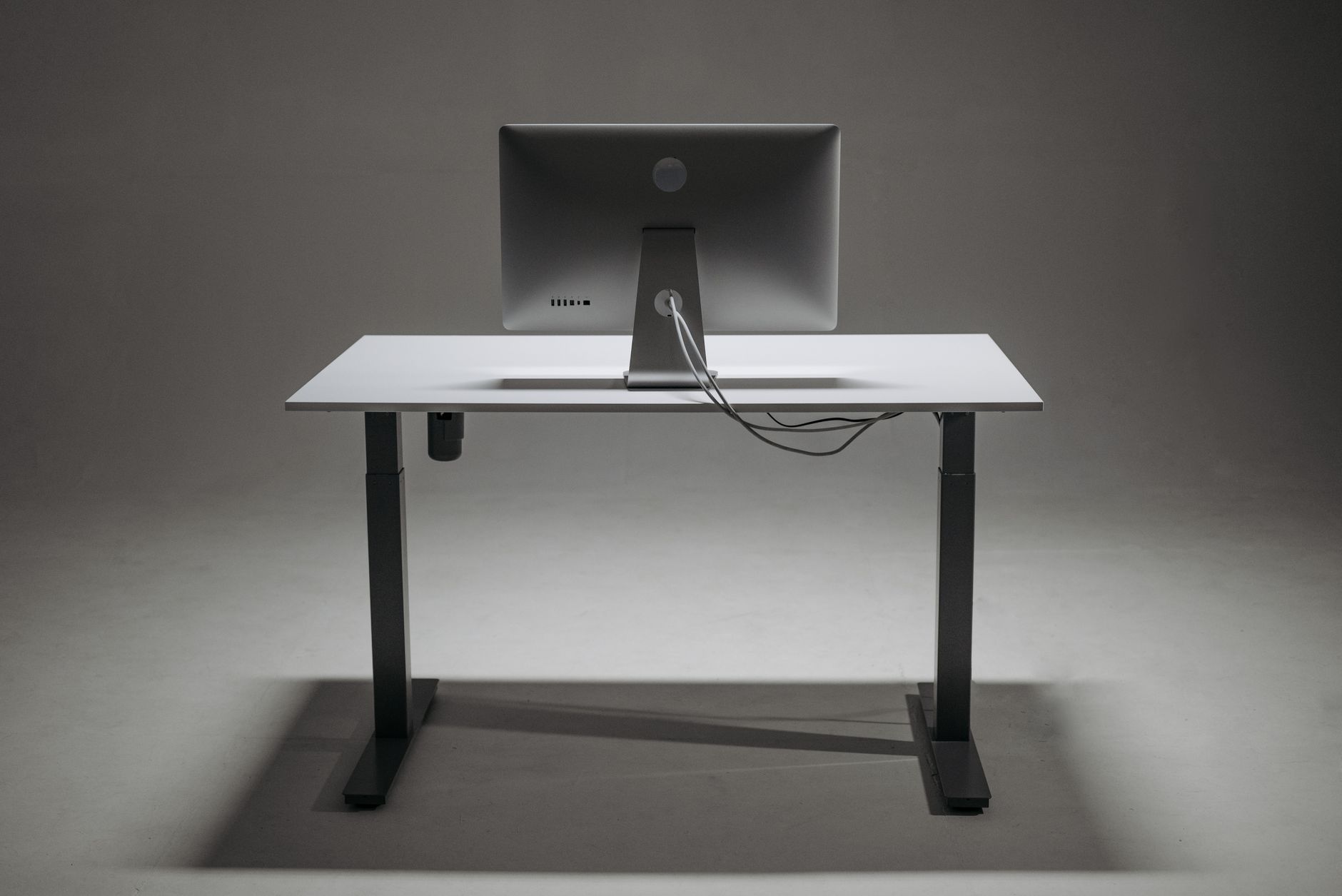
I spent six months with a crick in my neck that I blamed on everything except the obvious. Bad pillow, they said. Too much phone, they said. Then a coworker looked at my desk, laughed, and tilted my monitor up two inches. The crick was gone in a week.
The fix cost nothing. It was just physics: my monitor was sitting too low, so my head had been tilted down at it for forty hours a week.
The Top of Screen Rule
The rule is simple: the top edge of your monitor should be at or slightly below your eye level. When you look straight ahead, your eyes should land on the top third of the screen. That keeps your head balanced on your spine instead of hanging forward.
Here is how to check your own setup right now:
- Sit in your normal working position and close your eyes.
- Relax your head and neck completely.
- Open your eyes. Where are you looking?
If your gaze lands below the top of your screen, your head is tilted down, and that angle is what is killing your neck.
How to Raise Your Monitor for Free
Before you buy a fancy monitor arm, try these:
- Stack books under the monitor. Two or three thick textbooks work perfectly.
- A ream of printer paper is exactly the right height boost for most desks.
- Cereal boxes or a shoebox if you need something taller. Nobody sees it but you.
- An adjustable laptop stand if you work on a laptop, plus a separate keyboard so your hands stay at desk height.
The goal is that your eyes, not your neck, do the moving. Your head should stay level.
The Second Half: Distance and Angle
Height is half the fix. The other half is distance and tilt:
- Arm’s length away. Sit back and extend your arm. Your fingertips should just reach the screen.
- Tilt the screen back slightly so the top leans away from you. That matches your natural downward gaze angle and reduces glare.
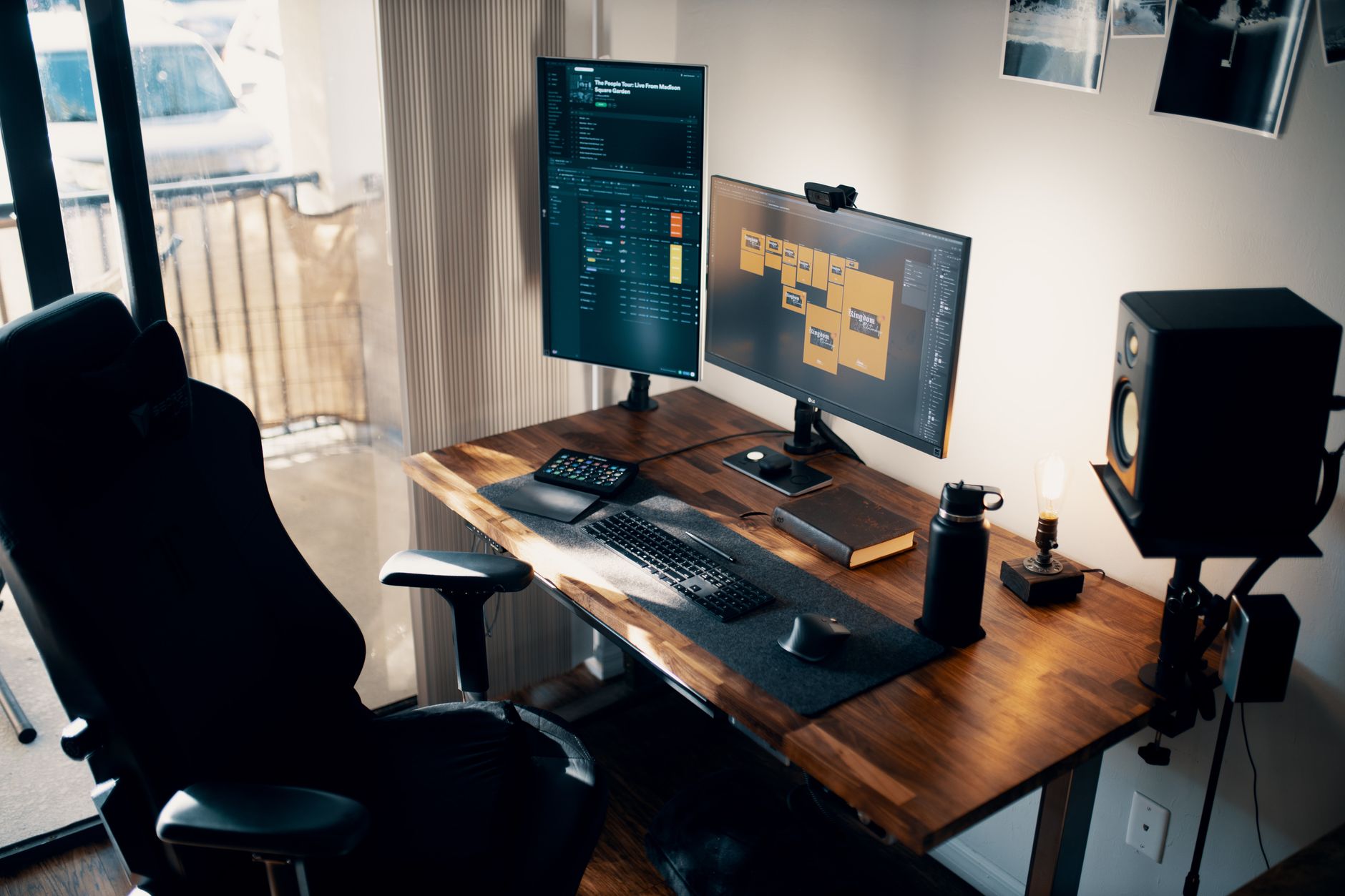
- Center it in front of you, not off to one side. If you work from two screens, put the one you use most directly in front and the other off to the side.
What the Pain Was Telling Me
The neck crick was my body’s way of billing me for years of bad posture, one hour at a time. Every degree your head tilts forward adds surprising weight to your neck. Fixing the monitor height did not just stop the pain, it made me realize how much tension I had been carrying without noticing. I also added a stretch break every hour now, but honestly, the monitor height fix did ninety percent of the work.
My rule now: if a desk setup causes pain, fix the setup first, not your body. The body is usually just reacting to the setup.
📋 Quick Summary: Raise your monitor so the top edge is at eye level, keep it about an arm’s length away, and tilt it back slightly. Free fixes like stacked books work as well as expensive monitor arms.