How to Back Up Your Phone Without Paying for More Cloud Storage
I got the dreaded “storage full” notification while on vacation, right when I needed to take photos. My cloud backup had stopped weeks earlier because the free tier was full, and I did not notice.
You do not need to pay for more cloud storage. You need a backup routine that fits what you actually have.
Free Cloud Tiers Are Fine for Photos
Google Photos, iCloud, and Microsoft OneDrive all give you free storage, with some limits. Google Photos free storage compresses photos a little but keeps them perfectly viewable. That is plenty for everyday shots.
I keep the free tier for photos because they are the bulk of my storage. The compressed quality is invisible on a phone screen.
Local Backup to a Computer
Your computer is the biggest free cloud you already own. Plug your phone in and copy your photos and important folders to a drive on your PC.
I do a full copy every month or so. A folder called Phone Backup with subfolders by date. It takes 10 minutes and gives me a copy that no company can take away.
An External Drive for the Important Stuff
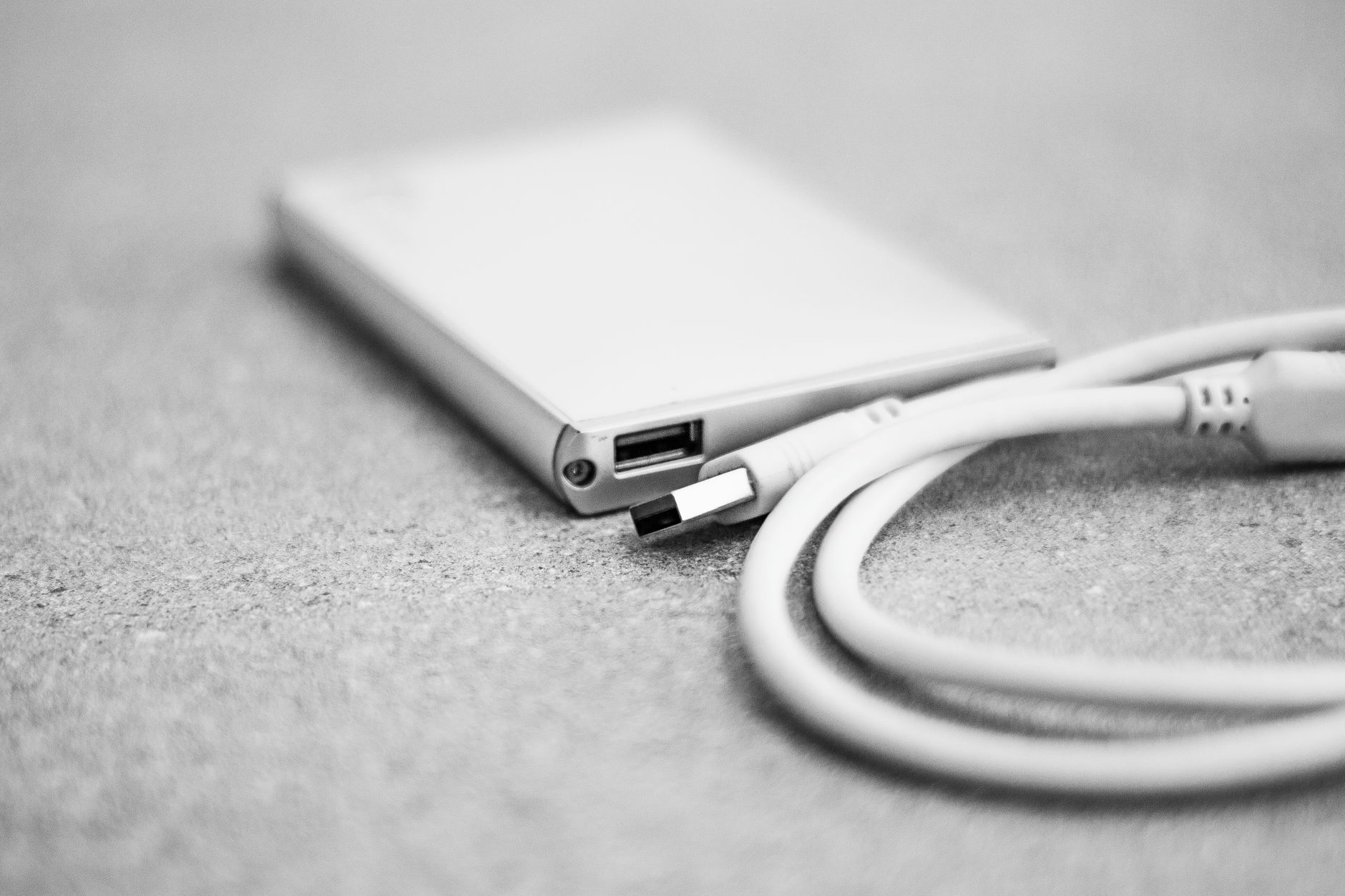
Photos of the kids, scans of documents, tax files, anything irreplaceable deserves more than one copy. An external hard drive or a second USB stick is cheap insurance.
The rule of three is the one that matters: one copy on your phone, one on your computer, one somewhere else. If two fail, you still have one.
Use the Free Storage You Already Pay For
Check what your email provider gives you. Gmail, Outlook, and Yahoo all come with free storage that most people never use. You can email yourself important files, or use those accounts to hold documents.
I have 15 GB free on Gmail that I barely touch. A few important scans and documents live there now, safe and searchable.
Set a Monthly Backup Reminder
The best backup system is the one you actually run. Pick a recurring day, like the first Sunday, and back up your phone then. Put it in your calendar.
I set a repeating reminder that says “phone backup” and it takes less time than my laundry. The peace of mind is worth way more than the $3 a month the cloud plan would have cost.

📋 Quick Summary: Use free cloud tiers for photos, copy to your computer monthly, keep important files on an external drive, and set a repeating backup reminder.