The Easiest Way to Transfer Files Between Phone and Computer
I used to email files to myself. A photo from my phone to my computer meant opening my email app, attaching the photo, sending it, and downloading it on the other device. If you have done this, you know how slow it feels.
There are faster ways, and one of them has been sitting in your pocket the whole time.
The USB Cable Is Still Fastest
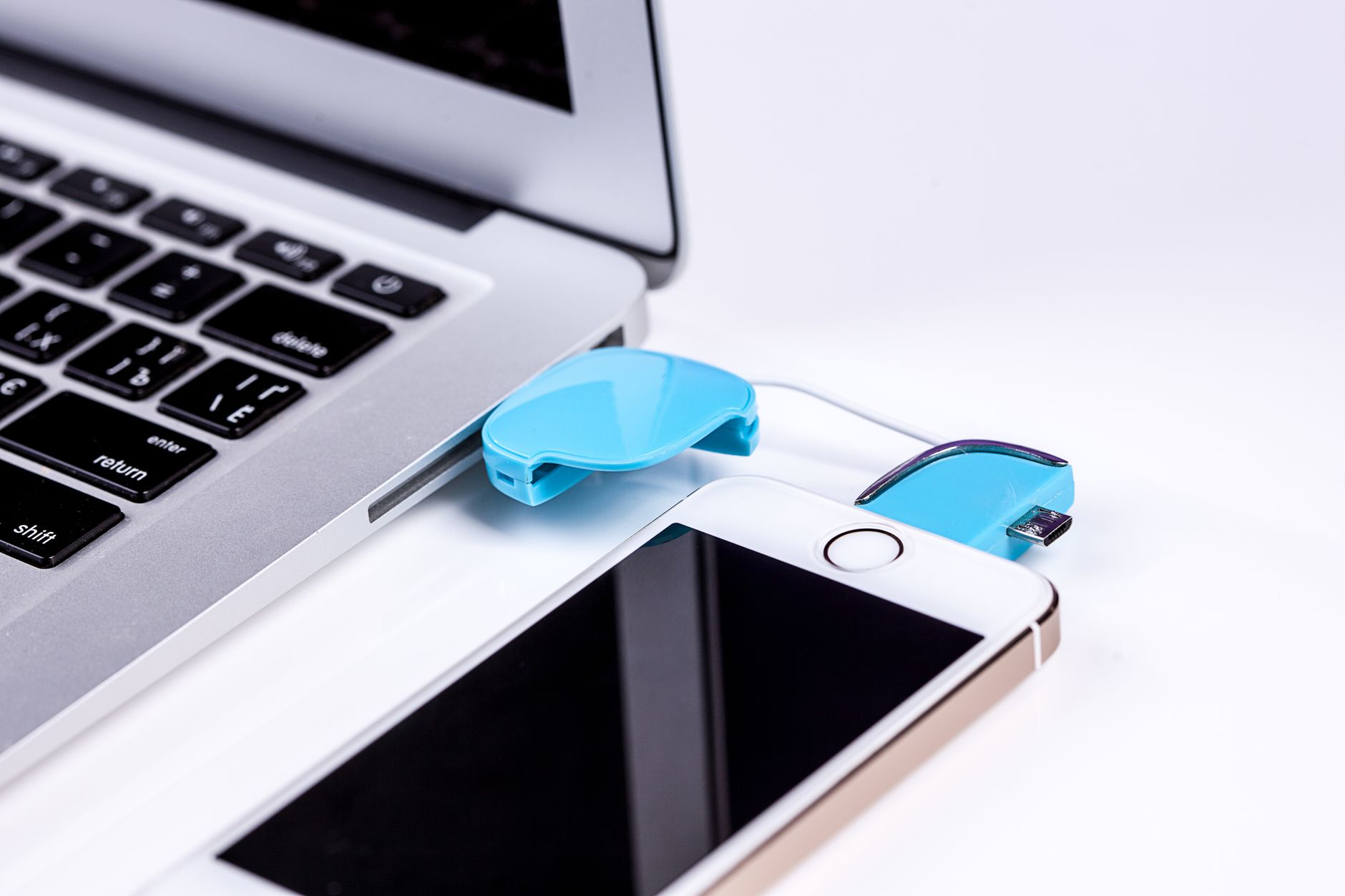
For big transfers, nothing beats a cable. Plug your phone into your computer and it shows up like a flash drive. Drag and drop files, no apps, no cloud, no size limits.
On Windows, your phone appears under This PC. On a Mac, you may need to install a small helper app for Android phones. For a folder of videos, this is the way.
LocalSend for Wireless Everything
For quick wireless transfers, LocalSend is the best AirDrop alternative for everyone. It works on Android, iPhone, Windows, Mac, and Linux. No account, no cloud, no cables.
Install the app on both devices, make sure they are on the same Wi-Fi network, and send files to each other directly. I use it for photos and documents daily and it takes seconds.
Cloud Storage as a Middle Ground
If you want your files everywhere, a cloud folder syncs automatically with no thinking. Google Drive, OneDrive, or Dropbox all give you a folder on your computer that mirrors your phone.
The catch is space and privacy. Free tiers fill up fast, and your photos live on someone else’s server. I use cloud storage for documents and LocalSend for the personal stuff.
Email Is Not Useless, Just Misused
Email yourself is fine for a single small document you need on another device right now. It is terrible for batches of photos or video because of attachment limits.
If you must email files, zip them first and keep them under the attachment limit. But honestly, LocalSend makes this unnecessary.
My Daily Setup
LocalSend for photos and small files, a USB cable for big video exports, and cloud sync for documents I want everywhere. Each tool handles what it is best at.
The email-to-self era is over in my house. My transfers take seconds now, and I have not “accidentally” sent a photo to my own spam folder in months.
📋 Quick Summary: Use a USB cable for big files, LocalSend for quick wireless transfers, and cloud sync for documents you want everywhere.