The Simple Fix for a Laptop That Shuts Off Randomly
My laptop started dying mid-sentence. Not the blue screen of death, not a warning, just instant black, like someone pulled the plug. It happened twice during video calls and once while I was writing, and each time I lost work.
The first fix was free. The second one cost me a can of compressed air.
Check the Power Settings First
Before you tear anything apart, look at the power and sleep settings. Some laptops have a setting that puts the machine to sleep when it gets warm, or when the lid sensor is triggered by a bump. I turned off the aggressive sleep timers and the random shutdowns got less frequent.
Overheating Is the Usual Suspect
A laptop that shuts off randomly, especially under load, is almost always overheating. The machine kills power to protect the CPU. If the bottom or the keyboard deck feels hot, that is the sign.
The fix:
- Turn the laptop off and unplug it
- Blow compressed air through the vents, both sides
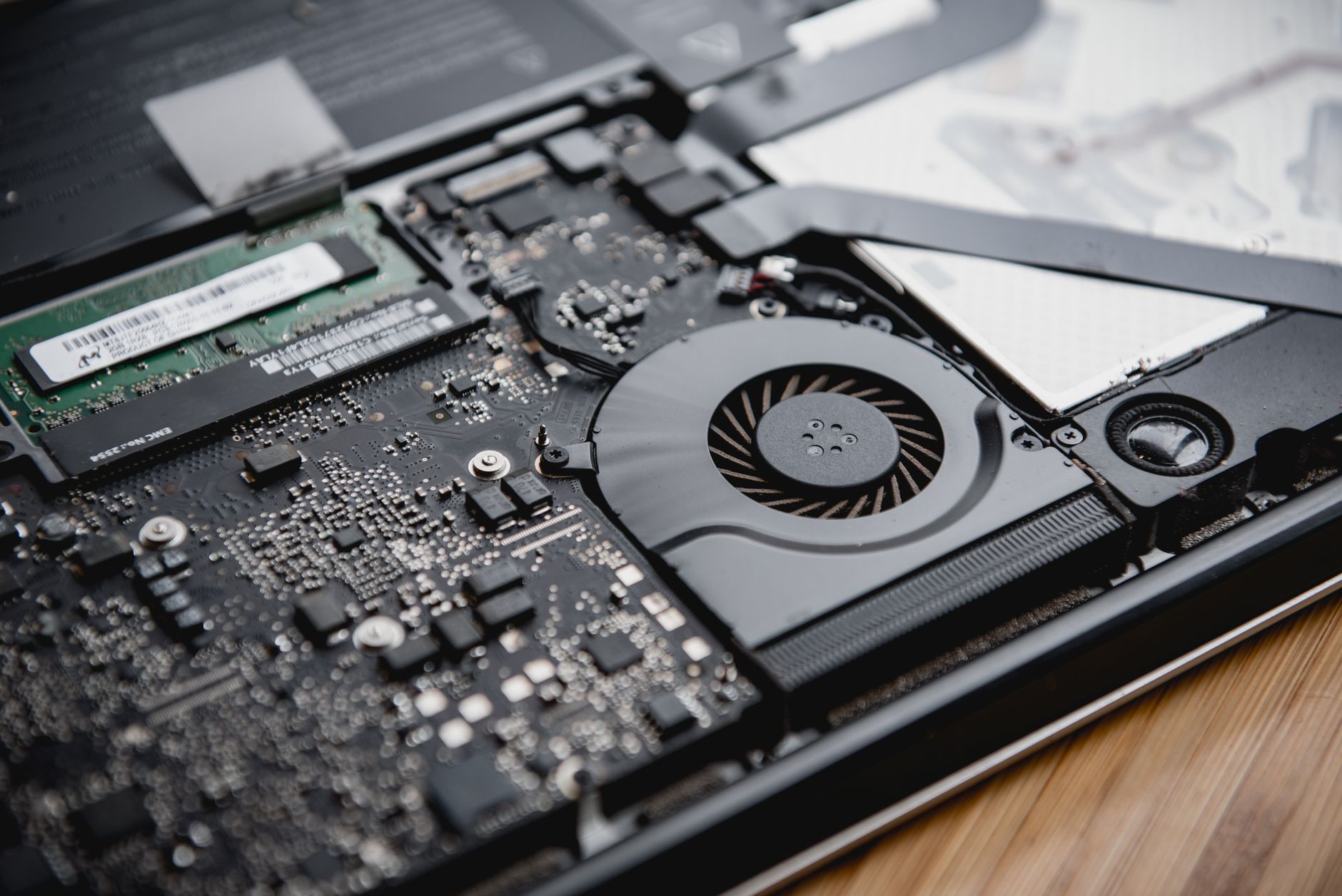
- Check the fan is spinning when it runs
- Use it on a hard surface, not a blanket or your lap
I had a blanket habit. My laptop sat on the couch with me and the vents were completely blocked. The compressed air cleared out a dust bunny that looked like a small animal.
Battery Age Matters Too
If the laptop is more than four years old and shuts off at random battery percentages, the battery may be failing. Some laptops show a warning in the system report about battery health. A swollen battery, where the trackpad bulges or the case feels warped, needs replacing right away.
When to Open It Up
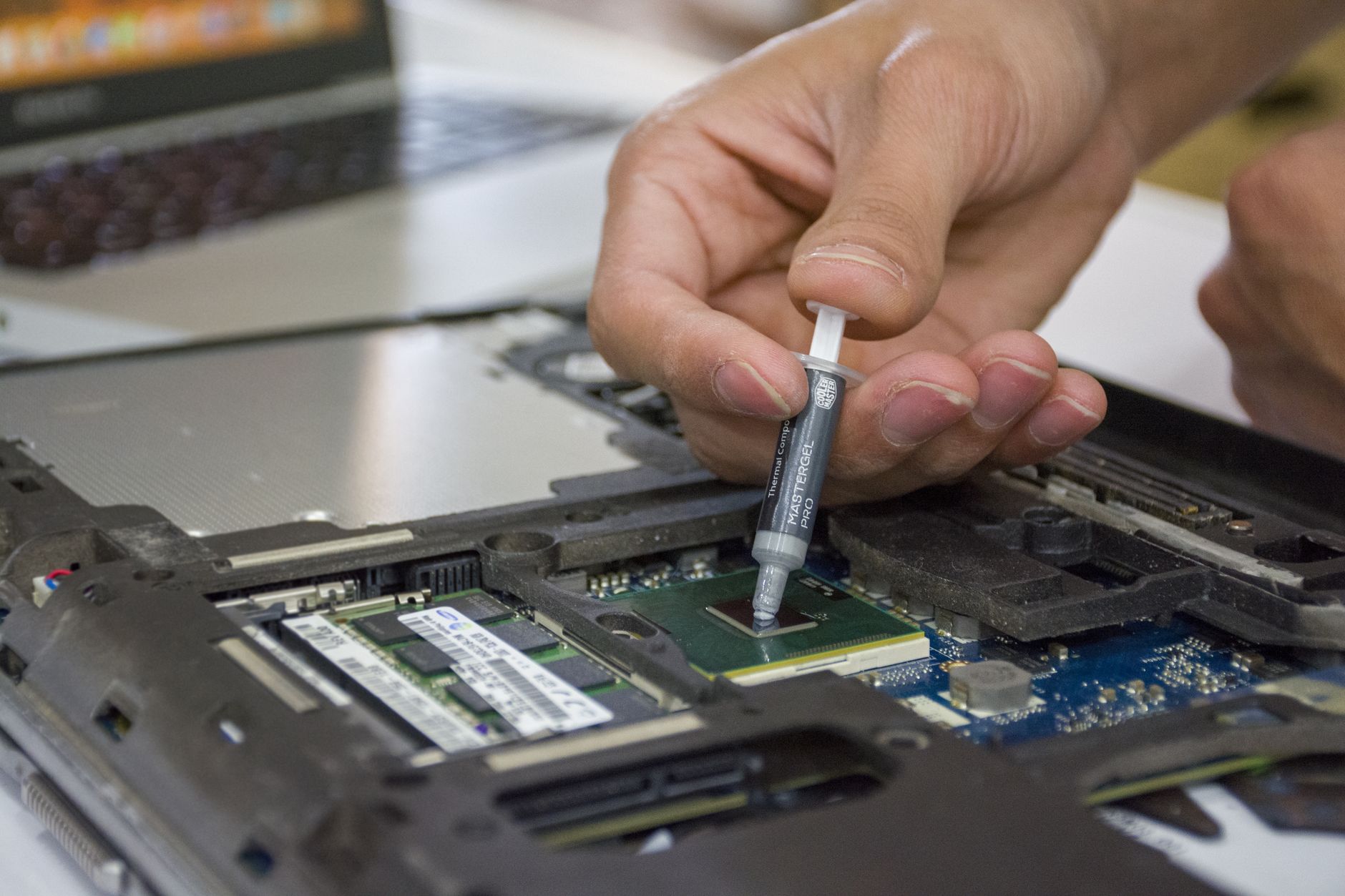
If compressed air does not fix it, the fan may be clogged or dead, which means opening the case. If you are not comfortable with that, a repair shop will do it for the cost of an hour of labor. It is usually worth it, because a clean fan can give an old laptop years more life.
Mine has been running cool and steady for six months since the cleaning. It still shuts off exactly never.
📋 Quick Summary: Fix random shutdowns by clearing blocked vents with compressed air, using a hard surface, and checking the battery if the laptop is old.