How to Set Up a Second Monitor Without Buying a New Screen
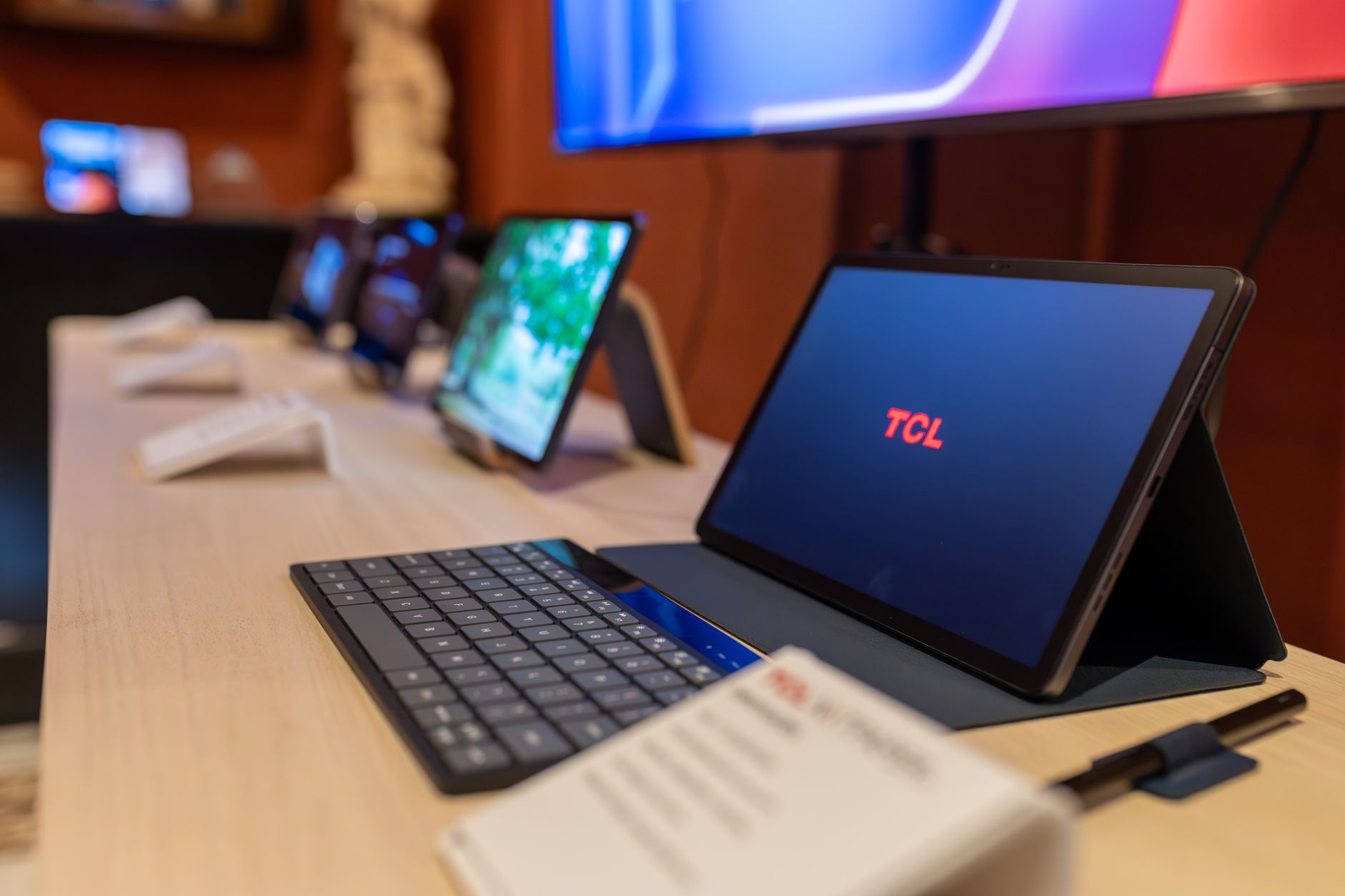
I once stacked eleven windows on one screen like a hoarder. Spreadsheets on top of chat windows on top of a browser, all fighting for the same space. I wanted a second monitor for months, but the price kept me away, until I realized I already owned one. My old tablet was collecting dust in a drawer, and it makes a perfectly good second screen.
Use your tablet
Both Windows and Mac can use a tablet as an extra display with free software:
- Windows: the built in Wireless Display feature works with many tablets, or try Spacedesk for a wired connection that is more reliable.
- Mac: if you have an iPad, Sidecar is built in. Older iPads work over USB too.
- Android: Spacedesk runs on Android tablets as well.
Connect the tablet to the same Wi-Fi, install the free companion app, and your second screen appears. USB connection works better if your Wi-Fi is weak, and it also keeps the tablet charged.
What I use it for
The tablet screen is small, so it is not great for heavy work. I use mine for chat, email, and reference documents, the stuff that just sits there. My main screen keeps the actual work, and the tablet holds everything I need to glance at. That split alone cut my window shuffling by half.
Other free second screens
An old phone can do the job too. I have a retired phone propped on a stand running a weather app and my calendar. It is not a full second monitor, but it keeps those two things off my main screen. A phone or tablet as a status display is one of the cheapest productivity upgrades there is.
When to buy the real thing
The tablet setup is great, but it has limits: small size, occasional lag, and the tablet is not usable as a tablet while it is docked. If you need a real second screen for code or design work, save up for a proper monitor. But for email, chat, and reference, the free option is genuinely enough.
I have used the tablet setup for a year now. My window count is down to three, and the drawer finally has something useful in it.
📋 Quick Summary: Turn an old tablet or phone into a second screen with free apps like Spacedesk or Sidecar for email, chat, and references.