Keep Your Mouse Working Longer by Cleaning Its Sensor

My mouse started acting drunk. The cursor would skip, freeze, then leap across the screen. I almost bought a new one, then I flipped it over and looked at the sensor. It looked fine at a glance, but a cotton swab came away gray.
One swab and thirty seconds later, the mouse worked like the day I bought it.
Why sensors get dirty
The optical sensor on the bottom of your mouse reads your desk surface. Dust, skin cells, and crumbs build up on the lens and confuse the tracking. It is the same reason a mouse can stop working on a shiny surface.
How to clean it
- Unplug the mouse or turn it off.
- Flip it over and look at the sensor window.
- Gently wipe it with a dry cotton swab.
- If there is gunk, barely dampen the swab with rubbing alcohol, not water.
- Let it dry a minute and test it.
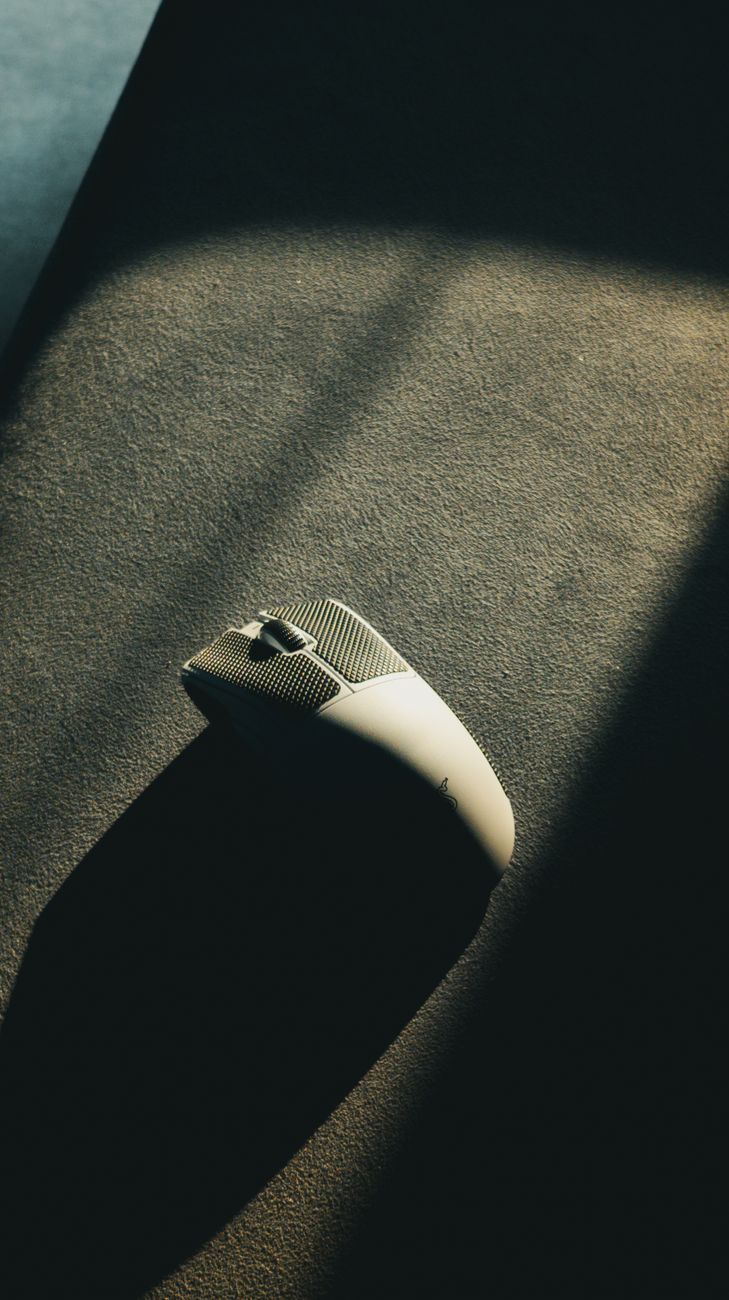
Do not use a tissue
Tissues and paper towels can leave fibers in the sensor window. A cotton swab is the right size and does not shed. Q-tips are basically made for this job.
Also clean your desk
A dirty pad or desk surface is what gets the sensor dirty in the first place. Wipe your mouse pad monthly and the sensor stays cleaner longer. I also vacuum my desk area now and then, which sounds obsessive but works.
When to give up
If cleaning does not fix the cursor jumps, the mouse may be dying or the surface may be too reflective. Try it on a piece of paper before you replace it. Most of the time, though, the fix is a cotton swab and a little patience.
📋 Quick Summary: Wipe your mouse sensor with a dry cotton swab every few weeks and cursor problems usually disappear.