How to Make Your Phone Battery Last Two Days on a Single Charge
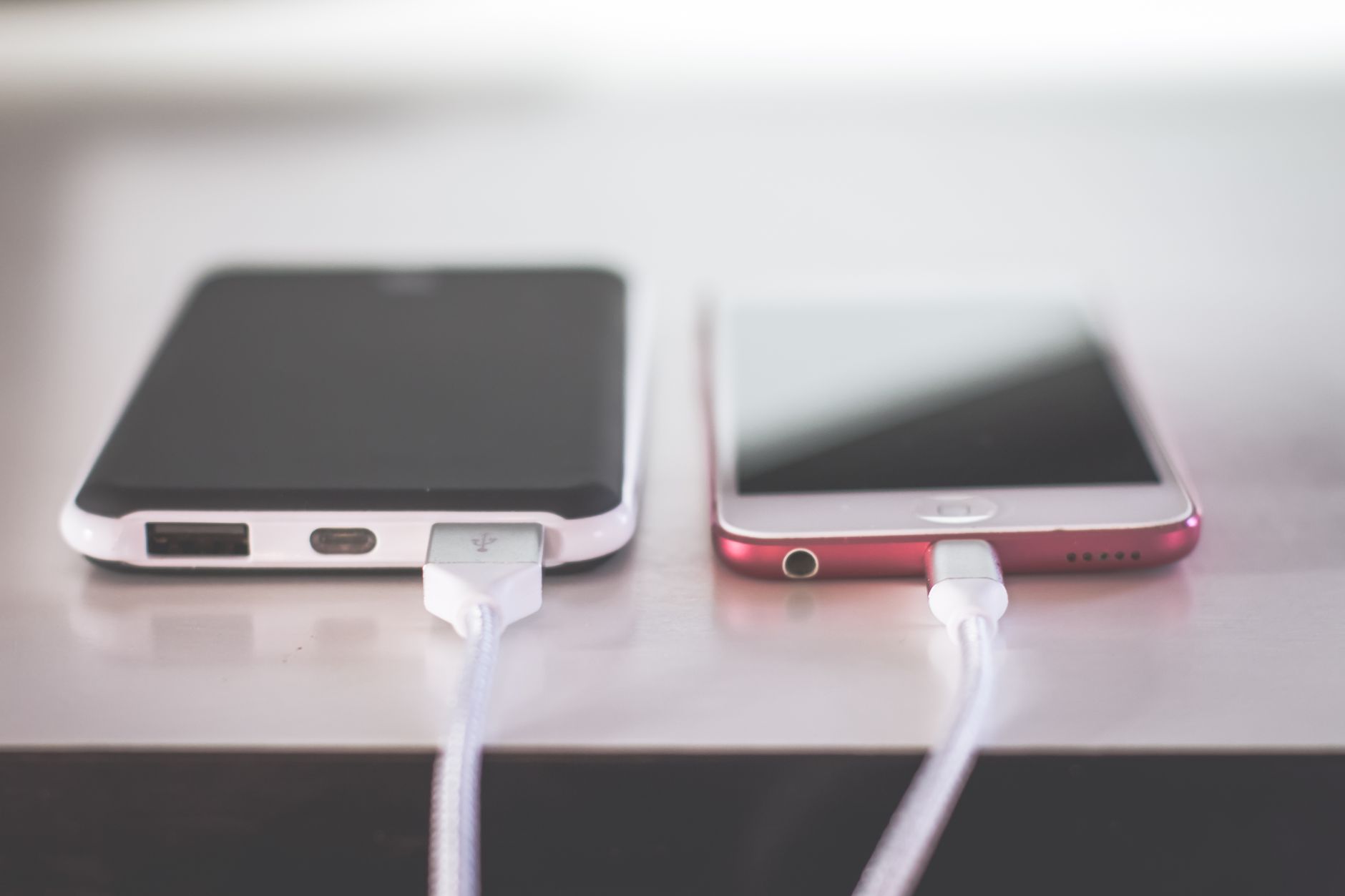
My phone used to hit twenty percent by late afternoon and I would start hunting for outlets. I assumed the battery was dying and nearly bought a new phone. Instead, I changed a few settings and now I can go two days on a charge.
What drains your battery the fastest
The screen, background apps, and location services eat more power than anything else. Notifications lighting up the screen all day add up too.
The settings that actually help
- Turn on your phone’s battery saver mode and leave it on.
- Turn off background refresh for apps you do not need checking in.
- Set the screen to auto-brightness and shorten the auto-lock to thirty seconds.
- Turn off location services for apps that do not need it.
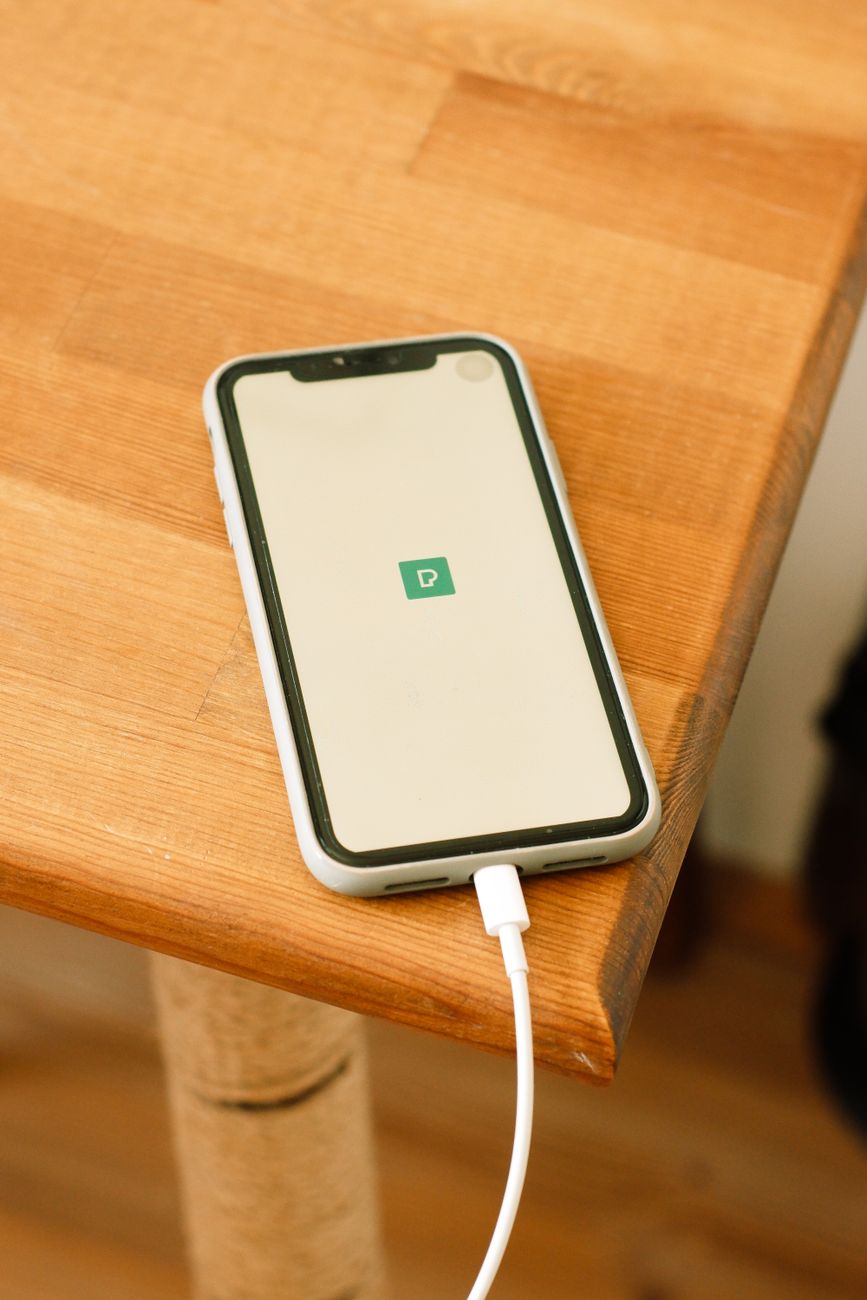
Battery saver mode alone got me an extra several hours. Killing background refresh for social apps added even more.
The charging habit that matters
I stopped letting my battery hit zero. Lithium batteries are happiest between twenty and eighty percent, and draining them flat wears them out faster. I charge during the day instead of overnight, which keeps it from sitting at one hundred percent for hours.
None of this cost me anything, and my phone has not changed. The settings did all the work.
📋 Quick Summary: Turn on battery saver, limit background refresh and location, and keep your charge between twenty and eighty percent.