How to Share Wi-Fi Password Without Reading It Off a Sticky Note
The Wi-Fi password at my parents’ house was written on a sticky note stuck to the router. The handwriting was my mom’s. It was starting to fade. Every guest who came over had to squint at this tiny piece of paper and manually type a twenty-character string of random letters and numbers. Someone always got it wrong on the first try.
There are now at least three ways to share a Wi-Fi password without anyone reading anything. I set up all three.
iPhone to iPhone: Touch-Free Sharing
If both devices are iPhones running iOS 11 or later, and you are both in each other’s Contacts, sharing is automatic. When your guest selects your Wi-Fi network and gets the password prompt, hold your unlocked iPhone near theirs. A popup appears on your screen: “Share Wi-Fi Password with [Name]?” Tap Share. Their phone connects instantly. They never see the password.
This requires Bluetooth and Wi-Fi to be on for both devices. If it does not work, make sure both phones have each other’s Apple ID email or phone number saved in Contacts.
QR Code: Any Device, No Contact Info Needed
Generate a QR code from your Wi-Fi credentials and print it. The format is: WIFI:S:[network name];T:WPA;P:[password];; Put that string into any free QR generator. Print it. Frame it. Hang it on the wall or stick it on the fridge.
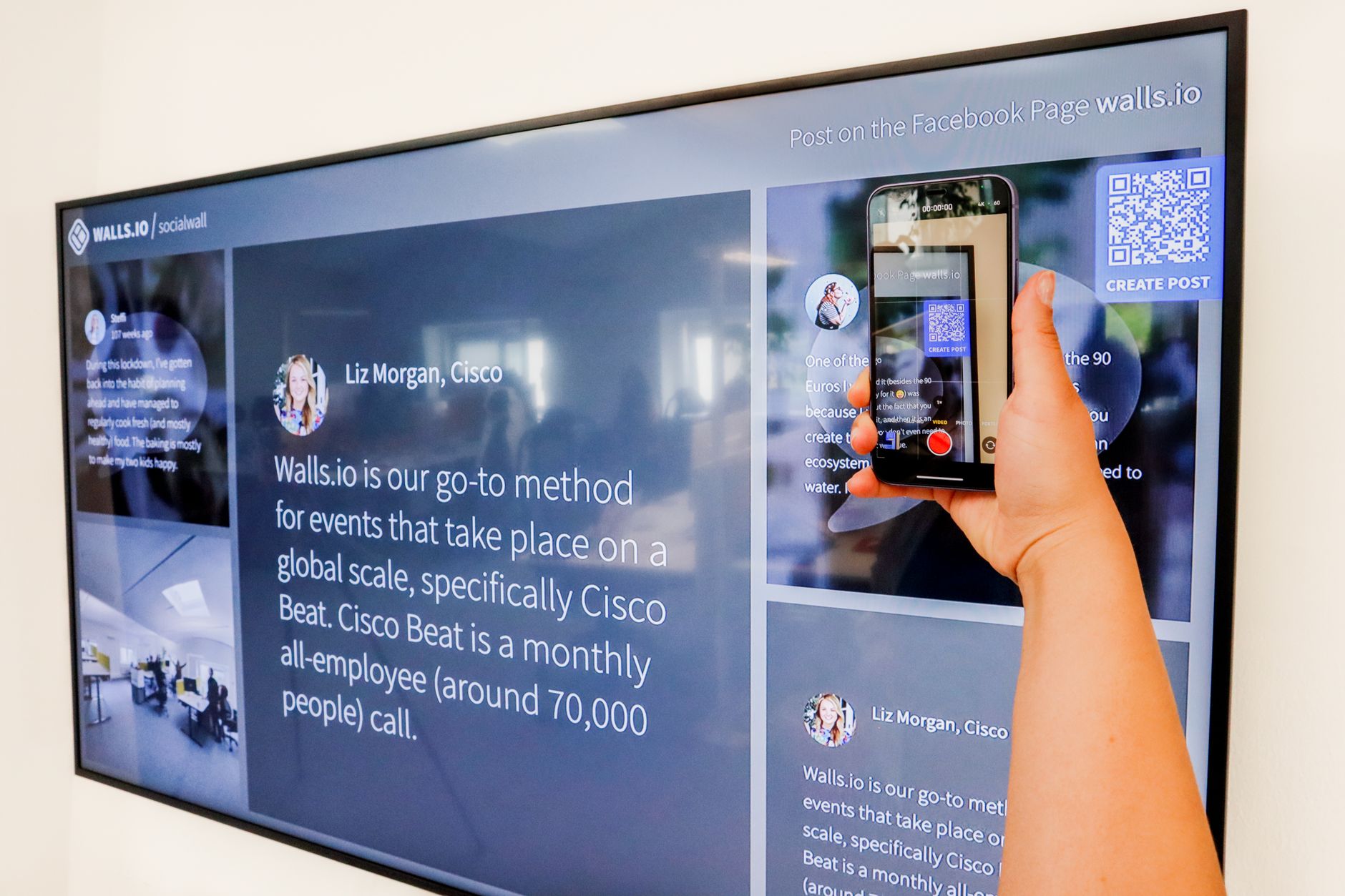
When a guest scans the code with their phone camera, it connects to your Wi-Fi automatically. Works on both iPhone and Android. No tapping, no typing, no “wait, is that a zero or an O?”
Android: QR Code Built In
On Android, go to Settings → Network & Internet → Wi-Fi → tap your connected network. There is a “Share” button that generates a QR code right on your screen. Your guest scans it. Done.
My parents now have a laminated QR code on the fridge. The sticky note is in the trash where it belongs.
📋 Quick Summary: iPhone-to-iPhone shares Wi-Fi with a single tap — hold phones near each other. For all devices, generate a QR code (WIFI:S:name;T:WPA;P:password;;) and print it. Android has a built-in Share QR button in Wi-Fi settings.