The Best Way to Clean Your Keyboard Without Breaking It
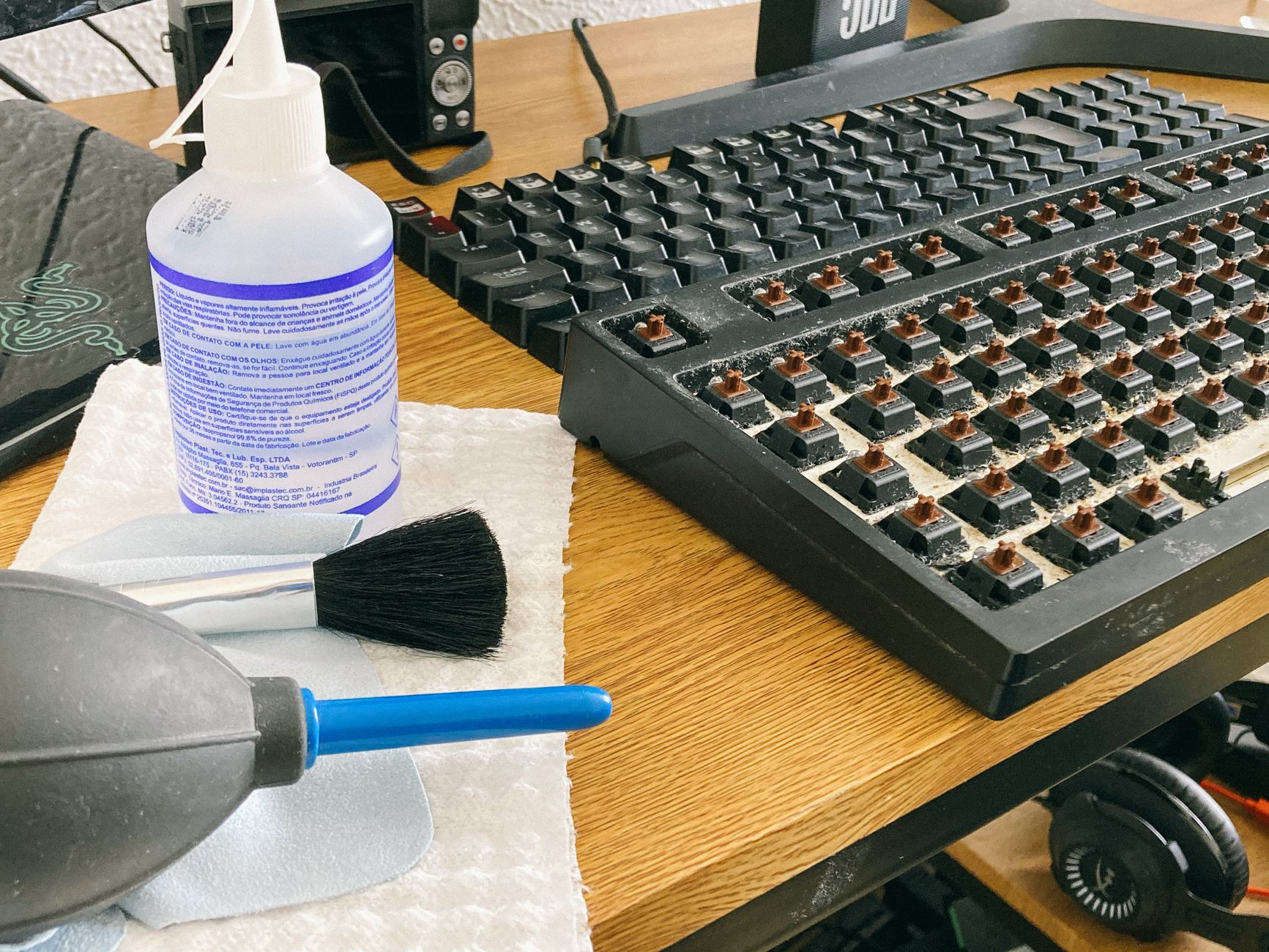
I once killed a keyboard by cleaning it. I was young, I was ambitious, and I thought spraying Windex directly onto the keys would be fine. It was not fine. The keyboard worked for about twenty minutes and then several keys stopped responding. The Windex had seeped through and corroded the contacts underneath.
I have since learned the right way. My current keyboard is three years old and looks almost new.
Start dry
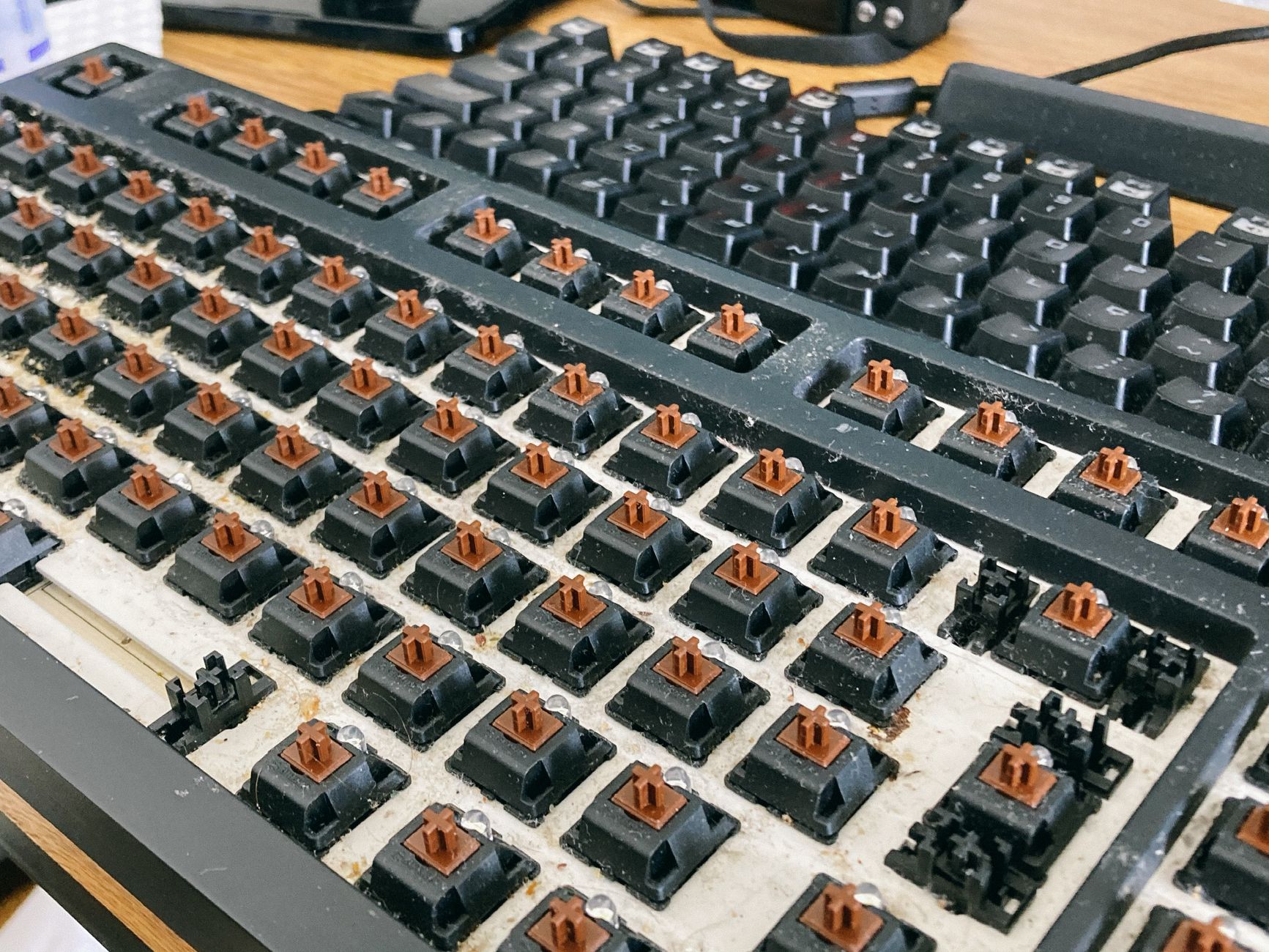
Unplug the keyboard (or turn it off if it is wireless). Turn it upside down and shake it gently over a trash can. You will be disgusted by what falls out — crumbs, dust, hair, and things you cannot identify. This alone makes a visible difference.
Then use a can of compressed air (about five dollars at any office supply store). Hold the can upright — never tilt it or you will spray liquid propellant — and blow short bursts between and under the keys at an angle. Keep the nozzle about an inch from the keys. This gets the debris that shaking did not dislodge.
For sticky keys
If individual keys are sticky or grimy, pop them off carefully with a flat tool — a butter knife wrapped in tape works, or a keycap puller if you have one. Soak the removed keycaps in warm water with a drop of dish soap for about ten minutes. Scrub any stubborn grime with an old toothbrush. Rinse and let them dry completely — at least a couple of hours — before snapping them back on.
Take a photo of the keyboard before removing any keys so you remember where everything goes. The number row and function keys are easy to mix up.
What to wipe with
For the surface and between the keys, use a microfiber cloth lightly dampened with isopropyl alcohol — the 70% kind, not the 90% kind. Isopropyl alcohol evaporates fast and does not leave residue. Never spray anything directly on the keyboard. Spray the cloth, not the device. Wring it out so it is damp, not wet.
Avoid: Windex, bleach, vinegar, paper towels (they shed lint into the switches), and anything soaking wet. If liquid gets into the switches, the keyboard is probably done.
The whole process takes about twenty minutes and your keyboard will look and feel like it just came out of the box. Plus you will be mildly horrified by how much debris was living between the keys.
📋 Quick Summary: Shake upside down, compressed air at an angle, pop off sticky keycaps and soak in warm soapy water, wipe with damp microfiber and isopropyl alcohol. Never spray anything directly on the keyboard.