How to Stop Eye Strain From Staring at Screens All Day
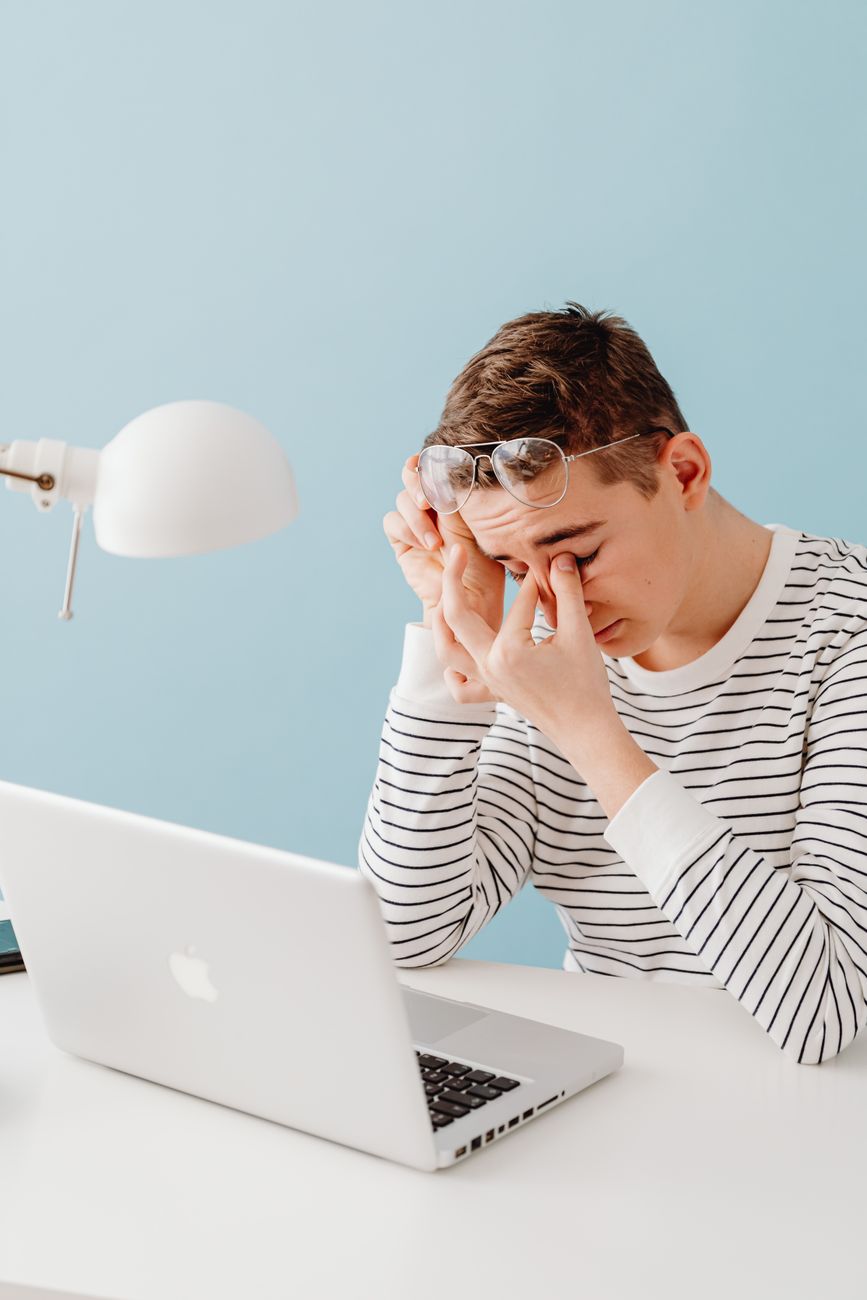
By 3 p.m. most days, my eyes feel like there is sand behind the lids. The text on my screen goes slightly blurry and I catch myself squinting. I used to assume it was just “getting older” and that nothing could be done except powering through. Then an optometrist friend watched me work for five minutes and pointed out three things I was doing wrong that took zero effort to fix.
Eye strain — the medical term is computer vision syndrome — is not permanent damage. It is muscle fatigue. Your eyes have muscles, and staring at a fixed distance for hours exhausts them the same way holding a plank exhausts your abs.
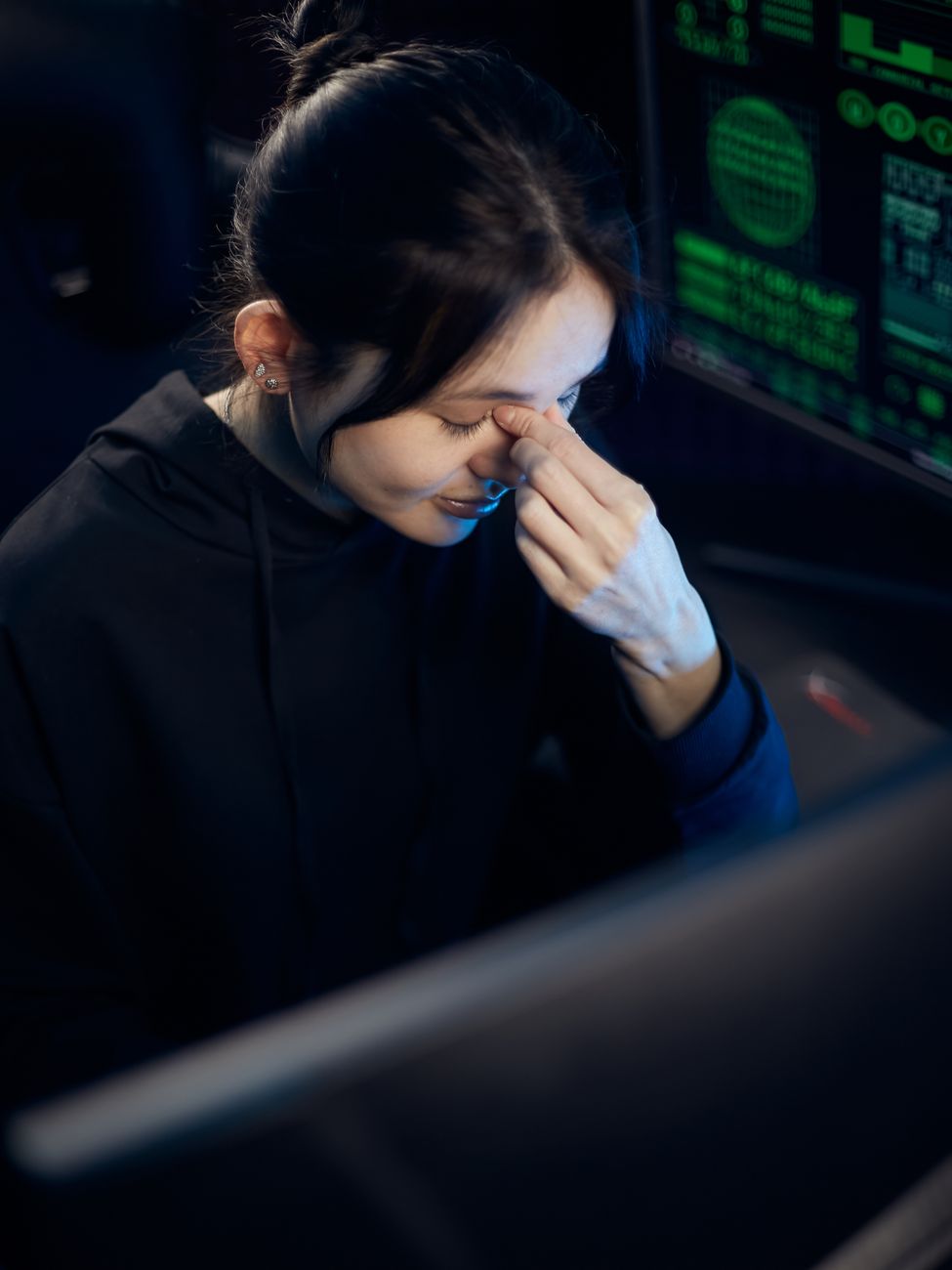
The 20-20-20 Rule (Actually Do It)
Every 20 minutes, look at something 20 feet away for 20 seconds. This relaxes the ciliary muscles that focus your lens. Set a timer — do not trust yourself to remember. I use a free app called Stretchly that blacks out my screen every 20 minutes with a timer. Annoying at first. After a week, my end-of-day headaches stopped. That was not a coincidence.
Blink More — Yes, Deliberately
People blink about 15 times per minute normally. Staring at a screen, that drops to 5-7 times per minute. Less blinking means tears evaporate, and dry eyes get irritated and blurry. The fix is stupidly simple: blink fully and deliberately every few minutes. Close your eyes completely for one second every time you finish a paragraph or send an email. I taped a sticky note to my monitor that just says “BLINK” and it has helped more than any expensive eye drops.
Screen Position and Lighting That Does Not Fight Your Eyes
Your screen should be arm’s length away (about 20-28 inches) with the top of the screen at or slightly below eye level. Looking down at a 15-degree angle is easier on the eyes than looking straight ahead or up. No window directly behind or in front of your screen — glare and contrast between bright window and dim screen force your eyes to constantly adjust. I moved my desk so the window is to the side, and the difference in afternoon fatigue was immediate.
Dark Mode Is Nice — But Brightness Match Matters More
Your screen brightness should match the ambient light in the room. A bright screen in a dark room or a dim screen in a sunny room — both strain your eyes. Use auto-brightness if your monitor supports it, or adjust manually. Warm the color temperature after sunset (built into Windows as Night Light, macOS as Night Shift). Blue light itself does not cause eye strain — the research on that is mixed — but blue light does suppress melatonin and mess with sleep. Warm light in the evening is genuinely better for sleep, which indirectly helps your eyes recover overnight.
Artificial Tears, Not Visine
If your eyes feel dry, use preservative-free artificial tears, not redness-reducing drops like Visine. Visine constricts blood vessels to make eyes look whiter but does nothing for dryness and can cause rebound redness with overuse. Artificial tears actually lubricate. I keep a box of single-use vials in my desk drawer and use one around 2 p.m. when my eyes start feeling gritty. Makes a noticeable difference within minutes.
📋 Quick Summary: 20-20-20 rule — set a timer. Blink fully and often. Screen at arm’s length, top at eye level, no window glare. Match brightness to room light, warm color at night. Preservative-free artificial tears for dryness. Your eyes are muscles — they get tired, not damaged. Give them breaks.