How to Find a Lost Phone Even When It Is on Silent
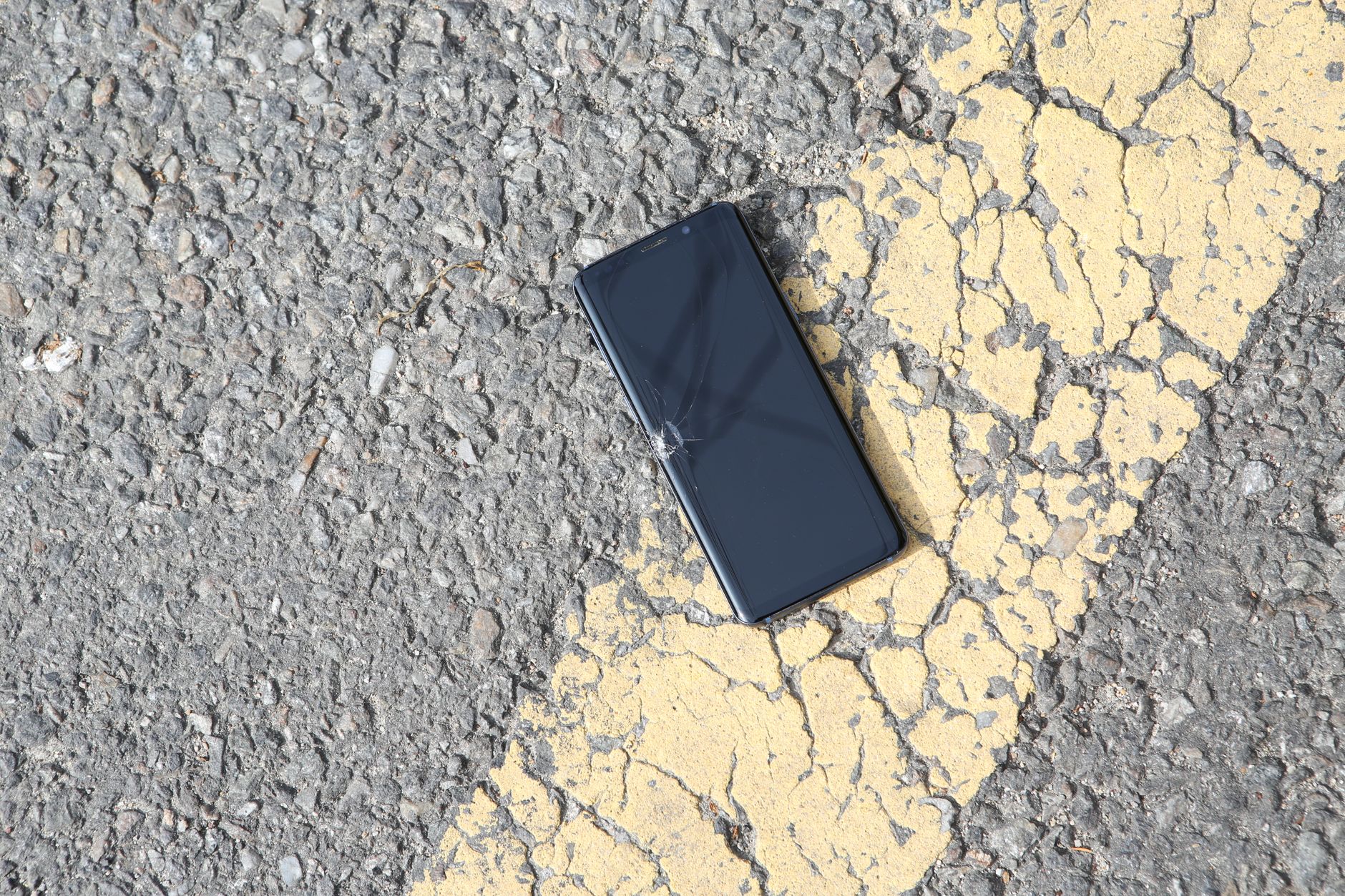
I lost my phone in my own apartment for forty-five minutes. It was on silent — I always keep it on silent — and I had tossed it between couch cushions at some point during the afternoon. Calling it from my wife’s phone just sent me to voicemail. I tore apart the bedroom, the bathroom, the kitchen. Checked the fridge twice — I have done that before. It was under a throw pillow on the armchair I never sit in.
There are better ways to find a silent phone than pulling apart your furniture.
Method 1: Find My Device (Android) / Find My (iPhone)
Both platforms have a web-based phone finder built in. On any browser, go to google.com/android/find for Android or icloud.com/find for iPhone. Sign in with the same Google or Apple account on your phone. It shows your phone on a map and — crucially — has a “Play Sound” button that overrides silent mode. The phone rings at full volume for five minutes even if the ringer switch is off.

You can also lock the phone remotely, display a message on screen with a contact number, or wipe it if you think it is stolen. But the ring feature alone is worth knowing about for the next time it slips between couch cushions.
Method 2: Ask Your Smart Speaker
If you have a Google Home or Amazon Echo, say “Hey Google, find my phone” or “Alexa, find my phone.” It calls your device and — on most Android phones — the ringer overrides silent mode. On iPhone it works too but the ringer switch may block it depending on settings. Worth trying before you start moving furniture.
Method 3: Use a Friend’s Phone (Android Only)
On Android, go to google.com in any browser, type “find my phone” while logged into your Google account, and Google itself shows a map with your device location and a ring button. No app needed. This is the fastest method if you have a computer or a friend nearby.
Prevention: Make It Findable Before You Lose It
- Turn on Find My Device / Find My iPhone. It is off by default on some Android phones. Check Settings > Security > Find My Device.
- Set up emergency contacts. On both platforms, you can designate contacts that appear on the lock screen. If someone finds your phone, they can call your spouse or friend without unlocking it.
- Add a lock screen message. “If found, call [alternate number]” — visible without unlocking.
- Keep Bluetooth on. Modern phone finding uses a mesh network of nearby devices via Bluetooth. If Bluetooth is off, the phone is invisible to the Find My network when it is out of WiFi range.
I found my phone under the throw pillow eventually. Now I use the “find my phone” ring every few weeks when it disappears into my apartment. It always beeps from somewhere I already checked twice.
📋 Quick Summary: google.com/android/find or icloud.com/find — the “Play Sound” button overrides silent mode. Or ask your smart speaker to find it. Turn on Find My Device before you need it.