How to Make Your Laptop Battery Last Twice as Long
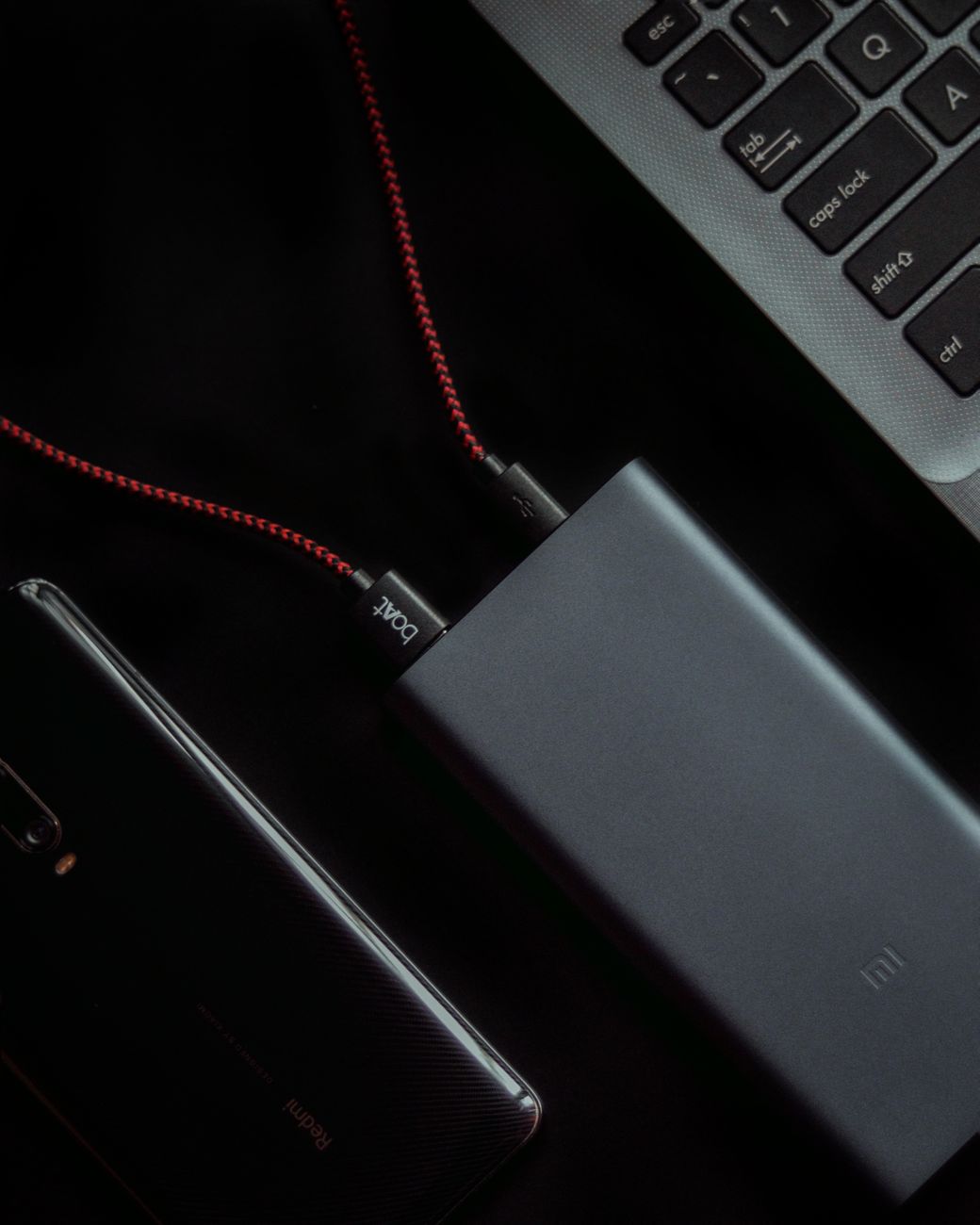
I used to get about three hours out of my laptop before the low battery warning popped up. During a cross-country flight with no power outlets at my seat, I watched my battery percentage tick down like a countdown clock while I had two hours of work left and one hour of battery. I made it with four percent remaining. Never again.
After that flight, I spent an afternoon digging into power settings and changing habits. My same laptop now gets six to seven hours. Here is every change I made, ranked by impact.
Lower Screen Brightness to 50% or Below
The screen is the biggest battery hog on any laptop. Period. Dropping brightness from 100% to 50% can nearly double your battery life on its own. On that flight, I had it at max brightness because the cabin lights were bright and the screen looked dim. Lower the brightness and let your eyes adjust—they will within about two minutes.
Kill Chrome Tabs You Are Not Using
Chrome is a battery vampire. I used to have twenty-plus tabs open at all times. Each tab consumes RAM and CPU cycles, even when it is in the background. Install a tab suspender extension that unloads inactive tabs after ten minutes. Or just close tabs when you are done with them. I cut my Chrome energy usage by about forty percent.
Turn Off Bluetooth and Keyboard Backlighting
Bluetooth is constantly scanning for devices, burning power even when nothing is connected. Keyboard backlighting draws more power than you would think—especially at full brightness. Turn both off when you are running on battery. You can type in the dark. You have done it before.
Use Battery Saver Mode Proactively
Do not wait until you are at 20%. Turn on battery saver mode as soon as you unplug. On Windows, it limits background processes, reduces push notifications, and dims the screen slightly. On Mac, Low Power Mode does the same. The performance difference is barely noticeable for web browsing, email, and document work.
That cross-country flight? I now bring my laptop with 85% charge and do not even look at the battery indicator until we are descending. The anxiety is gone.
📋 Quick Summary: Lower screen brightness, close unused browser tabs (or use a tab suspender), turn off Bluetooth and keyboard backlighting, and activate battery saver mode immediately after unplugging—not when the low battery warning appears.