The 3-2-1 Backup Strategy Everyone Should Follow
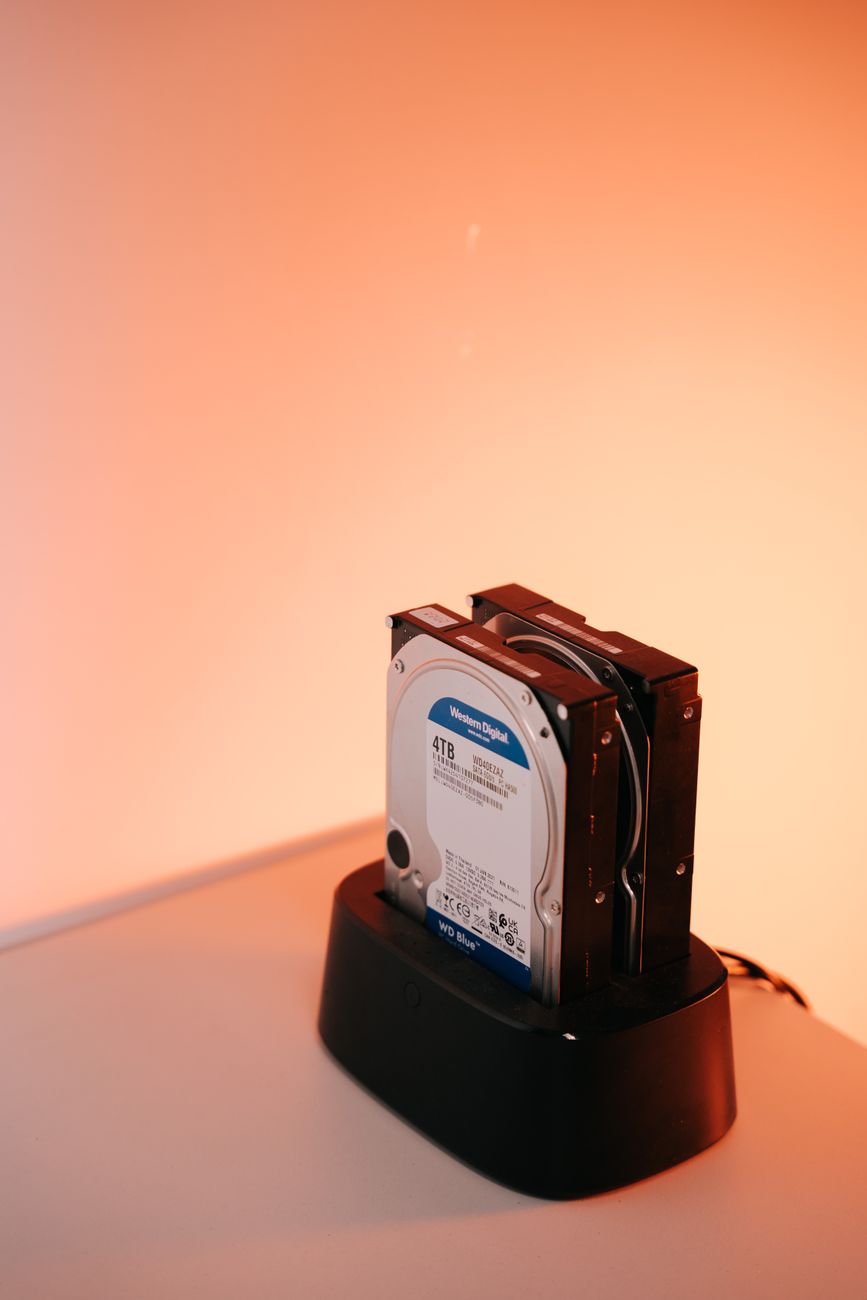
A friend of mine lost every photo of his kid’s first two years. Hard drive failure. No backup. He paid a data recovery service ,200 and got back about half of them. I set up my backup system the next weekend. Here is the simplest version that actually protects you.
The 3-2-1 Rule Explained
Three copies of your data. Two different types of storage. One copy off-site. That is it. It has been the gold standard for decades and it covers almost every failure scenario.
Why three copies? One is your working copy. If that fails, you have the second. If both fail simultaneously — fire, flood, theft — you have the off-site third copy. Two different storage types means not both on the same hard drive or same cloud provider. If Google locks your account, you still have a local copy. If your house burns down, you still have the cloud copy.
What This Looks Like for Normal People
- Copy 1: Your computer. This is your working data. Photos, documents, tax returns.
- Copy 2: An external hard drive. Plug it in once a week and let Time Machine (Mac) or File History (Windows) do its thing. Costs about 0 for 2 TB. Keep it in a drawer when not in use so ransomware cannot reach it.
- Copy 3: Cloud backup. Google Photos for photos (free up to 15 GB), Backblaze or iCloud for everything else (about -7 a month). Set it and forget it.
The Minimal Version
If the full 3-2-1 feels like too much, do this: cloud backup for photos (Google Photos or iCloud) plus an external hard drive you update monthly. Two copies, two types, one off-site. This covers 95% of what most people care about — photos and documents. Everything else is replaceable.
Quick Summary: Three copies: computer, external drive, cloud. Two storage types: local and cloud. One off-site: cloud or a drive at a friend’s house. External drives cost 0. Cloud backup costs /month. Both are cheaper than data recovery.