Notification Detox — Reclaim Your Attention in 10 Minutes
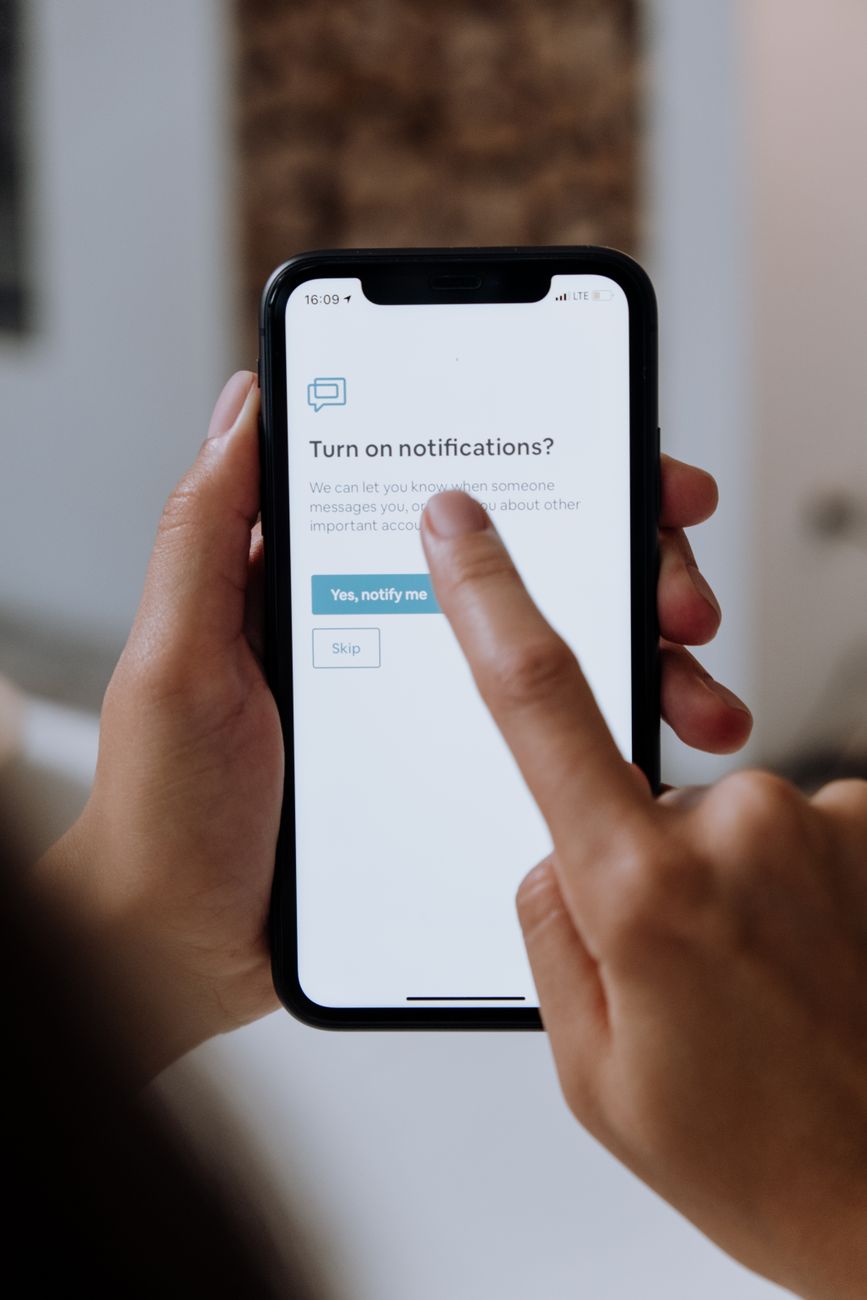
I counted my phone notifications one afternoon. In one hour: 47. Slack reactions, email previews, news alerts I never signed up for, a weather app telling me it was cloudy (I have windows), and five games begging me to come back and play. Forty-seven interruptions. No wonder I could not focus.
I spent ten minutes fixing it. My phone is now silent except for calls and texts from actual humans. It has been three months and I have missed exactly zero important things.
The Ten-Minute Cleanse
- Settings > Notifications. Scroll through every app. Every single one. Turn off notifications for anything that is not a message from a real person. Social media likes, game reminders, shopping apps, news alerts — all off. Takes about three minutes.
- Email: badges only, no banners, no sounds. Email is not urgent. If it were, they would call. A badge number tells you there is something waiting without interrupting what you are doing.
- Group chats: silence them. Most group chats are 90% gifs and 10% actual planning. You can check them when you have time. On WhatsApp and iMessage, “Hide Alerts” is your best friend.
- Enable Focus Mode or Do Not Disturb schedule. Set it for your work hours automatically. Allow calls from favorites only. Everything else waits.
My phone buzzes maybe four times a day now. It used to buzz four times an hour. I did not realize how much background stress that constant buzzing was creating until it stopped. The silence felt weird for about two days. Then it felt like relief.
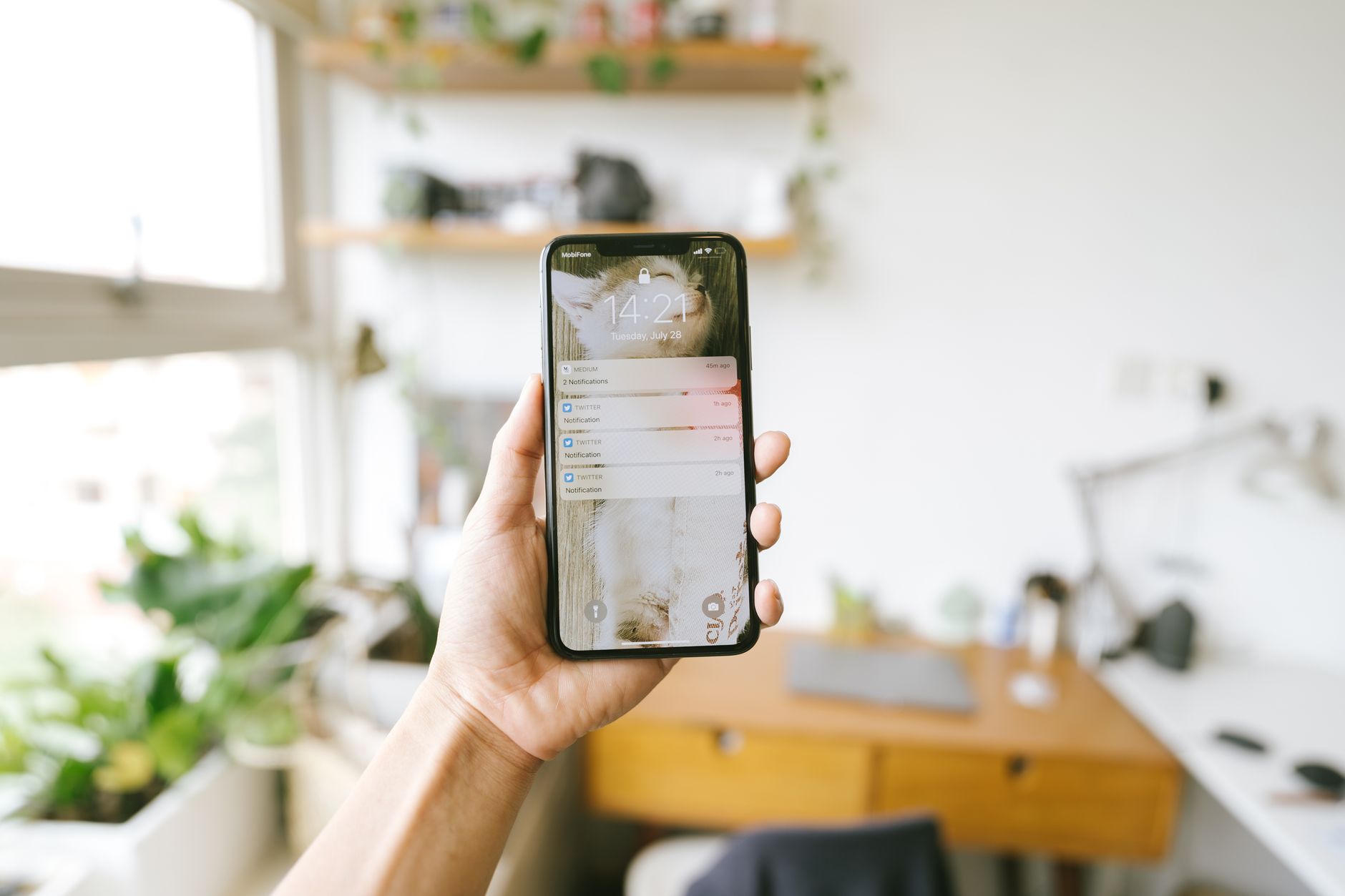
What I Actually Kept
Calls from contacts. Texts from contacts. Calendar reminders. That is it. Everything else — email, Slack, Instagram, Twitter, news, weather, games — I check when I choose to check them. Notifications are supposed to serve you, not the other way around. If an app demands your attention and does not give you a way to control when, delete it.
Quick Summary: Turn off notifications for everything except calls and texts from real people. Badge-only for email. Silence group chats. Enable automatic Do Not Disturb schedule. Ten minutes to set up, permanent peace of mind.