Do Not Throw Away Your Old Router — Repurpose It
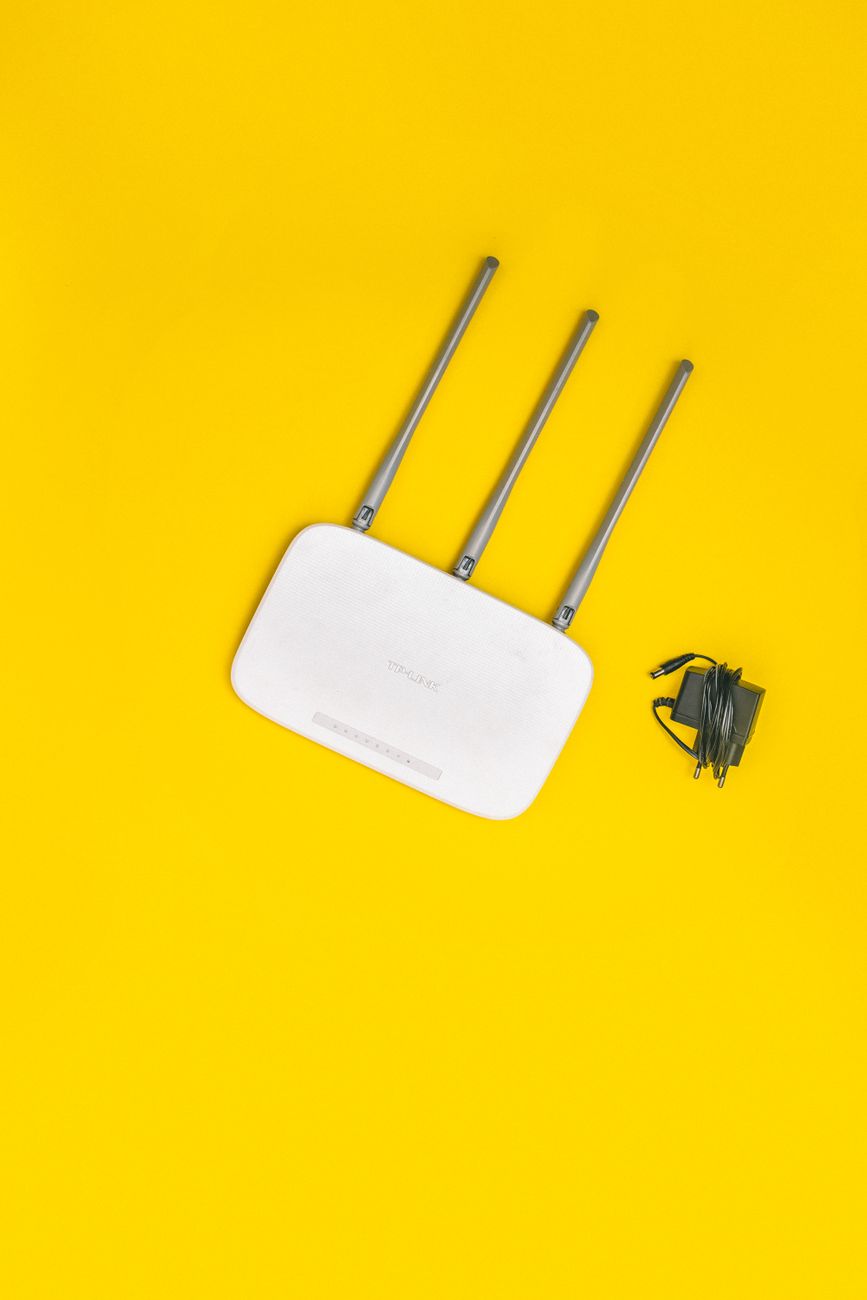
I upgraded to a new Wi-Fi 6 router last year and the old one sat in a drawer for six months. It was perfectly functional — just not as fast as the new one. I almost threw it in the electronics recycling bin during a cleaning binge, then stopped and thought: “What can this actually do?”
Turns out, quite a lot. Here is what I have actually done with old routers, not what some tech blog theorized about.
1. Wi-Fi Extender (Access Point Mode)
The most practical use. If your main router does not reach the far end of the house, set up the old router as an access point. It creates a second Wi-Fi zone using the same network name but different channels, so your devices roam seamlessly.
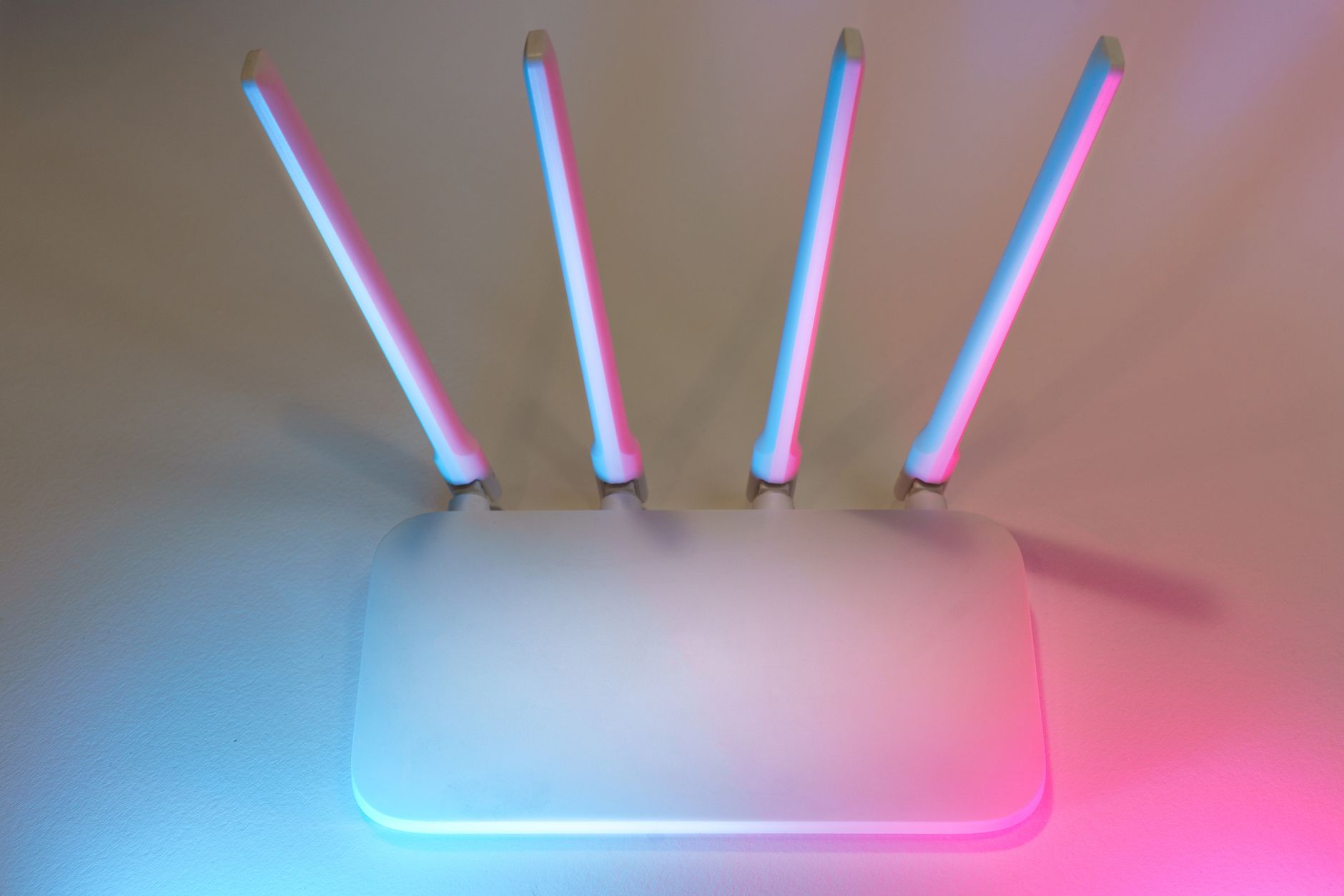
You need an Ethernet cable connecting the old router to the main router. Plug the cable into a LAN port (not the WAN port), disable DHCP on the old router, and give it a static IP address. Most routers have an “Access Point” mode in settings that does this automatically.
I put mine in the basement. Now the laundry room has Wi-Fi for the first time.
2. Guest Network Isolator
Set up the old router with a separate network name and password specifically for guests. Enable “AP Isolation” or “Client Isolation” in settings — this prevents guest devices from seeing each other or anything on your main network.
This is simpler than configuring a guest network on your main router, and if the old router gets compromised or abused, your main network stays safe. Give guests the password and do not worry about what they do on it.
3. Wired Switch for Your Office
If your desk has multiple wired devices — computer, printer, game console — but only one Ethernet cable running to it, the old router works as a network switch. Disable Wi-Fi completely, disable DHCP, and plug everything into the LAN ports.
The router’s built-in 4-port switch gives you extra Ethernet jacks without buying new hardware.
4. IoT Device Network
Smart bulbs, cameras, and voice assistants are security nightmares waiting to happen. Put them all on the old router with a separate network. If a cheap smart plug gets hacked, the attacker cannot reach your computer or phone because they are on a different network.
I have all my smart home devices on the old router now. It is a little extra setup, but the peace of mind is worth it.
📋 Quick Summary: Old routers can become Wi-Fi extenders (access point mode), guest network isolators, wired Ethernet switches, or dedicated IoT device networks. All require connecting via Ethernet cable and disabling DHCP. Free network gear you already own.