Dark Mode — Does It Really Save Battery and Your Eyes
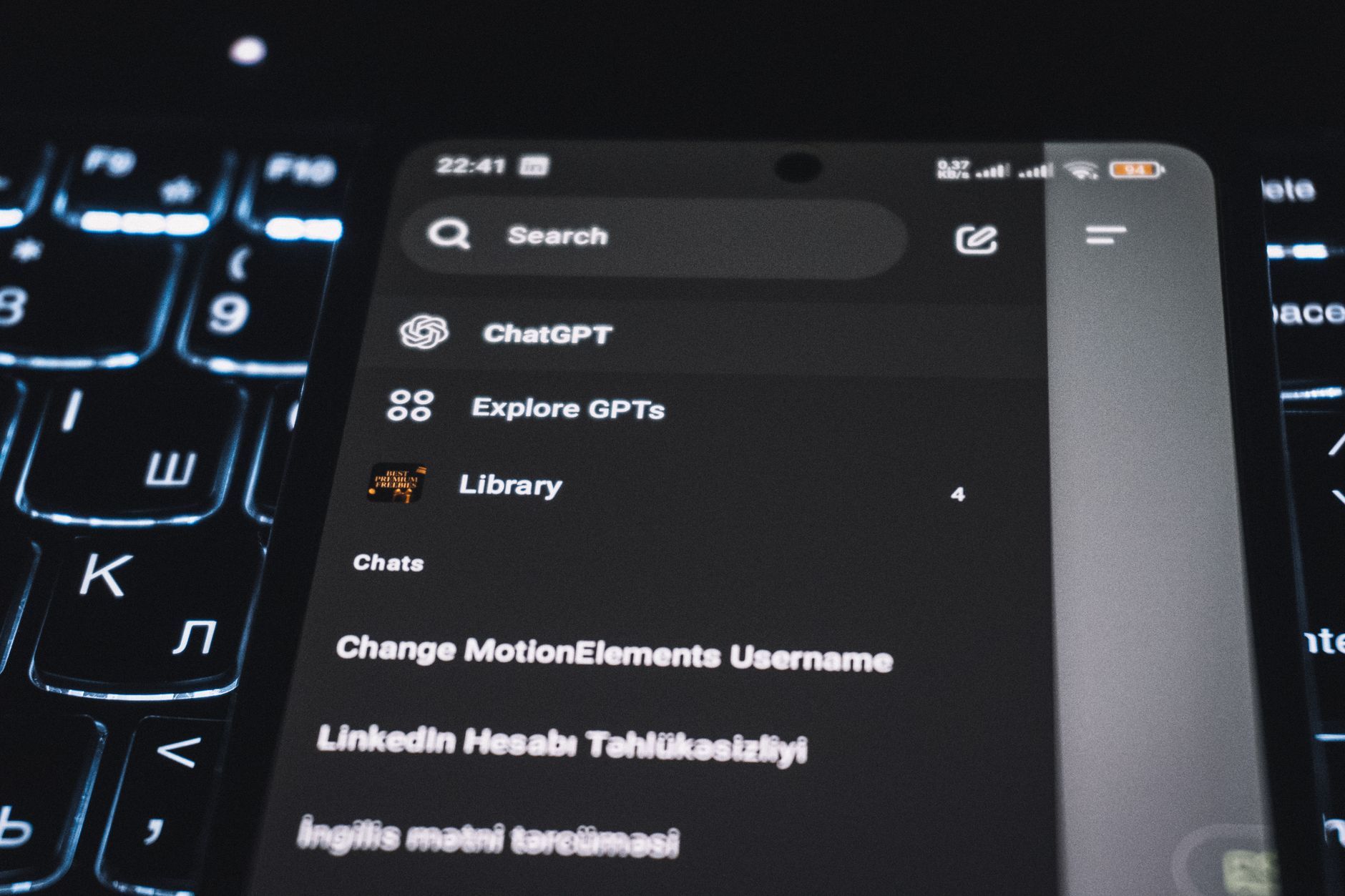
I switched my phone to dark mode two years ago and never went back. Everything is black and gray. It looks cool. But does it actually do anything? I looked into it because someone at a party confidently told me it was a “marketing gimmick.” Turns out the truth depends on your screen.
Battery Life: Depends on Your Screen Type
On phones and laptops with OLED screens — most modern iPhones, many Android flagships, some newer laptops — dark mode genuinely saves battery. OLED pixels turn off completely to display black. A black screen uses essentially zero power for those pixels. Google confirmed this in its own testing: YouTube in dark mode at full brightness used 60% less power than light mode on an OLED Pixel phone.
On phones and laptops with LCD screens — older iPhones (SE, earlier models), budget Android phones, most non-OLED laptops — dark mode saves little to nothing. The backlight stays on regardless of what color the pixels are showing. You might save 1-2% at most.
Eye Strain: The Evidence Is Weaker
The claim that dark mode reduces eye strain has much less research behind it. Some studies suggest that dark text on a light background is actually easier to read for people with normal vision. The contrast is higher, which lets your eyes focus more precisely.
Dark mode can help people with light sensitivity or certain vision conditions. If bright screens give you headaches, dark mode is probably worth using. But for most people, the eye strain benefit is small and possibly zero.
The bigger factor for eye comfort is screen brightness. A dim screen in light mode is easier on the eyes than a bright screen in dark mode. Match your screen brightness to the room, regardless of mode.
When Dark Mode Matters Most
Dark mode really shines — literally — when you use your phone in a dark room. A bright white screen in a pitch-black bedroom is jarring. Dark mode makes the screen blend with the darkness instead of blasting your retinas. This is the scenario where I notice the biggest comfort difference.
My Setup
I use dark mode on all apps and have it set to automatic — light during the day, dark at night. Best of both worlds: better readability when there is ambient light, less glare when it is dark. The battery savings on my OLED phone are a nice bonus.
📋 Quick Summary: Dark mode saves significant battery on OLED screens, very little on LCD. Eye strain benefits are mixed — more helpful for light sensitivity than average users. Best use: automatic switching, dark at night for comfort, light during the day for readability.