NFC Tags — Clever Uses Around Your Home
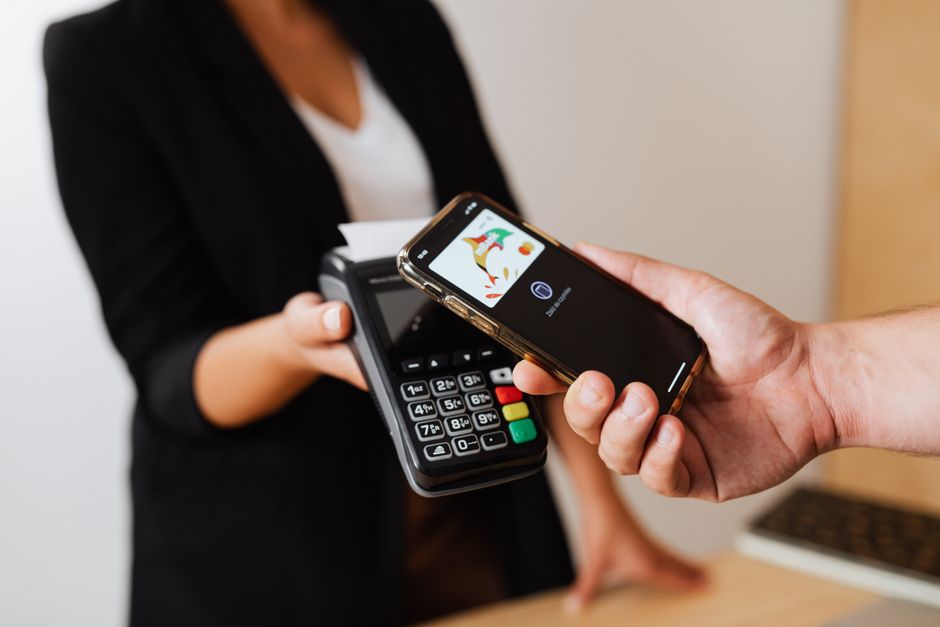
A pack of ten NFC tags costs about five dollars. I bought some on a whim and they sat in a drawer for six months because I did not know what to do with them. Then I programmed one to turn on my bedside lamp and suddenly I wanted to tag everything in the house.
What Are NFC Tags
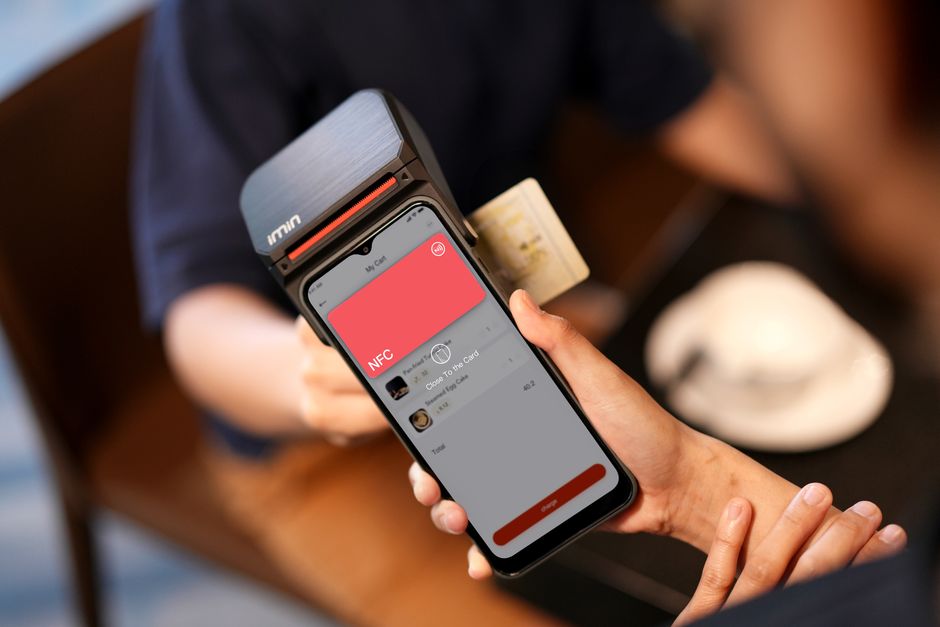
Small stickers or key fobs with a chip that activates when you tap your phone against them. No battery. No setup beyond the initial programming. Your phone reads the tag and performs whatever action you assigned — open a website, run a shortcut, change a setting. iPhones have had NFC reading built in since the iPhone 7. Most Android phones have had it longer.
Five Actually Useful Placements
Bedside: Sleep Mode. Tap to turn off lights, set an alarm, enable Do Not Disturb, and lower screen brightness. One tap replaces five actions you do every night.
Front Door: Leaving Home. Tap on your way out to turn off all lights, lower the thermostat, and lock smart locks if you have them. No more driving away wondering if you left the garage open.
Car Dashboard: Driving Mode. Tap to open your navigation app, start music, and enable driving focus mode. Keeps your hands off the screen while driving.
Laundry Room: Timer. Tap to start a timer for however long your washer or dryer cycle takes. No more forgetting wet laundry in the machine for two days.
Nightstand: Shared WiFi. Program a tag with your WiFi network credentials. Guests tap it and connect without you spelling out your password twelve characters at a time.
What You Need
NFC tags (NTAG215 or NTAG216 are standard) and a free app like NFC Tools to program them. The learning curve is about five minutes. If you can program a microwave clock, you can program an NFC tag.
📋 Quick Summary: Five-dollar pack of NFC tags can automate sleep mode, leaving-home routines, driving setup, laundry timers, and WiFi sharing. Program with free app in minutes.