How to Improve Your TV Picture Quality With Free Settings
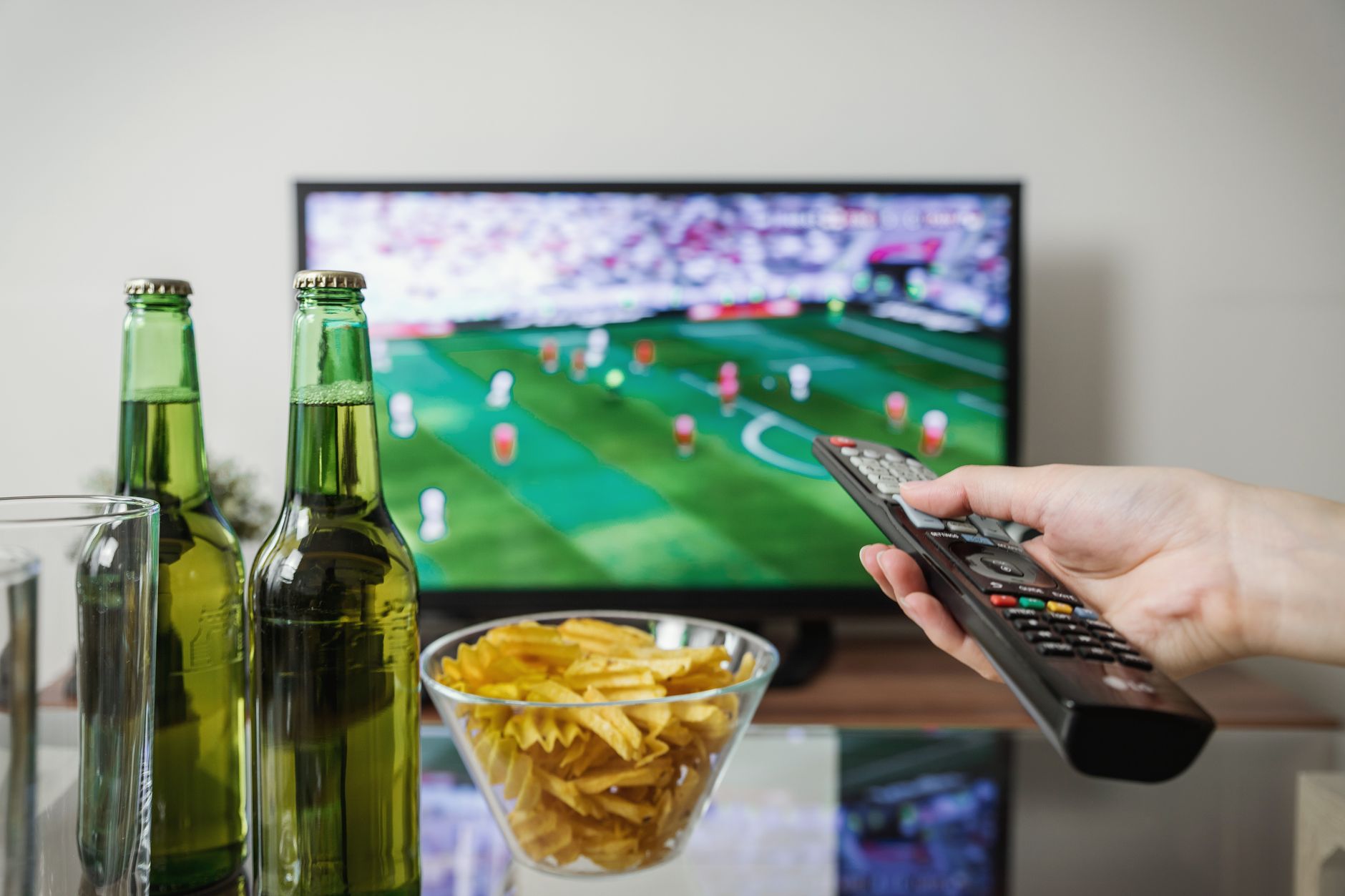
Almost every TV ships with a default picture mode that makes the picture worse, and most people never touch it.
The setting is usually called Vivid, Dynamic, or Store Demo. It looks impressive in a showroom under bright lights. In your living room it makes skin tones orange and turns dark scenes into grey mush.
Start with the picture mode
Switch to Cinema, Movie, or Filmmaker Mode. Any of those three is the closest to what the director intended, and all of them are free.
I thought Cinema mode looked dull for about a day. Then I switched back out of curiosity and could not believe I had watched that way for years.
Turn these off
- Motion smoothing, sometimes called Auto Motion Plus or TruMotion. It is the setting behind the soap opera effect on movies.
- Dynamic contrast. It brightens dark scenes and washes out the image.
- Noise reduction for streaming content, which is already clean. It softens detail.
- Eco or power saving mode if your TV has one, since it dims the backlight as content changes.
The two settings actually worth adjusting
Backlight and brightness are different things. Backlight controls how much light the panel puts out, which should roughly match the light in the room. Brightness controls black level, and it should be set so that dark areas show detail without going grey.
If you want to tune it yourself, find a scene with a person in a dark suit against a dark background. Raise brightness until you can just see the difference between the suit and the background.
Check the source before blaming the TV
A 4K TV showing a low bitrate stream will look soft no matter what. Open a high quality source and compare before you spend an hour in the menus.
Also check that the input is set to the right mode. Many TVs label HDMI inputs as standard when the device connected needs the enhanced setting for full picture quality, and it is a two tap fix buried in the input settings.
📋 Quick Summary: Switch from Vivid to Cinema or Filmmaker mode, turn off motion smoothing and dynamic contrast, set backlight to match the room, and adjust brightness only until dark details appear.