How to Make Your Smart TV Faster by Clearing Its Cache
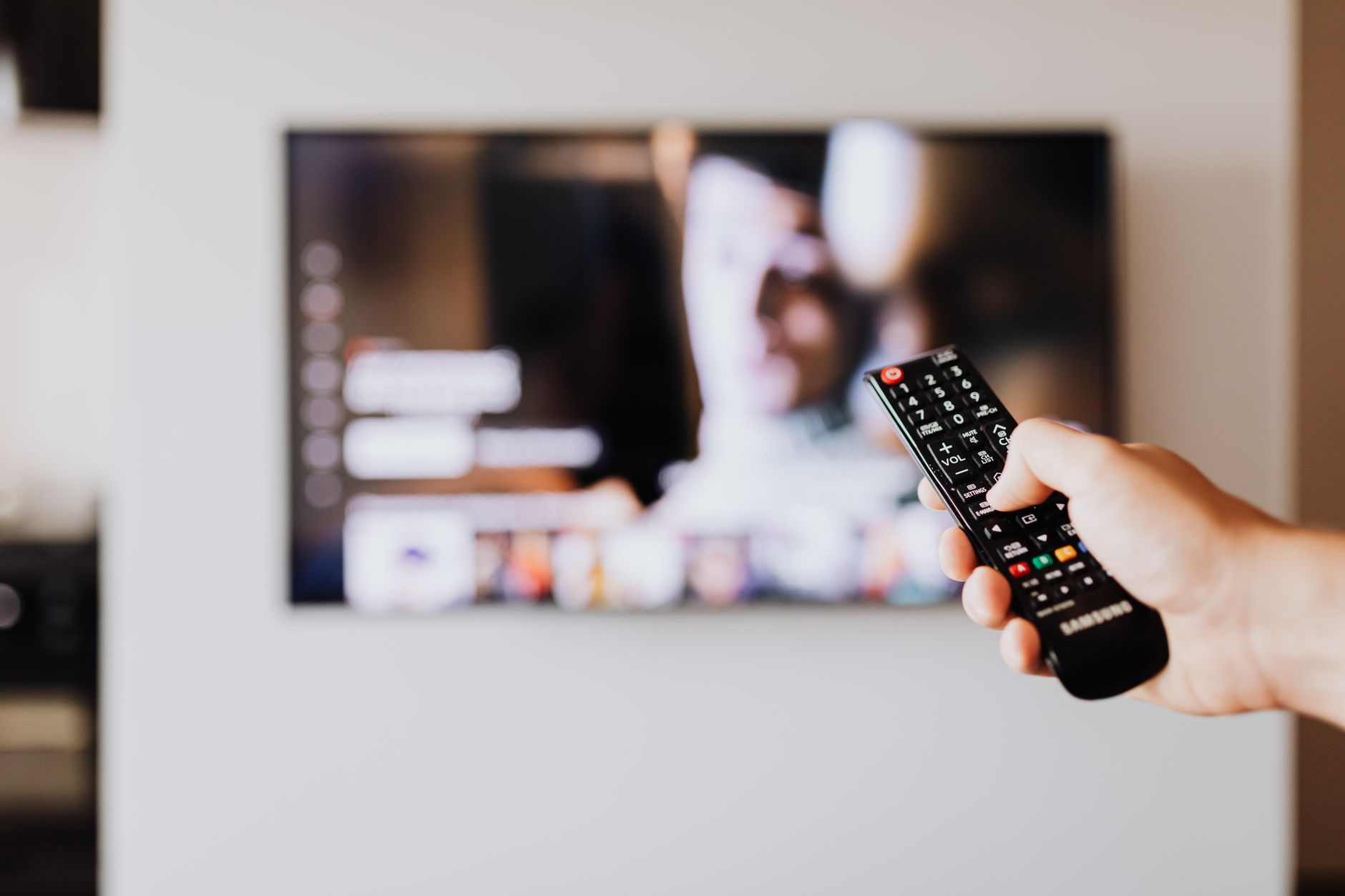
Your smart TV is a computer with a slow processor and a small amount of memory. That is why it felt snappy in year one and feels like a slideshow in year three.
The good news is that most of the lag is not the hardware running out of power. It is accumulated junk you can clear in about five minutes.
Why it slows down
Streaming apps cache data to start videos faster. Over months that cache grows until the TV is spending its limited memory on data for shows you watched once in 2023.
Apps rarely clean up after themselves. Nothing on a TV forces that cleanup, so you have to.
Do these in order
- Restart the TV fully. Not standby. Pull the power cord, wait 60 seconds, plug it back in. This clears memory in a way the remote power button does not.
- Clear cache per app. Most apps have this in their settings menu, and it is usually called Clear Cache or Clear Data.
- Delete the apps you do not use. Each one runs background processes even when you are not watching.
- Turn off auto play previews and background app refresh if your TV offers those settings.
The restart habit
Pull the power once a month. It sounds trivial. On the older TV in my bedroom it took start up time from 40 seconds down to about 12.
A cheap smart plug makes this automatic. Schedule it to cut power for one minute at 4 am once a week and forget about it.
When software is not enough
If the TV is more than four or five years old and still stutters after a factory reset, the processor is the bottleneck and no setting will fix it.
Buy a streaming stick instead of a new TV. It gives you modern hardware for a fraction of the price, and the TV itself becomes just a screen.
One thing to check first
Run a speed test on the TV or on your phone right next to it. Slow internet and a slow TV look identical. If the Wi-Fi is weak in that room, none of the above will help and a mesh node will.
📋 Quick Summary: Fully restart the TV by cutting power, clear the cache inside each streaming app, delete unused apps, and check your Wi-Fi speed before assuming the TV itself is the problem.