The Bluetooth Setting That Fixes Audio Delay Instantly
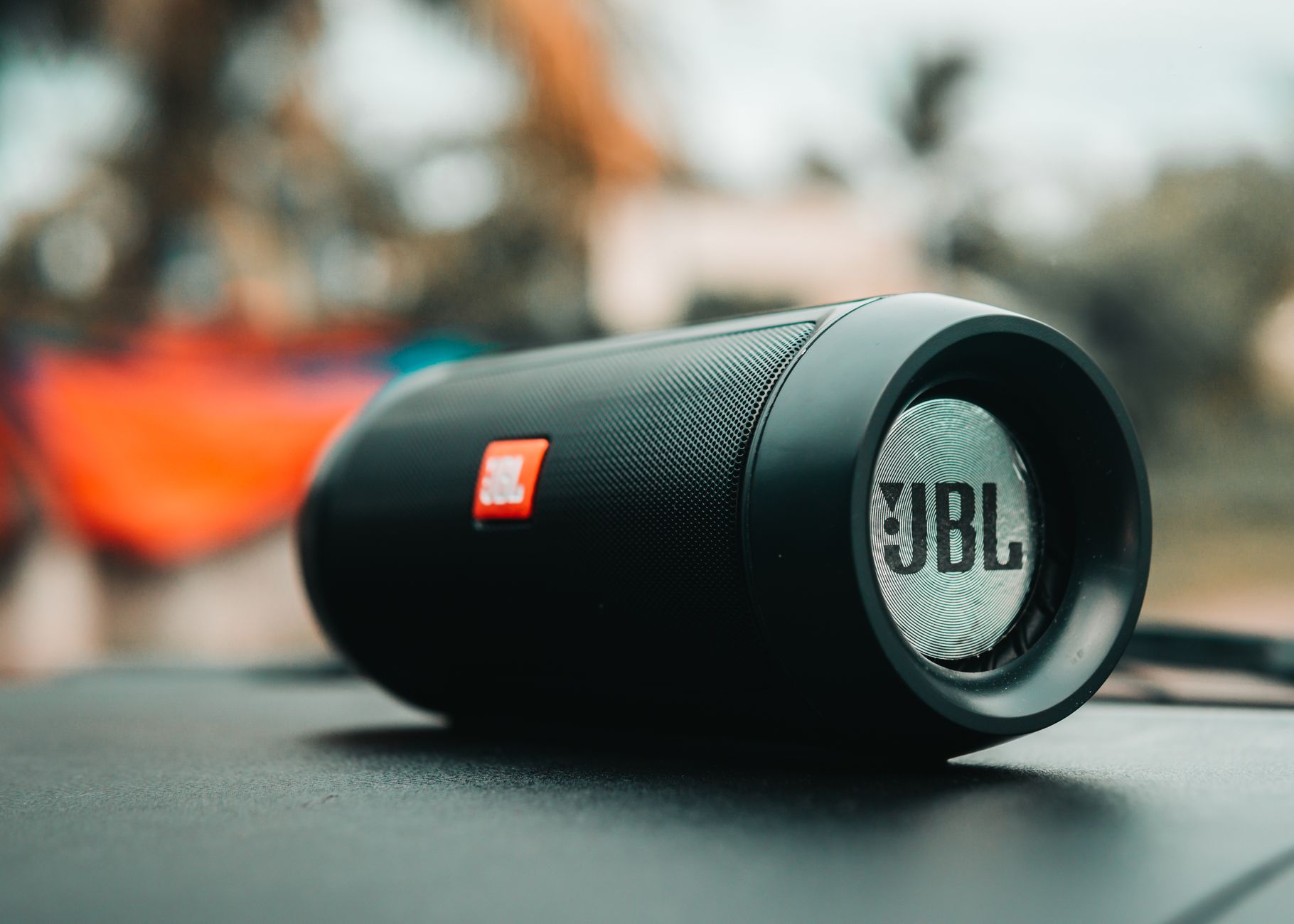
I almost returned a perfectly good pair of wireless earbuds because the audio lagged half a second behind the video. Watching anything was unwatchable, lips moved, sound followed like a bad dub, and I blamed the earbuds. Then a friend who knows way too much about audio told me the problem was not the hardware, it was the Bluetooth codec my phone had silently picked. One setting change later, the delay was gone.
Why Bluetooth audio lags
Bluetooth has to compress the audio, send it wirelessly, and decompress it, and all of that takes time. Some connection modes prioritize sound quality over speed, which is great for music and terrible for video. The fix is forcing your device to use a low latency mode, and on most phones it is a hidden setting you have to dig for.
Turn off absolute volume and check the codec
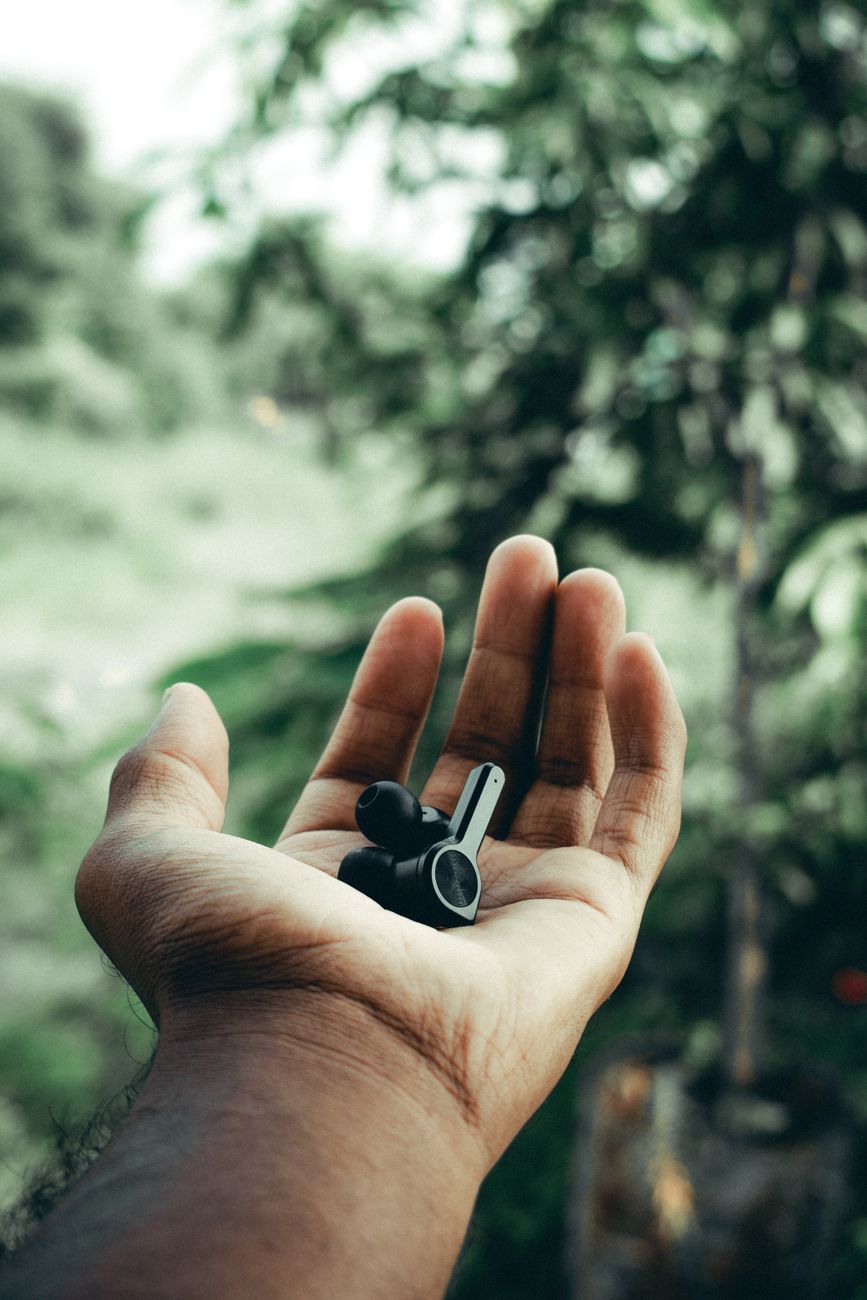
On Android, go into developer options and look for Bluetooth audio codec. Switching from the default to AAC or aptX Low Latency usually clears the delay. On iPhone, the codec is locked by Apple, but the fix is different: turn off absolute volume under the Bluetooth settings for the device, or check that low latency mode is enabled in the earbuds companion app if it has one. Many earbuds ship with a gaming mode or low latency toggle buried in their app, and nobody tells you it exists.
The fastest fix that works everywhere
Before you dig into settings, try the dumb fix first: disconnect the device and reconnect it. Bluetooth devices sometimes negotiate a high quality mode on connection and stay there even when you switch to video. A quick reconnect often renegotiates for the current task and clears the delay without changing a single setting. I have fixed three separate audio delay problems this way.
When the problem is the source, not the sink
Sometimes the delay is not Bluetooth at all. Streaming apps buffer audio and video separately, and a slow connection can desync them. Pause the video for a few seconds and let it buffer, or drop the quality from 4K to 1080p, and see if the sync comes back. Also check whether the delay happens in every app or just one. One app means the app is the problem, and clearing its cache or updating it usually fixes it.
Old devices are a lost cause
If you are pairing a brand new speaker with a six year old phone, the old phone’s Bluetooth chip may simply not support the low latency codecs. No setting will fix that. The workaround is a Bluetooth transmitter dongle, which plugs into the audio jack or USB and handles the low latency itself. It is an extra gadget, but it makes old hardware usable with new audio gear.
My earbuds work perfectly now, and I did not return them. The half second delay that almost cost me a good pair of headphones was one setting buried two menus deep. Now I check the codec settings before I blame the hardware, and I have saved myself a lot of returns.
📋 Quick Summary: Fix audio delay by switching the Bluetooth codec to AAC or aptX Low Latency in developer options, turning off absolute volume, or checking for a low latency game mode in the device app.