Why Your Camera Takes Blurry Photos and the Setting That Fixes It
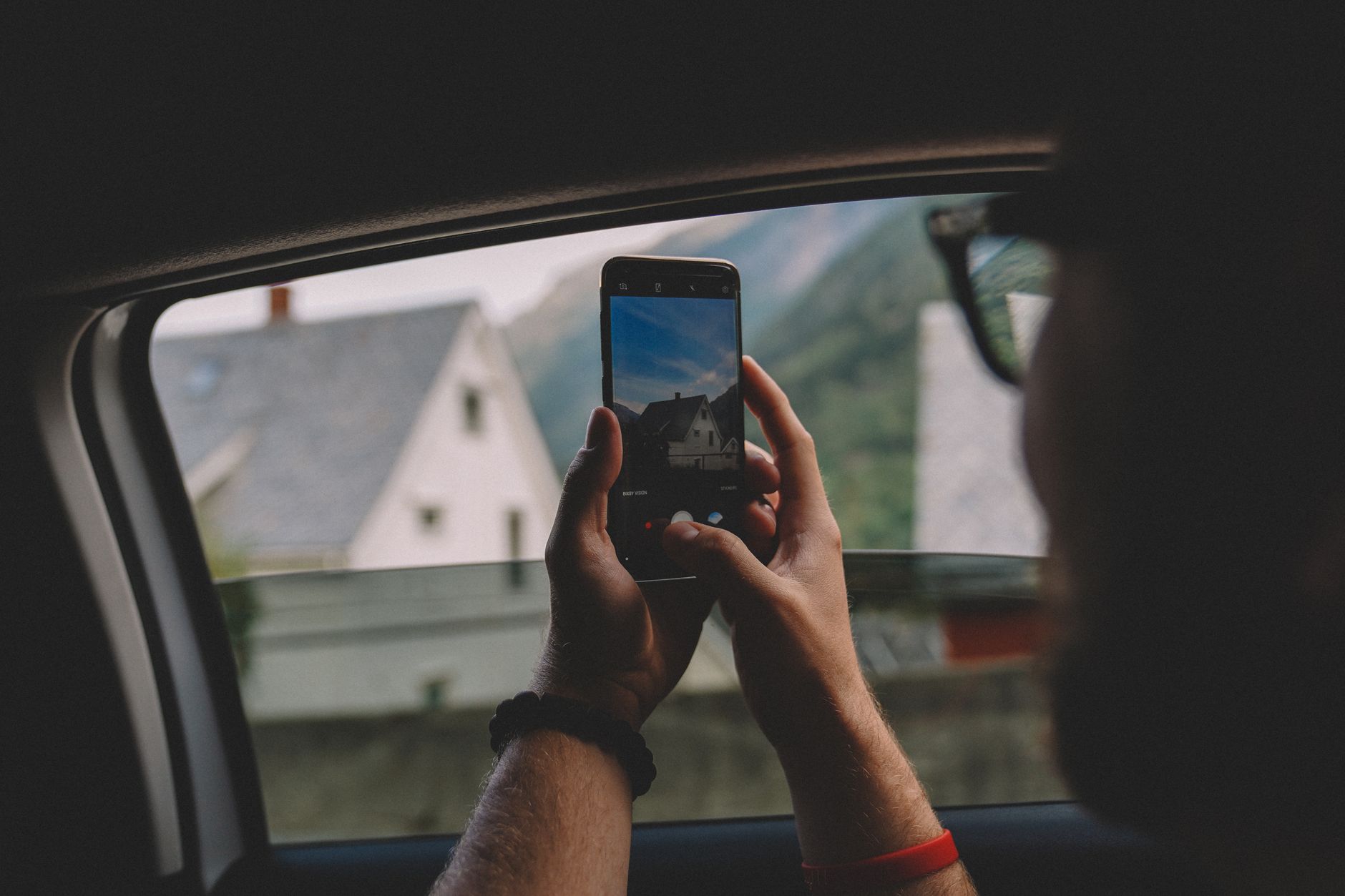
I deleted a whole birthday party’s worth of photos because every single one looked like it was taken through a foggy window. The camera was fine. The lighting was fine. I was the problem, and the fix was one setting I had never touched.
Here is why your photos come out blurry and how to fix it.
The Usual Suspect: Motion Blur
Most blurry phone photos are motion blur. Your shutter stays open a fraction of a second, and any movement during that time smears the image. Low light makes the shutter stay open even longer, which is why night photos blur so easily.
The fix is simple: hold still and let the camera do its job. Brace your elbows against your body, take a breath, and tap the shutter gently. I stopped jabbing the button and my hit rate jumped.
The Setting Nobody Changes: Focus Lock
Phones guess what you want to focus on, and they often guess wrong. Tap the screen on your subject to lock focus before you shoot. You will see a small square or circle appear.
On most phones, tapping the screen also adjusts exposure. If the photo looks too dark or too bright, tap on the subject and slide your finger up or down to adjust brightness. That one habit fixes half my bad photos.
Turn On Burst Mode
For kids, pets, or anything that moves, hold down the shutter button to take a burst of photos. Then pick the sharpest one.
I use burst mode for every dog photo now. Of 20 shots, at least 3 will be sharp, and usually one of them is even a good expression.
Check Your Phone’s Stabilization
Many phones have an image stabilization setting that is off by default or gets turned off. Look for “stabilization” or “steady shot” in your camera settings and turn it on.
My phone had a setting called “auto stabilization” that I did not know existed. It was buried under advanced camera settings. Turning it on noticeably reduced the shake in my walking videos.
Clean the Lens
I will not tell you how long it took me to notice the fingerprint on my camera lens. A dirty lens turns every photo into a soft, hazy mess. Wipe it with a microfiber cloth before important shots.
That foggy window look I mentioned? Part of it was literally a smear of grease. Clean lens, clean photos.
Know When to Use Night Mode
In low light, let the phone use night mode and hold very still for a few seconds. The phone stacks multiple exposures and you get a sharper shot than a quick snap.
I used to fight night mode because it felt slow. Now I treat it like a 3 second exposure on purpose, and my evening photos look like daytime.
📋 Quick Summary: Tap to lock focus, hold still, use burst mode for motion, turn on stabilization, clean your lens, and let night mode do its thing.