The 5 Minute Webcam Fix for Better Video Calls
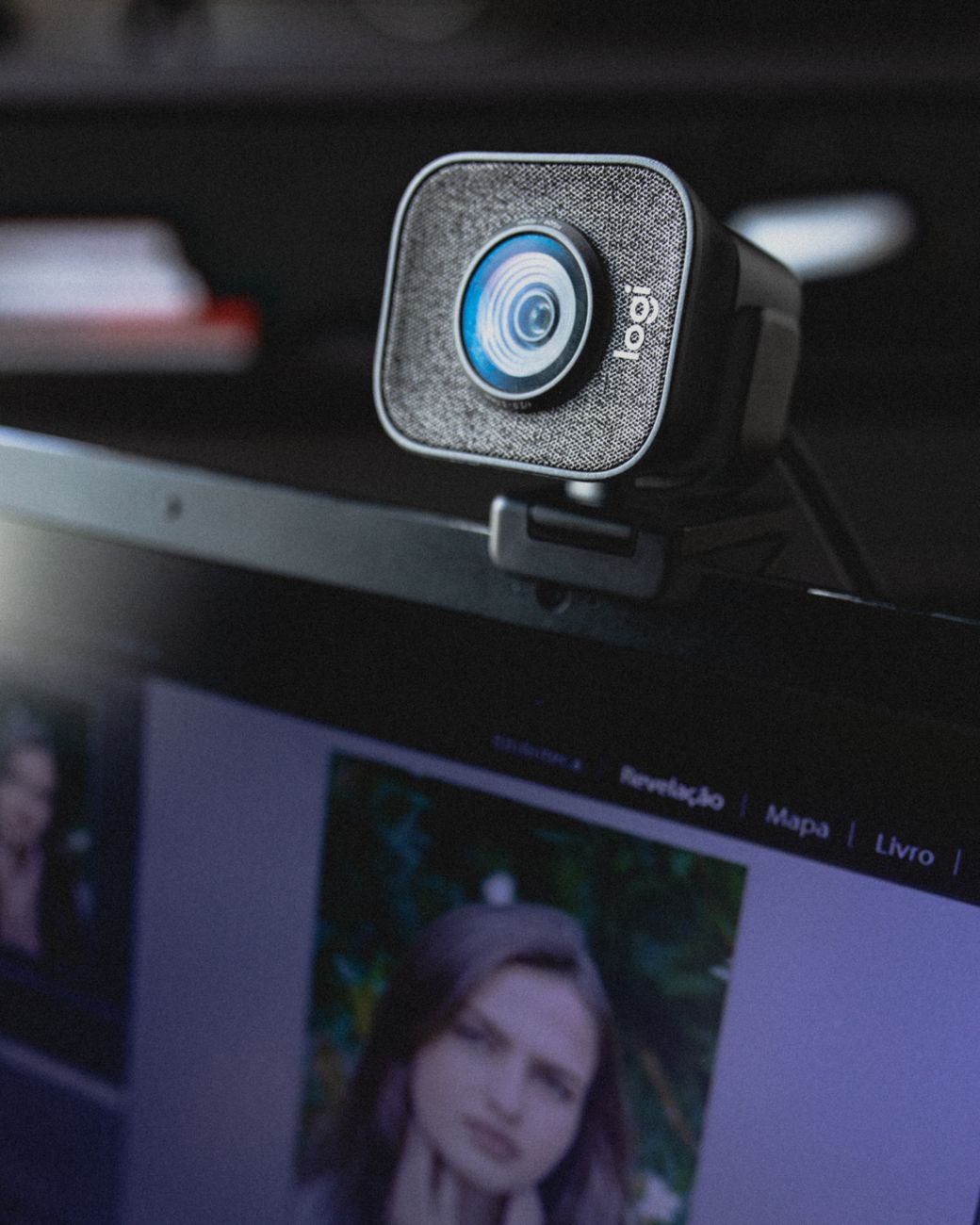
I spent a full year looking like a witness in a true crime documentary on video calls. Dark face, harsh shadows, ceiling light blazing behind me. People kept asking if I was okay. I was fine. My webcam setup was just terrible.
Then I made three changes in about five minutes and I have not heard the “you okay?” question since.
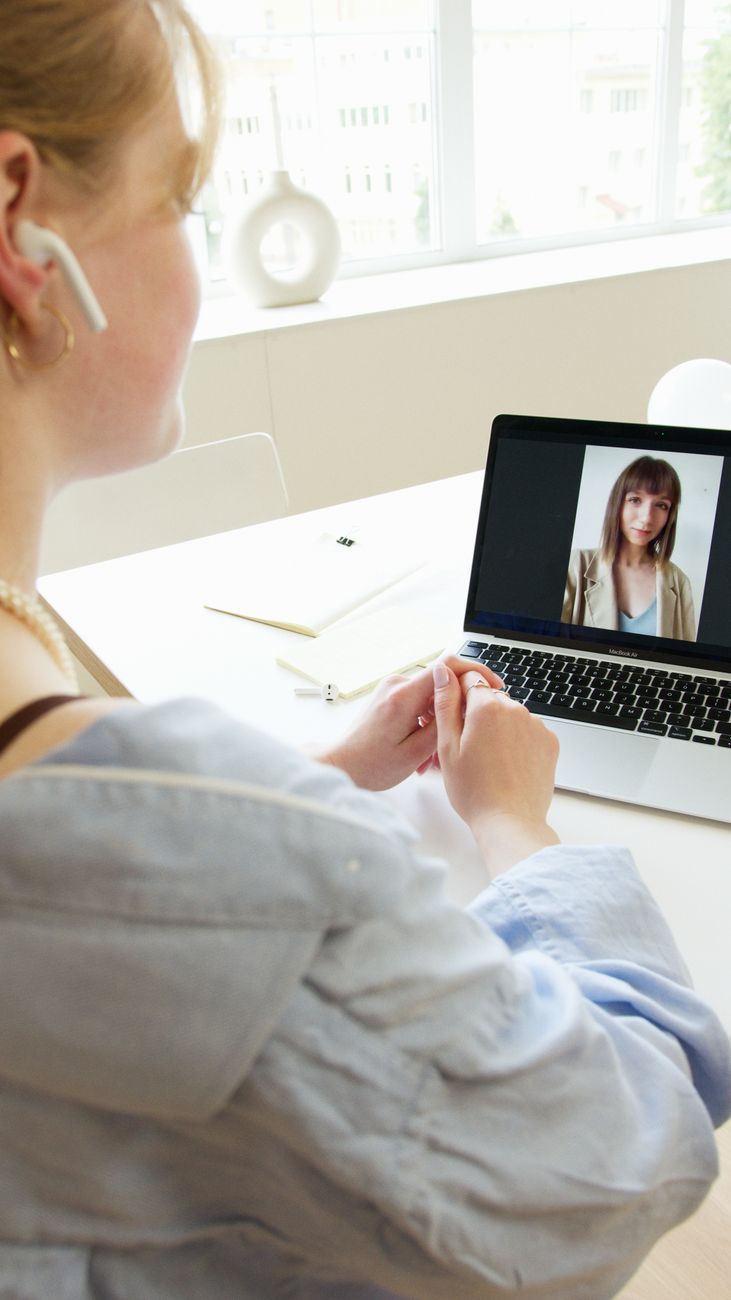
Get the Light in Front of You
The single biggest fix is light placement. If your only light is behind you, your face is in shadow and the camera darkens you further. Move a lamp so it sits in front of you, slightly above eye level, just off to the side of the camera.
I use a desk lamp with a warm bulb. That one move did more than any camera upgrade.
Raise the Camera to Eye Level
A webcam pointing up your nose is not doing you any favors. Stack a few books under your laptop or monitor until the camera is at eye level. This also fixes the double chin effect that plagues low cameras.
Clean the Lens
Run a microfiber cloth over the lens. Laptop lids pick up dust and smudges constantly, and you would be surprised how much sharper the picture gets. I cleaned mine and realized it had been slightly foggy for months.
Other quick wins:
- Close the blinds behind you to kill the glare
- Set your background to something neutral or blur it
- Use the window light if you have a daytime call, sit facing it
The whole upgrade cost me zero dollars, because I already owned the lamp. People now think I bought a new camera.
📋 Quick Summary: Put a lamp in front of you, raise the camera to eye level, and clean the lens, and your video calls instantly look better.