How to Use Your Phone as a Second Screen for Your Computer
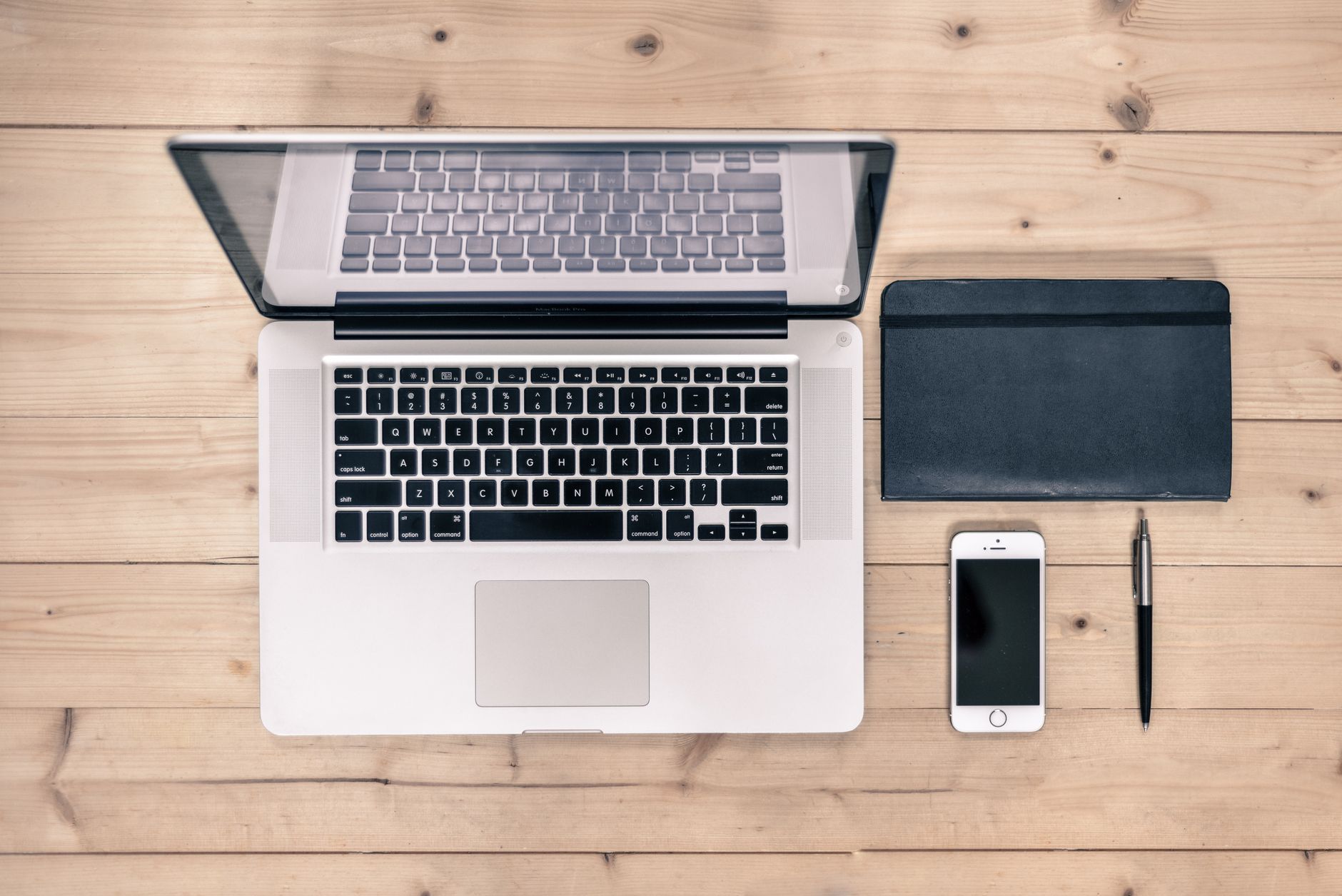
I work on a laptop with a small screen, and for months I kept a second monitor on my desk, taking up space. Then I realized my phone could do the job for free. It is not a full monitor, but for reference docs, chat windows, and music controls, it works great.
Your phone can act as a second screen over WiFi, with no cable and no extra hardware.
How to set it up
- On a Mac: if you have an iPhone, use the built-in Sidecar feature, or a free app like spacedesk on both devices.
- On Windows: try spacedesk or the Windows Wireless Display feature, which works with many Android phones.
- Install the matching app on your phone, and make sure both devices are on the same WiFi network.
- Connect. The phone should appear as an option in your display settings. Pick it as an extended display.
What it is good for
- Reference material. Keep instructions or a recipe on the phone screen while you work on the main one.
- Chat and email. Park your messaging app there so notifications stay out of your main work.
- Music and video controls. A tiny control panel that does not cover your work.
- Monitoring. Watch a dashboard or a live page without switching tabs.
What it is not good for
Do not expect to edit video or design graphics on it. There is a small delay over WiFi, so it is fine for reading and typing, not for anything that needs instant response. For those tasks, a real monitor is still better.
My setup
I keep my phone in a stand next to my laptop with a note-taking app open. It is basically a second screen for my to-do list, and it freed up the desk space the monitor used to take. On trips, it means I have a second screen anywhere there is WiFi.
One tip
Charge your phone while you use it as a screen, because the screen-on time drains the battery fast. And use a stand or a stack of books so it sits at a comfortable angle instead of flat on the desk.
📋 Quick Summary: Use your phone as a second screen with spacedesk or the built-in wireless display feature. Great for reference material and chat, not for latency-sensitive work.
My desk is simpler, and my phone finally earns its spot next to the laptop.