How to Stop Your Laptop From Overheating Without a Cooling Pad
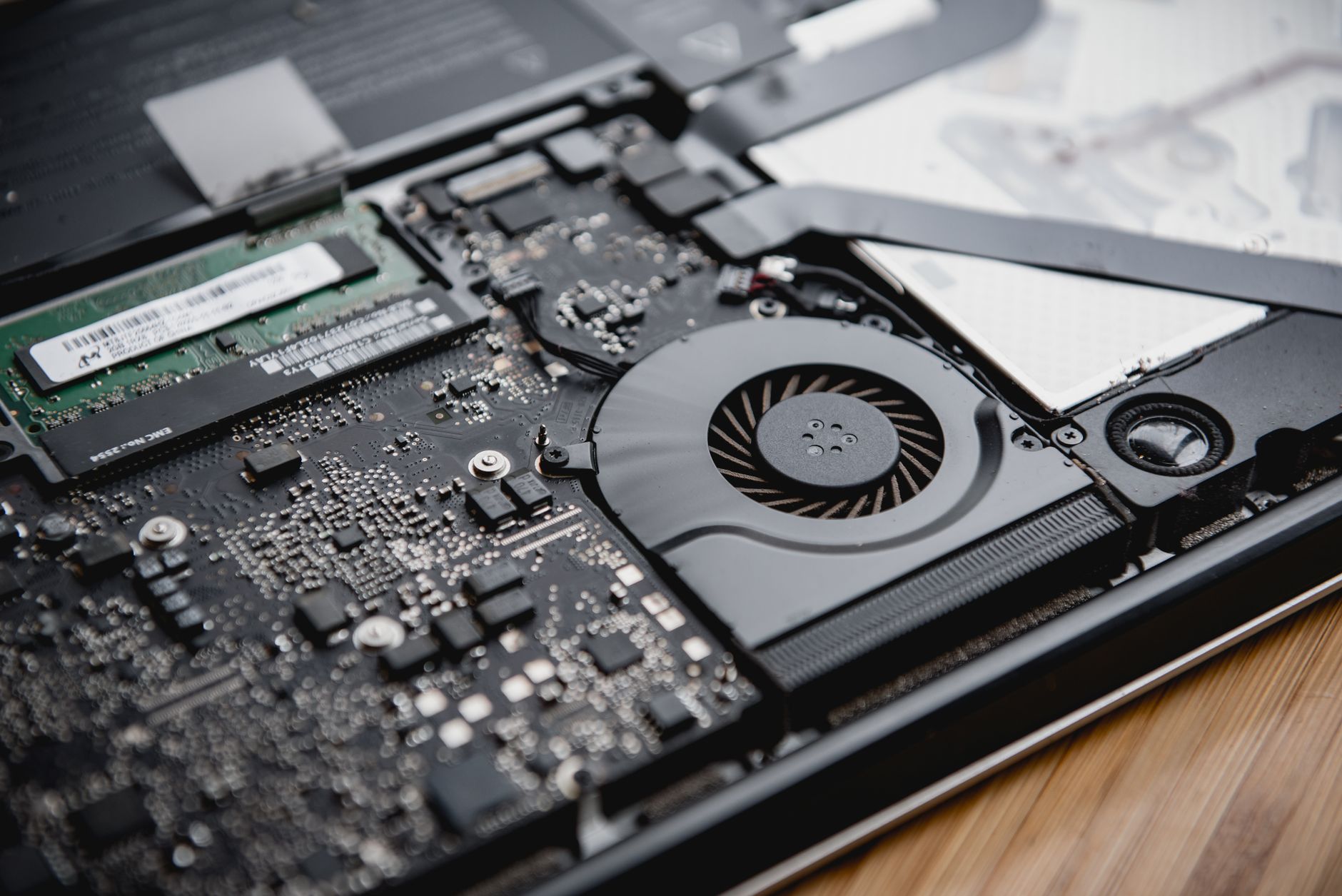
“Why is your laptop loud?” my coworker asked during a call. I said it was the fan. He said fans should not sound like that. I had been ignoring the jet engine noise for months, assuming it was normal, until the day my laptop shut itself off mid-presentation. That was the overheating wake-up call.
Clean the vents first
Laptops overheat mostly because dust blocks the airflow. The vents on the side and bottom collect a layer of fuzz that turns the cooling system into decoration. Here is the fix:
- Shut down and unplug the laptop.
- Use a can of compressed air to blow out the vents, working in short bursts.
- If you are comfortable, pop the bottom panel and blow out the fan directly. Watch a video for your model first.
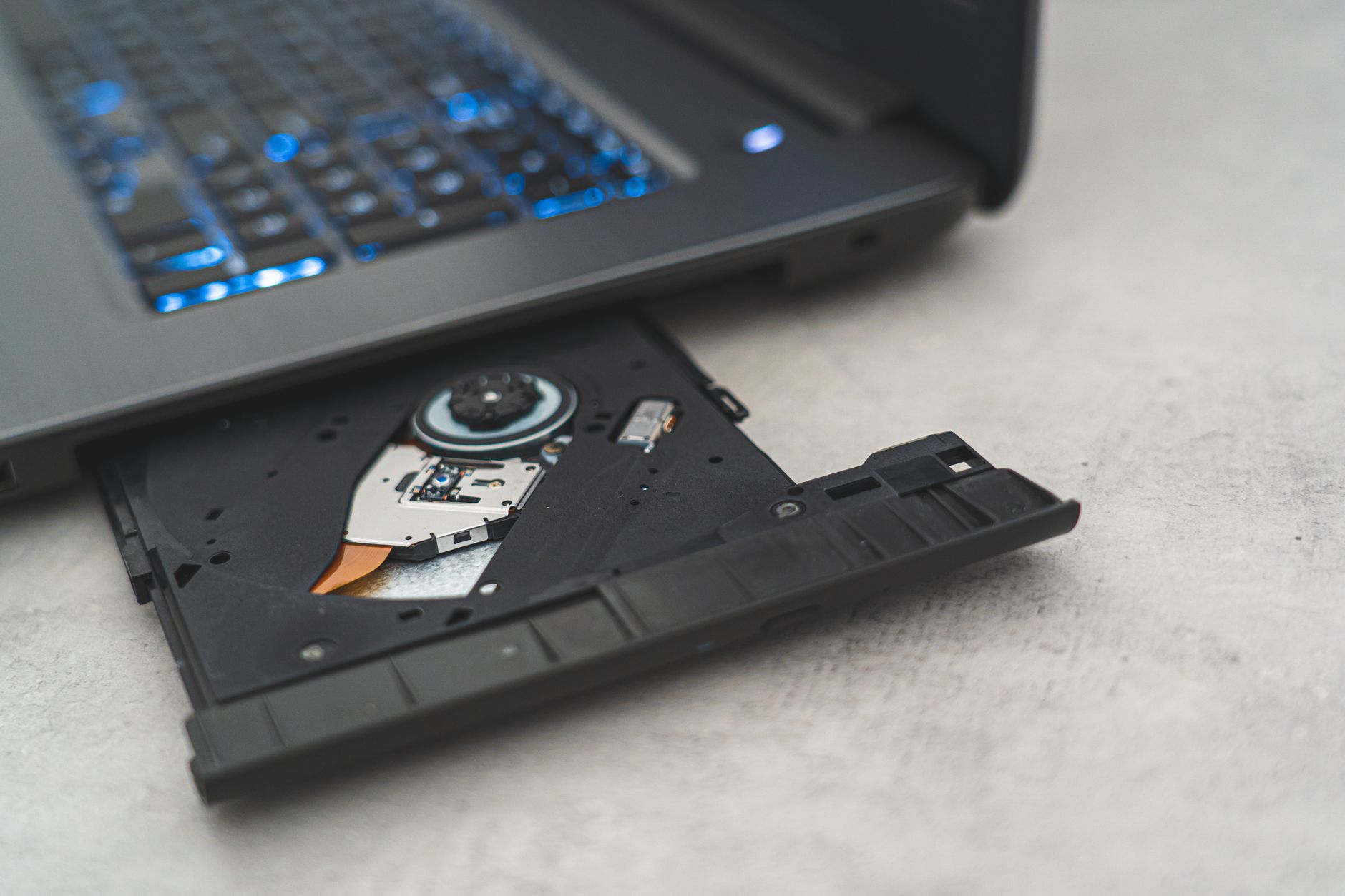
I did this after two years of never touching the vents, and the fan noise dropped by half. It is the single biggest fix, and it costs about five dollars for the air.
Give it a hard surface
Laptops need airflow under the chassis. A soft surface like a bed or a couch blocks the intake vents and bakes the machine. Put the laptop on a table, a book, or a laptop stand. Even a couple of bottle caps under the back corners lifts it enough to help, and I am not joking, it makes a measurable difference.
Cut the background load
Open the task manager and look at what is eating the CPU. Half the time it is a browser with forty tabs or an app that forgot to quit. Close the tabs, quit the apps, and the CPU cools down because it is not working as hard. My laptop runs ten degrees cooler with ten tabs instead of forty.
The power plan trick
Set the power mode to balanced instead of performance for everyday work. You will not notice the difference in spreadsheets, and the machine runs cooler and quieter. Save the performance mode for the tasks that actually need it. If your laptop has a turbo boost toggle in the BIOS or manufacturer software, turning it off also drops temperatures noticeably.
My laptop has not shut itself off since that presentation. It still runs warm on heavy days, but the jet engine is gone, and I finally cleaned the vents I had been ignoring.
📋 Quick Summary: Blow out the vents with compressed air, use a hard surface, close background tabs, and switch to balanced power mode.