How to Clean Your Phone Speaker the Safe Way
My phone speaker got so quiet that I assumed the speaker was dying. I was about to book a repair when a friend asked when I had last cleaned the grille. I laughed, then I looked, and the tiny holes were packed with pocket lint. Twenty minutes later, the speaker sounded brand new. The cleaning is easy. The mistakes are what you have to watch out for.
Why Speakers Get Quiet
The speaker grille is a row of tiny holes, and pocket lint, dust, and debris pack into them over time. Each clogged hole muffles the sound a little, and after a few months, the volume drops noticeably.
The Safe Cleaning Method
- Turn the phone off first.
- Use a soft, dry toothbrush with gentle bristles.
- Brush across the grille at a slight angle, not straight in.
- Brush in one direction, then the other, to loosen the lint.
- Use a can of compressed air, held at a distance, to blow the loose dust out.
What Not to Do
Do not use a toothpick, pin, or paper clip. Poking into the grille can push dust deeper or damage the mesh. The holes are tiny, and the speaker sits right behind them.
Do not use water or cleaners. Phones are water resistant, but that rating fades with age, and liquids can find their way into the speaker. Dry methods only.
Do not use a vacuum. A vacuum can create static and pull hard enough to damage the speaker membrane. Compressed air is gentler.
The Compressed Air Technique
Hold the can about six inches away and use short bursts. Never tilt the can, and never shake it, because liquid propellant can spray out. Short bursts from a distance do the job without risk.
The Sticky Note Trick for Stubborn Grime
For grime that brushing misses, press a piece of low-tack tape or a sticky note over the grille, then peel it off. The adhesive grabs surface dust without pushing anything deeper. I use this on my earpiece grille too.
When Cleaning Is Not the Answer
If the speaker is still quiet after a good cleaning, the problem may be water damage, a blown speaker, or a software issue. Check the volume settings and try playing audio in a different app before you spend money on repairs.
How Often
Once a month for heavy phone users, once every few months for light users. A clean grille also helps your microphone, since the same lint blocks the mic holes near the speaker.
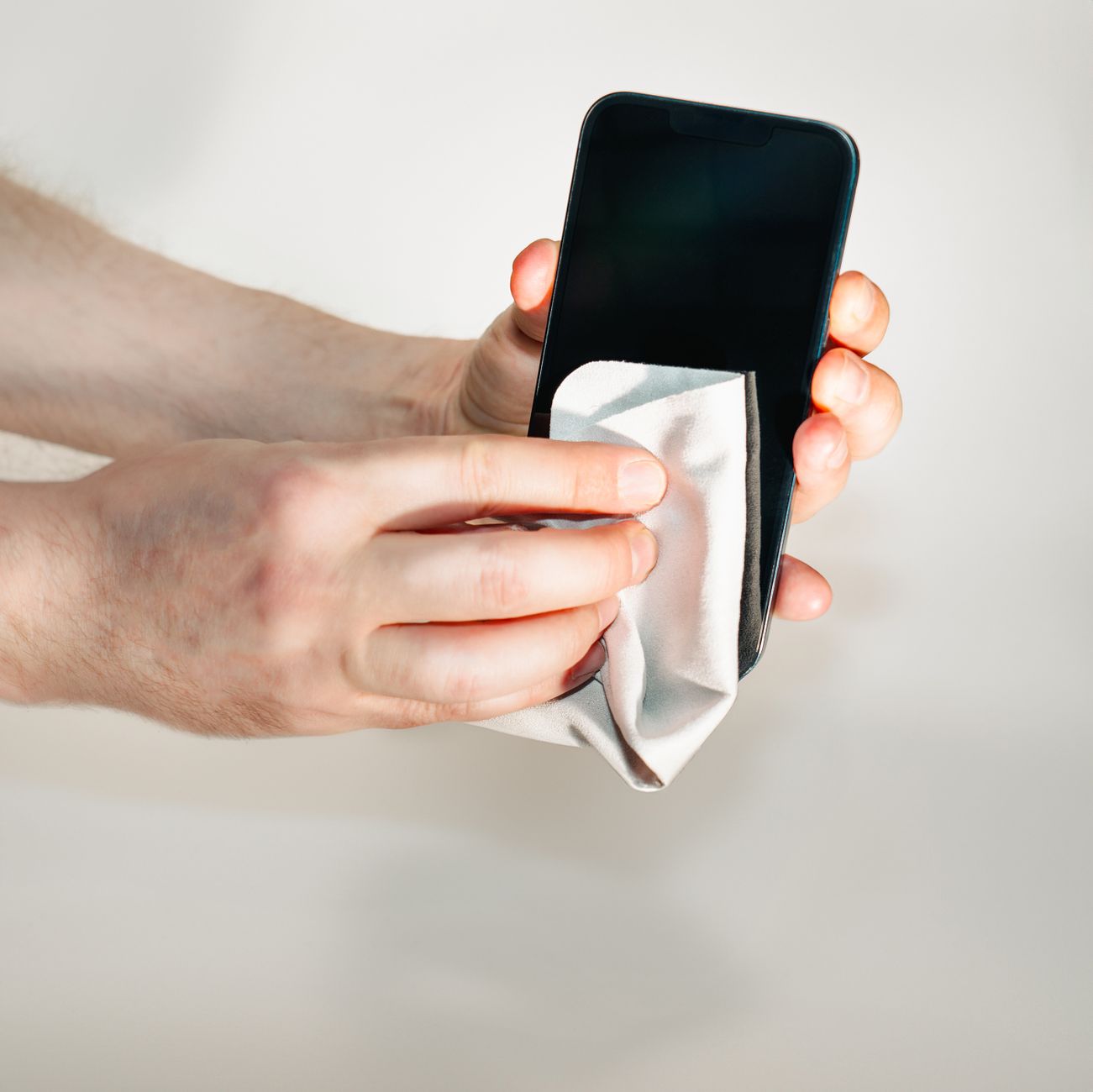
I clean my speaker grille on the first of every month now, right after I pay my bills. It takes two minutes, and I have not thought about a repair since.
📋 Quick Summary: Clean a quiet phone speaker with a dry soft toothbrush and short bursts of compressed air, never poking into the grille with anything sharp.