Protect Your Laptop Webcam with a Bandaid Instead of Buying a Cover
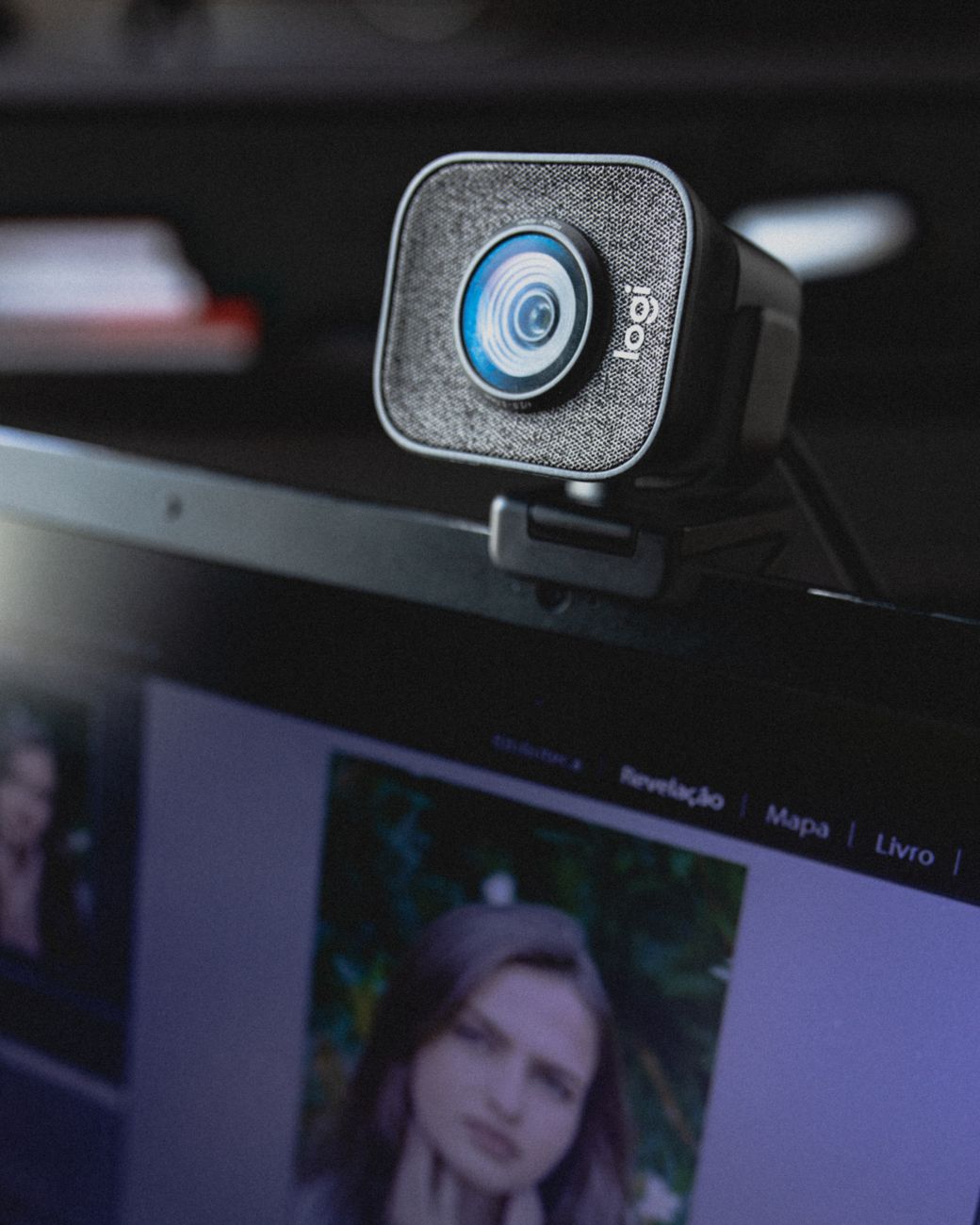
I am not paranoid enough to believe someone is actively watching me through my laptop camera, but I also did not love the idea that the little green light might not always be honest. A webcam cover felt like cheap insurance, until I saw the price of a tiny plastic slider.
Then I noticed a box of bandaids in my bathroom drawer and realized the solution was already in my house.
The bandaid trick
A standard bandaid is basically a camera cover with the sticky part built in. It is opaque, it is soft enough not to scratch the lens, and it peels off without leaving residue.
- Cut the bandaid down to the size of the camera, or just fold it over the top of your screen.
- Press the pad part over the camera lens, with the sticky ends on the bezel.
- Fold one sticky end back on itself to make a little tab, so you can flip it up when you want to use the camera.
That fold is the clever part. Make a little tab on one side and the bandaid becomes a flap you can open and close, just like a real cover, without ever losing it.
A few honest warnings
One thing to watch: on some laptops, especially thinner ones, a thick bandaid can press against the screen when the lid is closed and leave a mark. Use a thin fabric bandaid, not the heavy cushioned kind, and you will be fine.
The other thing is dust. If the sticky pad sits directly on the lens for weeks, it can leave a tiny bit of lint. So I fold the pad so only the edges stick to the bezel and the middle hovers just above the lens without touching it.
It is not the most elegant solution on earth, but it costs almost nothing, it works, and I already own a whole box.
📋 Quick Summary: Fold a thin bandaid over your laptop camera with a little tab on one side. It becomes a free flip up webcam cover that peels off clean when you are done.