Find a Lost Remote Control with Just Your Phone Camera
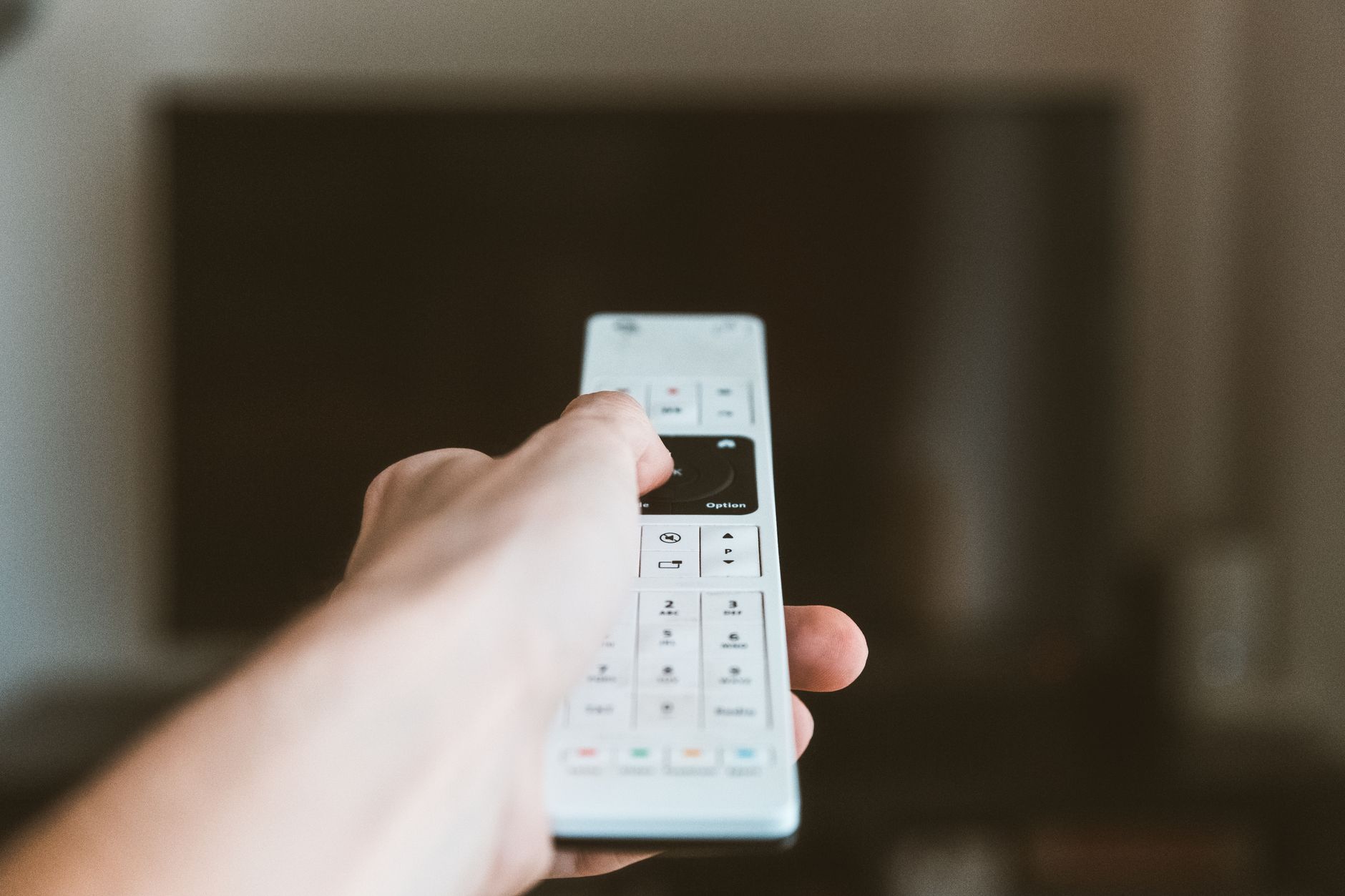
The remote disappeared into the couch again, and I was doing the full ritual: lifting cushions, checking under the coffee table, patting down the blanket like a TSA agent. Then a friend showed me a trick that felt like magic.
Use your phone camera to see infrared
Most remotes use an infrared light to talk to the TV. Your eyes cannot see it, but your phone camera can. Open the camera app, point it at the front of the remote, and press a button. On the screen you will see a faint purple or white light blinking at the tip.
That light is the remote working, which means you are holding the right remote and it has power.
How this helps you find it
The real win is narrowing the search. If you have a pile of remotes and some are dead, the camera tells you instantly which one is alive. And if the remote is buried under a blanket, a quick scan around the couch with the camera open can catch that little blink in the dark.
A few things to know:
- This works with most remotes, not just TV remotes.
- It helps to dim the lights so the blink is easier to spot.
- Some newer remotes use radio instead of infrared, so this will not work for those.
It is a two second check that has saved me from tearing the living room apart more times than I can count. Now it is the first thing I try, before the cushions.

📋 Quick Summary: Point your phone camera at a remote and press a button. If it blinks, the remote works.