Why You Should Restart Your Router Once a Month and How It Fixes Most Internet Problems
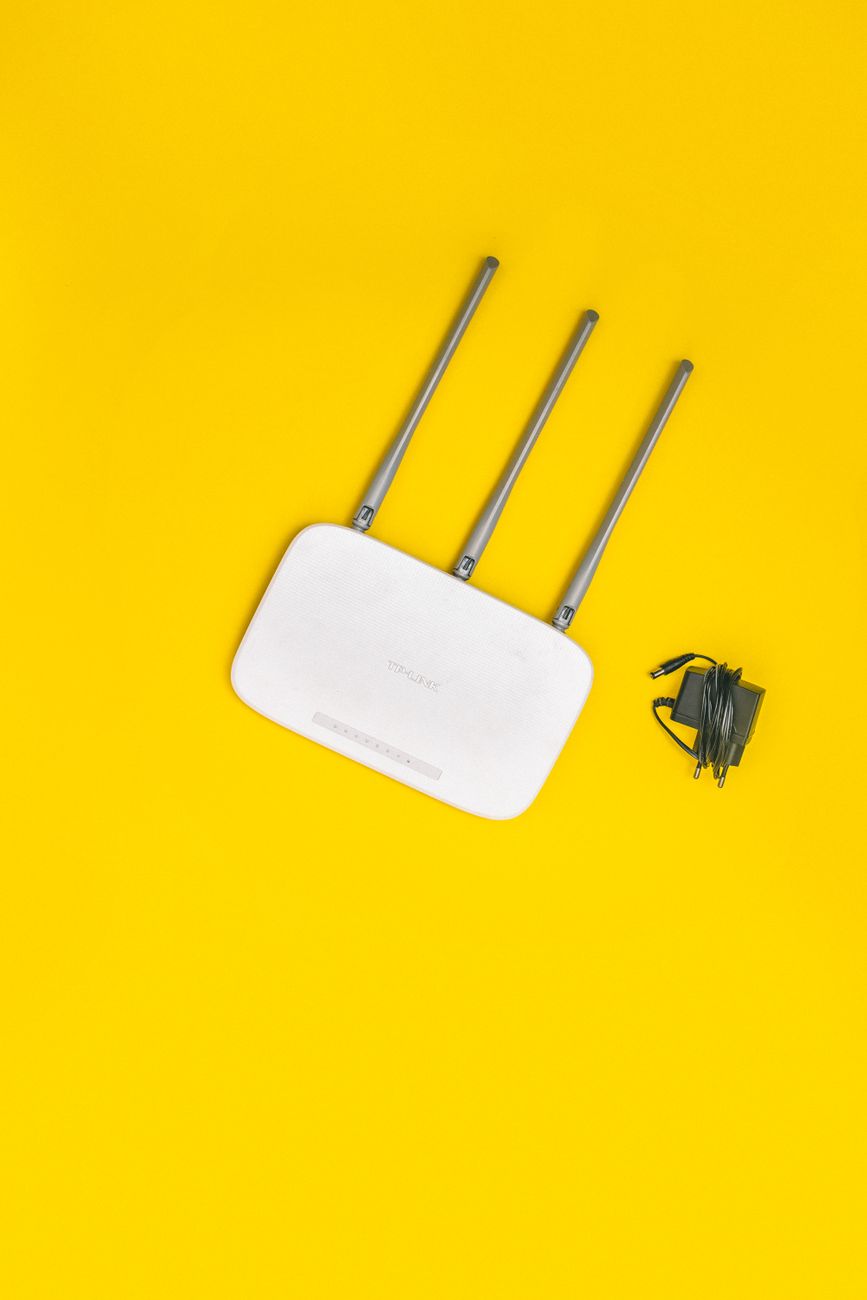
Your internet is slow. Pages take forever to load. Video calls freeze. You call your ISP and they tell you to “unplug the router for 30 seconds and plug it back in.” It works. But why? And why do you have to keep doing it?
The answer is not “routers are bad.” It is that routers are computers that never sleep. Here is what happens inside that little box and why a monthly restart keeps everything running smoothly.
What a restart actually fixes
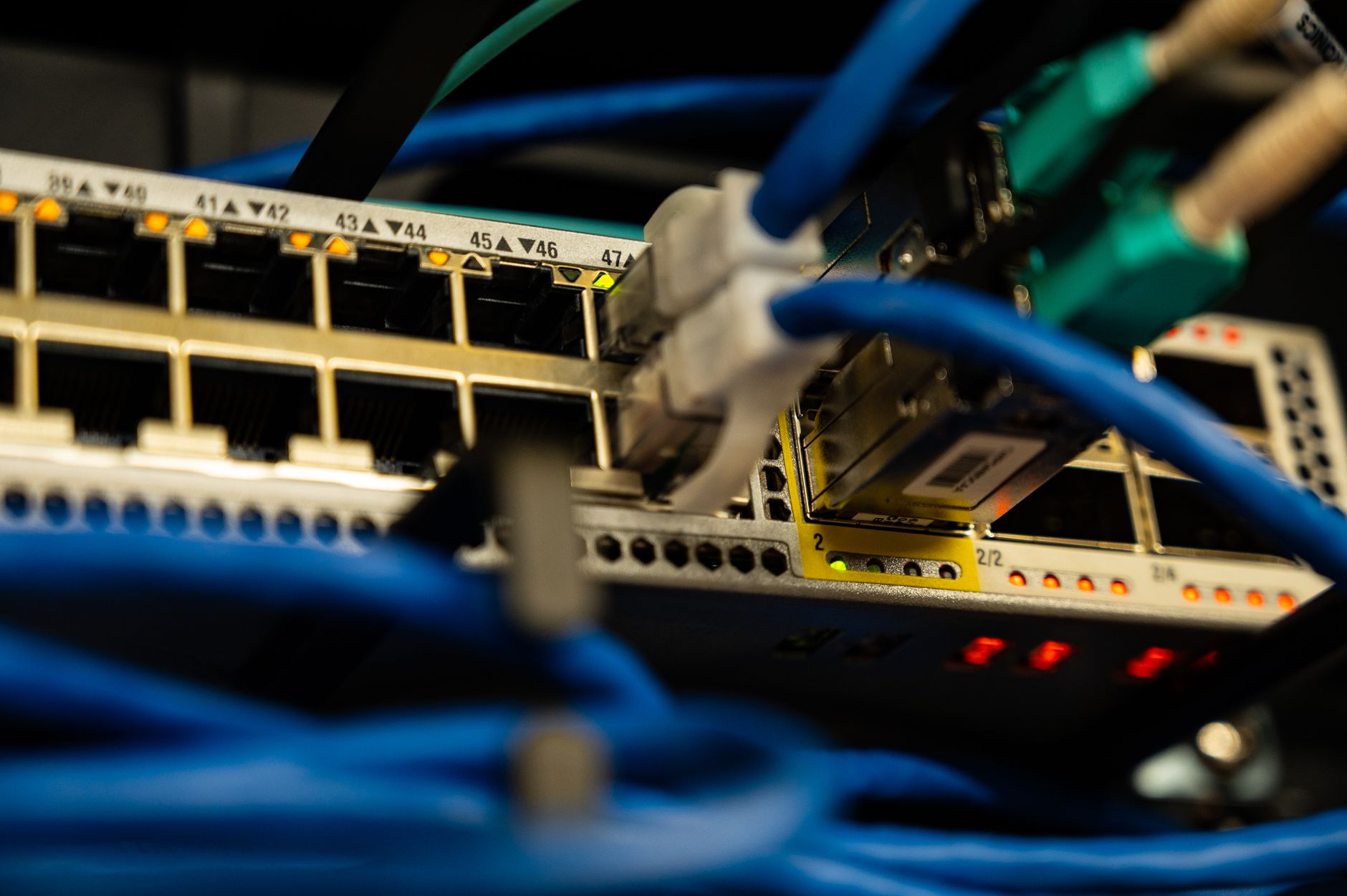
Your router has a small amount of RAM, just like your phone or laptop. Over weeks of continuous operation, this memory fills up with temporary data that never gets cleared — DHCP lease tables (which device has which IP address), NAT translation records, DNS cache entries, and firmware state data. When the memory fills up, the router slows down trying to manage it all. A restart clears this memory completely.
The router also runs a tiny operating system. Like any OS, it can develop memory leaks — small amounts of RAM that get allocated and never freed. Over a month, these leaks add up. Restarting gives the OS a clean slate.
The 30-second rule
Unplugging for five seconds is not enough. Wait a full 30 seconds. This gives the capacitors inside the router time to discharge completely, which ensures a true cold boot. If you just unplug and replug quickly, residual power may keep some components in a half-alive state, and the restart does not fully clear memory.
When restarting is not enough
If you restart and the internet is still slow, the problem is likely outside your home — your ISP’s infrastructure, a damaged cable outside, or congestion in your neighborhood during peak hours. But you should always rule out the router first because it is the one thing you can fix without a technician visit or a phone call to customer support.
Set a reminder
I set a recurring calendar reminder for the first of every month: “Restart router.” It takes 60 seconds. My internet has been noticeably more stable since I started doing it. For the truly lazy, some routers have a setting to auto-reboot on a schedule — check your router’s admin page under System or Maintenance.
📋 Quick Summary: Restart your router once a month by unplugging for a full 30 seconds. This clears memory leaks, flushes temporary tables, and gives the firmware a clean slate. Set a monthly calendar reminder. If a restart does not fix the problem, the issue is likely with your ISP.