What to Do When Your Computer Freezes and Control Alt Delete Does Not Work
I was fifteen minutes into editing a video when everything stopped. Cursor frozen. Music stuck on a single note like a broken record. Ctrl+Alt+Delete did nothing. I sat there staring at the screen, genuinely unsure what to do besides “turn it off and back on,” which felt wrong somehow — like I was supposed to have a more sophisticated solution.
Turns out the unsophisticated solution is exactly right. Here’s how to do it without making things worse.
The escalation ladder
Before you do anything drastic, try these in order:
Wait thirty seconds. Sometimes the computer is just thinking very hard and will recover on its own. If the hard drive light is blinking, the system is still doing something. Give it a minute.
Try Ctrl+Shift+Esc instead of Ctrl+Alt+Delete. It opens Task Manager directly and sometimes works when the other shortcut doesn’t. If Task Manager opens, find the unresponsive program, select it, and click End Task.
The force restart
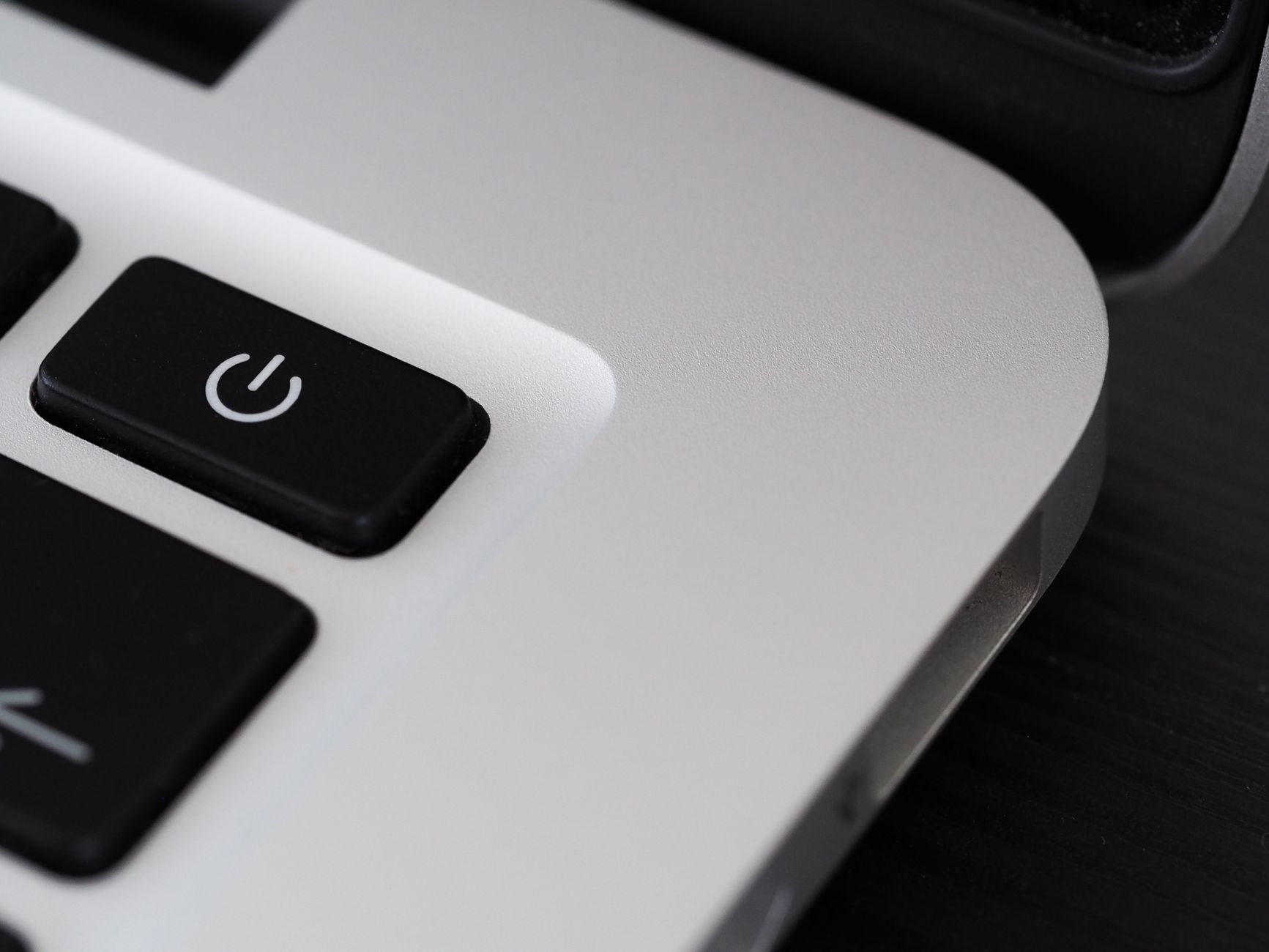
If nothing responds — not the mouse, not the keyboard, not any shortcut — hold down the power button for a full ten seconds. Not a quick press. Ten seconds. The computer will shut off completely. Wait five seconds, then press the power button normally to turn it back on.
This is called a hard reset. It cuts power to the components abruptly. Modern computers handle this fine in most cases. The main risk is losing unsaved work — which you’ve already lost if the computer is frozen. You’re not making the situation worse by forcing a restart.
What not to do
Don’t unplug the power cord while the computer is running, especially with a desktop. The sudden power loss is the same as a force restart but can cause electrical stress on the power supply. The power button method is gentler on the hardware.
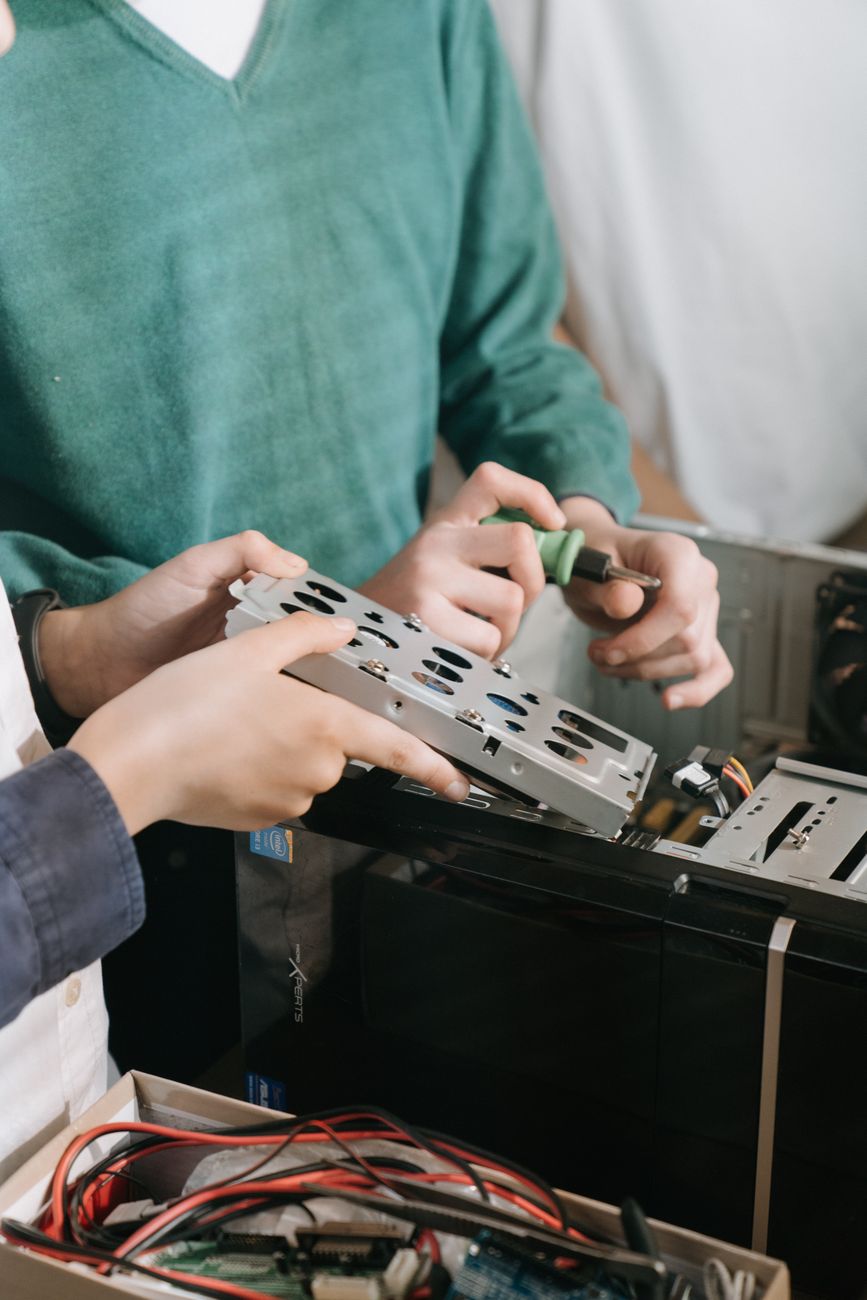
Don’t open the case and start unplugging components. That’s how you turn a software freeze into a hardware problem.
If it happens repeatedly
One freeze is random. Frequent freezes are a symptom. Common causes: overheating (clean your fans and vents), failing hard drive (listen for clicking sounds), bad RAM (run Windows Memory Diagnostic or Apple Diagnostics), or malware (run a scan). If freezes happen mostly during specific tasks — gaming, video editing — your hardware might be underpowered for what you’re asking it to do.
📋 Quick Summary: Wait 30 seconds first. Try Ctrl+Shift+Esc. If nothing works, hold the power button for 10 seconds to force a restart. Lost unsaved work is the main risk. Repeated freezes point to overheating, bad RAM, or a failing drive.