How to Avoid Bank Overdraft Fees Forever With One Setting Change
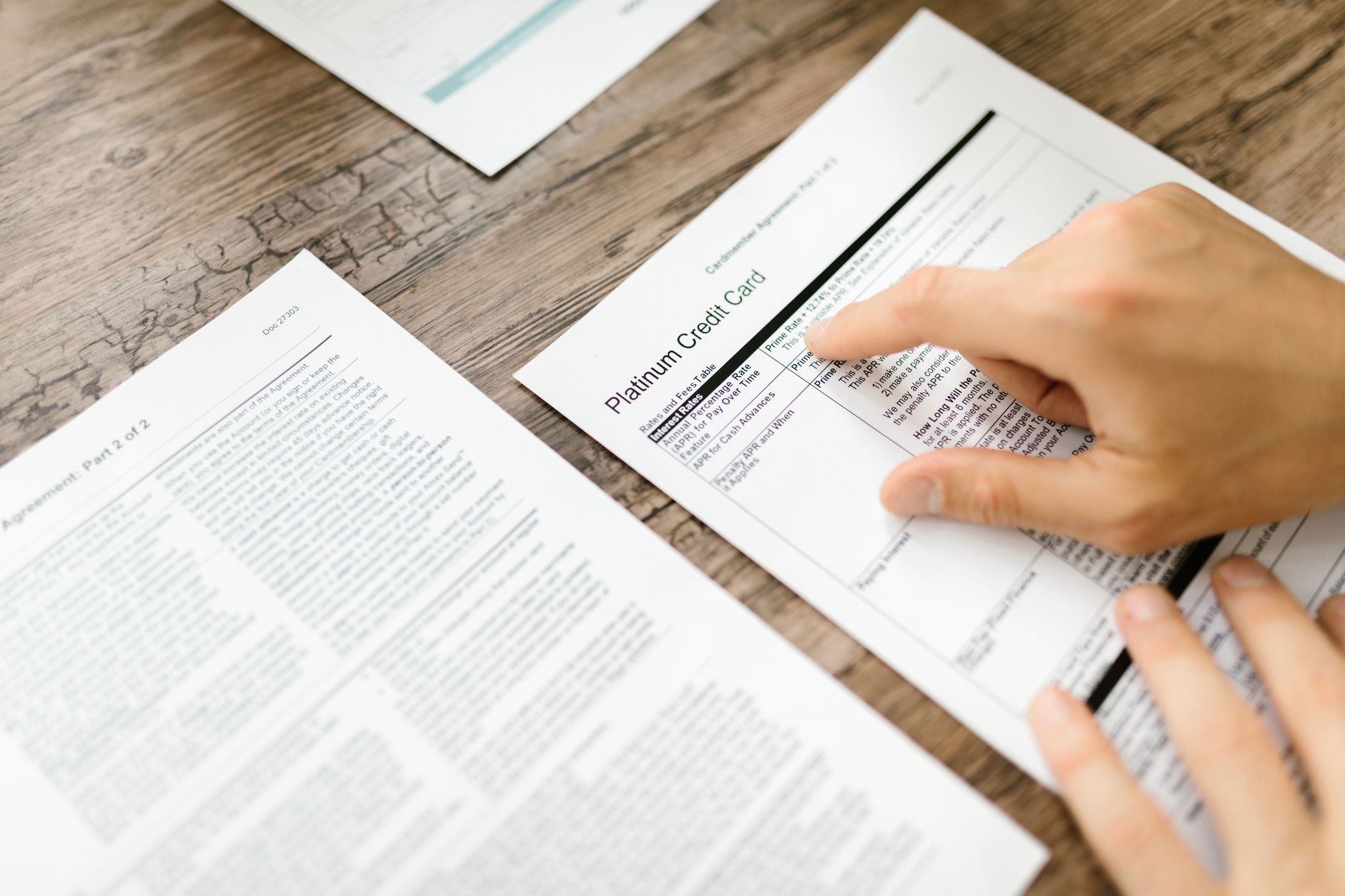
I paid a thirty-five dollar overdraft fee on a three-dollar coffee. The coffee cost three dollars. The fee cost thirty-five. I had money in my savings account — plenty of it. The bank chose not to pull from savings. They chose to let the transaction go through, charge me the fee, and send a cheerful email saying “We’ve got you covered!” They did not have me covered. They had their revenue stream covered.
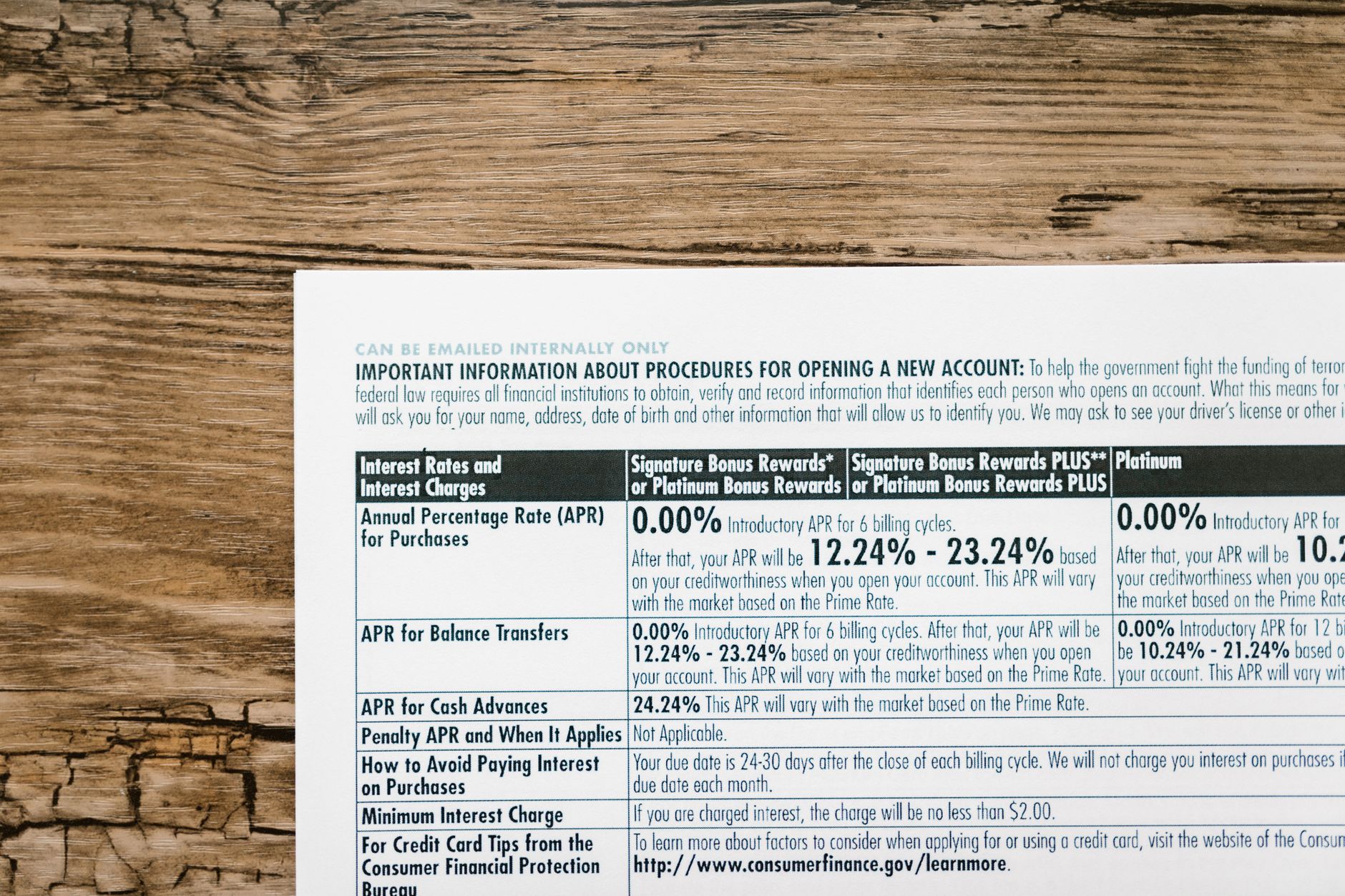
Most people do not know that overdraft coverage is optional. Banks enroll you by default. They frame it as a service — “protection” — but it is a high-interest loan on a three-dollar purchase. And you can turn it off. Here is how.
The Setting You Need to Change
Log into your bank’s website or app. Look for a setting called “Overdraft Coverage” or “Overdraft Protection”. It is usually buried under Account Settings or Account Services. There will be an option that says something like “DeCover” or “Opt out of debit card overdraft.” Select it.
This setting applies specifically to debit card transactions and ATM withdrawals. After you opt out, if you try to buy something with your debit card and you do not have enough money in checking, the transaction simply gets declined. No fee. No “protection.” Just a declined card and the momentary awkwardness of having to use a different payment method.
I opted out three years ago. Since then, I have had exactly two transactions declined. Two moments of mild embarrassment. Total savings: somewhere north of four hundred dollars in avoided fees. Worth it.
What This Does Not Stop
Opting out of debit card overdraft does not stop overdraft fees on checks, automatic bill payments, or recurring debit transactions (like your gym membership or Netflix subscription). Those are covered by a different regulation. For those, you need to either keep a buffer in checking or set up a real overdraft protection service that pulls from savings — not the fake “protection” that is just a fee in disguise.
Set Up Real Protection: Linked Savings Transfer
Most banks offer linked account overdraft transfer. If your checking runs low, the bank automatically moves money from your savings to cover the transaction. Some banks charge a small fee for this — usually five to ten dollars. Some do it for free. Either way, it is cheaper than thirty-five dollars per transaction. Set this up. It is what I thought I had before I learned I did not.
Alternatively, keep a minimum buffer in your checking account — an amount you treat as zero. For me, that is three hundred dollars. If my balance drops below three hundred, I treat it like I am out of money. This buffer absorbs any unexpected auto-payments without triggering fees.
📋 Quick Summary: Stop paying overdraft fees on debit card purchases by opting out of “Overdraft Coverage” in your bank account settings. Transactions will be declined instead of triggering a $35 fee. For checks and auto-payments, set up a linked savings transfer or keep a minimum buffer in checking.