How to Clean Your Keyboard Without Breaking Any Keys
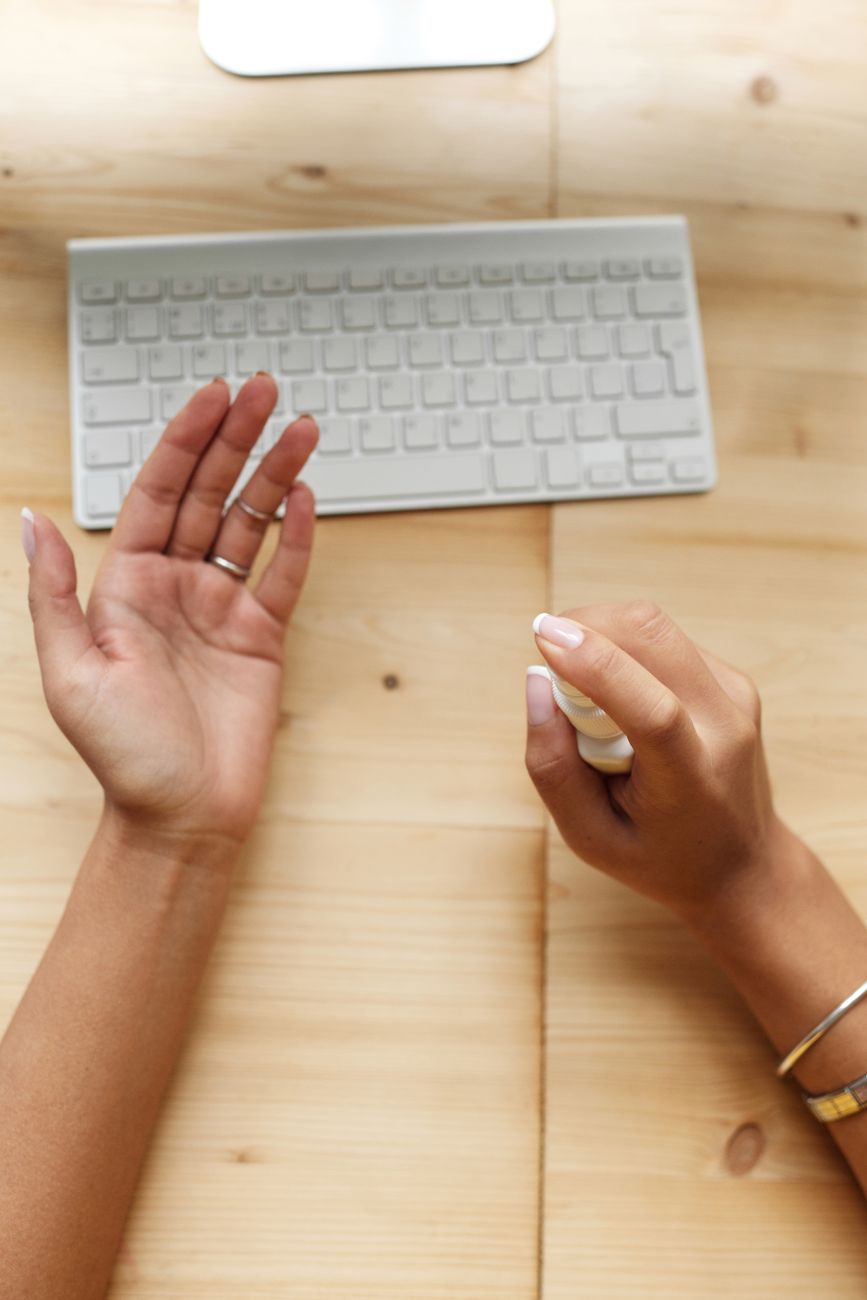
I popped a keycap off my laptop keyboard once to clean underneath it. The little plastic clip broke. The key never sat right again — it wobbled and sometimes flew off entirely when I typed too fast. I ended up buying an external keyboard because I could not stand looking at that one sad, crooked key.
Since then, I have learned how to clean keyboards without removing a single keycap. Here is what works on everything from laptops to mechanical keyboards.
Turn It Off and Flip It Over
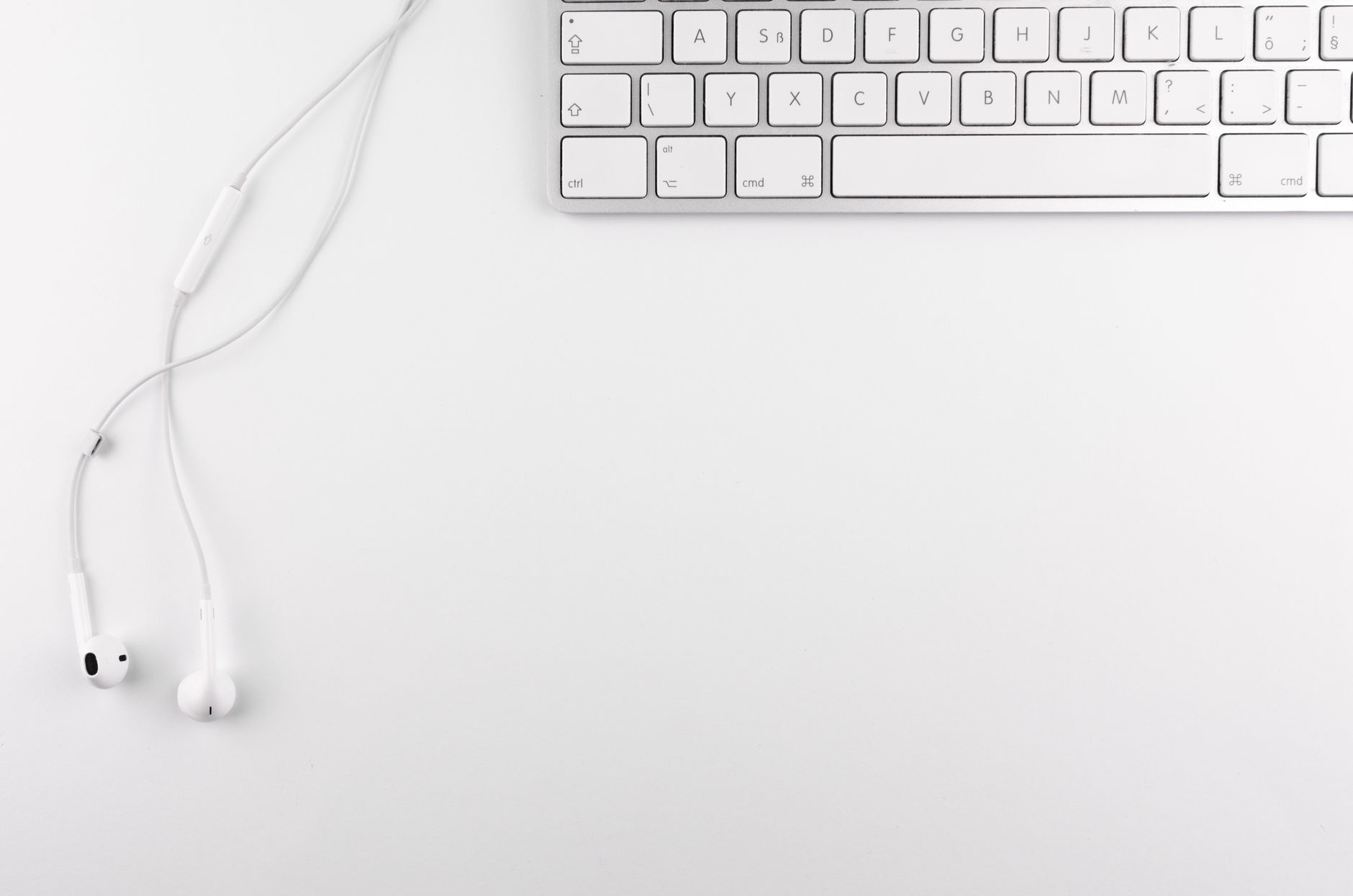
Unplug the keyboard or turn off the laptop. Hold it upside down over a trash can and gently shake and tap the back. You will be horrified by what falls out — crumbs, hair, flakes of skin, things you do not remember eating anywhere near your computer. Do this for about 30 seconds, tilting at different angles.
Compressed Air Is Your Best Friend
Hold the can of compressed air upright — never tilt it, or the propellant sprays out as a freezing liquid that can damage electronics. Use short bursts, aiming between the keys at a 45-degree angle. Work in rows from the top of the keyboard to the bottom so debris falls out instead of getting pushed deeper.
Sticky Keys — Cleaning Gel or Slime
If keys feel sticky or have visible grime on them, get a keyboard cleaning gel — that brightly colored blob of goo sold for a few dollars online. Press it into the keyboard, let it sink between the keys, then peel it off slowly. It lifts out dirt and dust that compressed air misses. The gel is reusable several times before it gets too dirty.
Disinfect Without Damage
Dampen a microfiber cloth with 70% isopropyl alcohol — damp, not wet. Wipe the tops of the keycaps. Alcohol evaporates almost instantly, so there is no risk of liquid seeping underneath. Do not use disinfecting wipes with bleach or ammonia — they can strip the letters off your keycaps over time.
Quick Summary: Shake it upside down first. Compressed air at 45 degrees. Cleaning gel for sticky grime. Isopropyl alcohol on a cloth for disinfecting. Never pop off keycaps unless you know the mechanism.