How to Make Your Old iPad Useful Again as a Dedicated Kitchen Screen
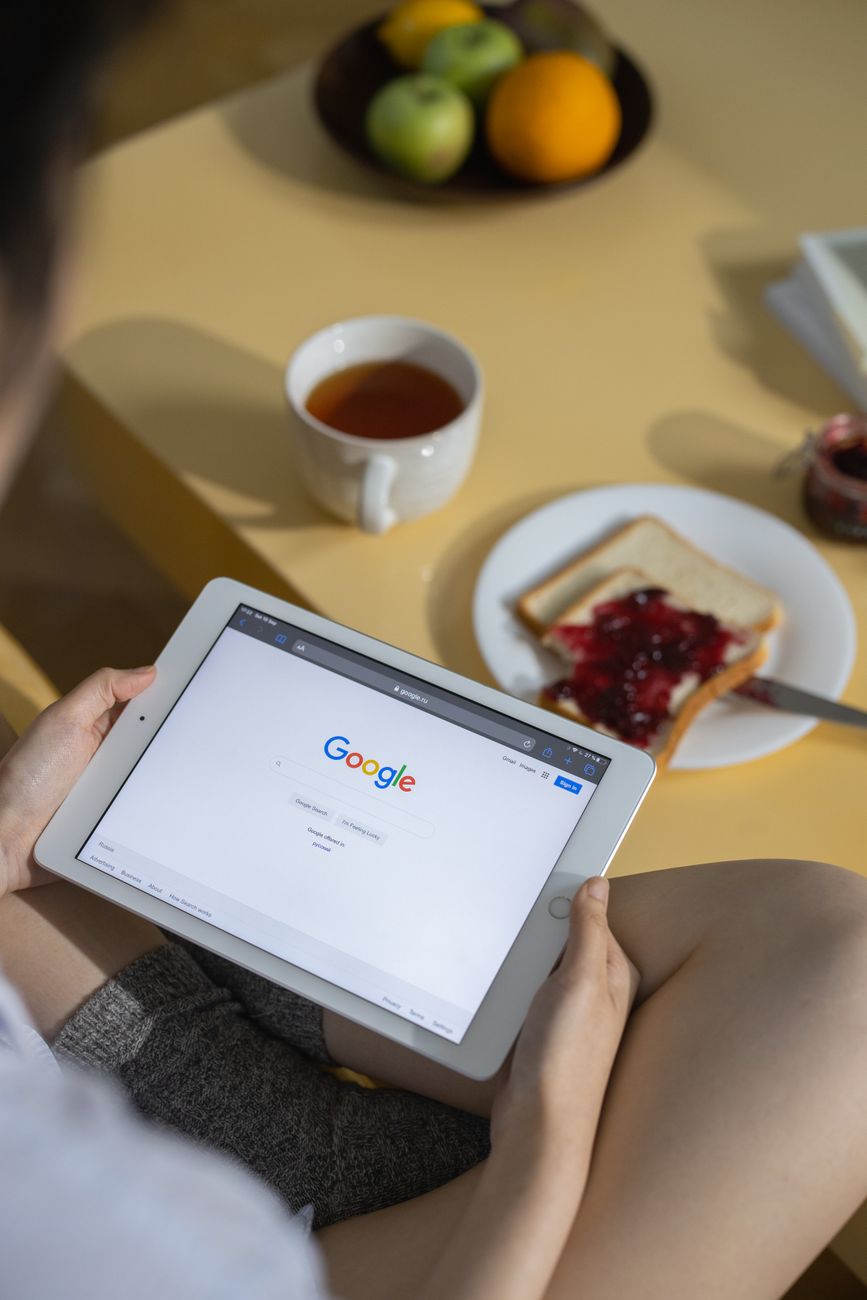
My iPad 5th generation has been sitting in a drawer since 2019. It is too old to run the latest iOS smoothly, the battery lasts about three hours, and apps crash if I ask too much of it. I almost traded it in for thirty dollars — the recycling value. But I could not bring myself to hand over a perfectly functional screen for the price of a pizza.
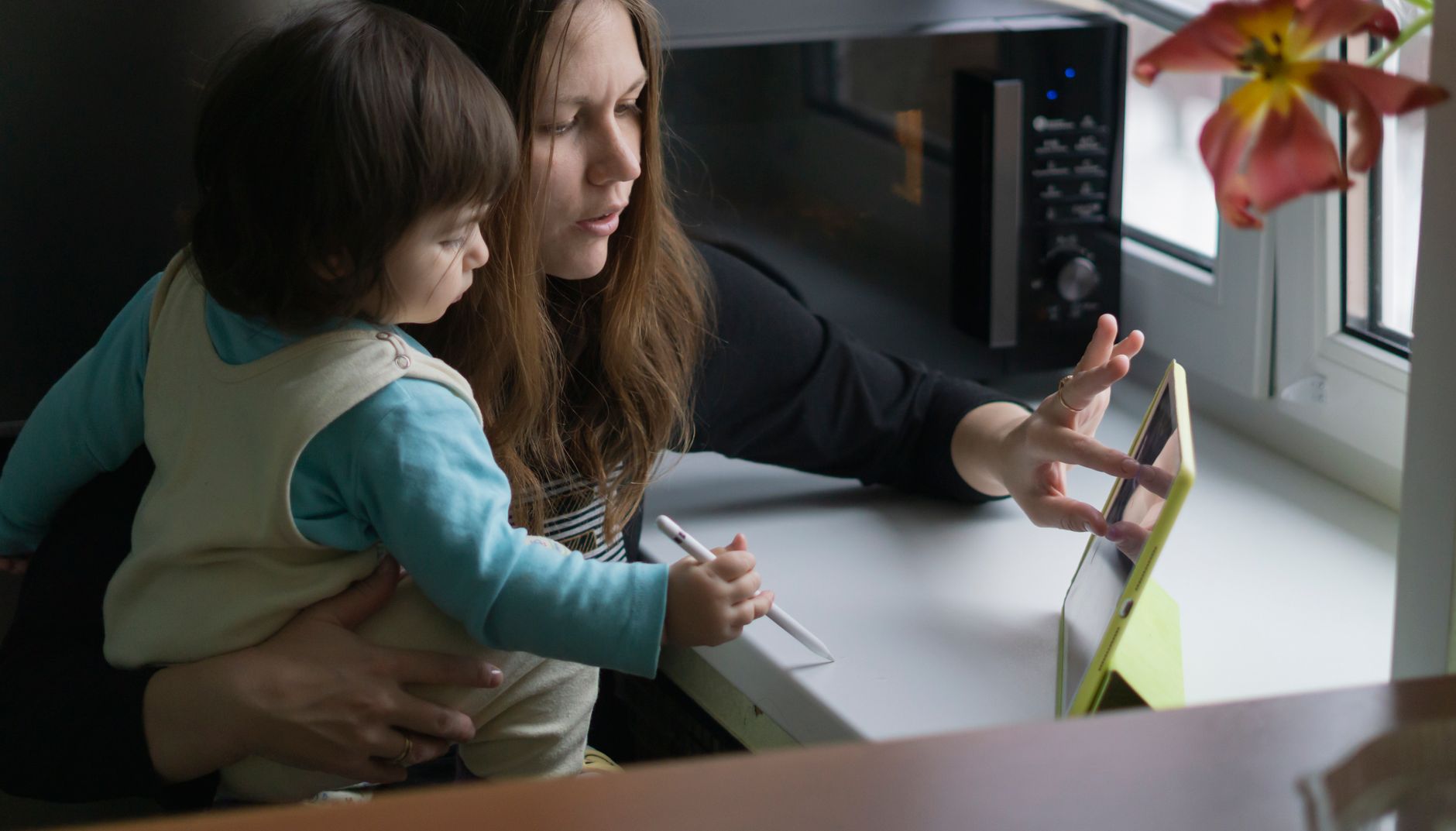
Then I stuck it on my kitchen wall. Best decision I made with a piece of old tech.
Why a Kitchen iPad Makes Sense
A kitchen tablet does not need to be fast. You are not gaming on it or editing video. You need it to display recipes, play music, show timers, and maybe stream a show while you chop vegetables. A ten-year-old iPad handles all of that effortlessly.
The things that make an iPad “obsolete” — lack of Apple Intelligence, slow app launches, poor multitasking — do not matter when the device is doing one thing at a time in the kitchen. You open a recipe, you cook. You open Spotify, you listen. That is it.
How to Set It Up
- Factory reset the iPad. Start clean. Set it up as a new device — do not restore from a backup. This removes years of accumulated system cruft that slows down old devices.
- Do not sign into your main Apple ID. Create a separate one or skip sign-in entirely. You want this device to be a kitchen tool, not a clone of your phone with all your notifications and messages.
- Install only what you need: a recipe app (Paprika is excellent — one-time purchase, no subscription), Spotify or Apple Music, a timer app, and maybe Netflix. That is four apps total.
- Turn off notifications. All of them. The iPad is not allowed to interrupt you while you are cooking.
- Enable Guided Access. Settings → Accessibility → Guided Access. This locks the iPad to a single app with a triple-click of the home button. Recipe open, triple-click, and now splashes and floury fingers cannot accidentally close the recipe.
Mounting It
You can buy a tablet wall mount for $15-25 — look for one with an adjustable arm that lets you angle the screen. Or go cheaper: a cabinet-mount tablet holder that clips under an upper cabinet. Either way, keep it away from the stove. Heat and steam kill electronics faster than obsolescence.
An iPad destined for recycling now lives permanently in my kitchen. It has been running for two years on the wall. Still slow. Still perfect.
📋 Quick Summary: Factory reset your old iPad, install only a recipe app and music, turn off all notifications, enable Guided Access, and mount it on the kitchen wall. A “useless” tablet becomes a dedicated kitchen companion.