Why Your Computer Fan Is So Loud and How to Quiet It
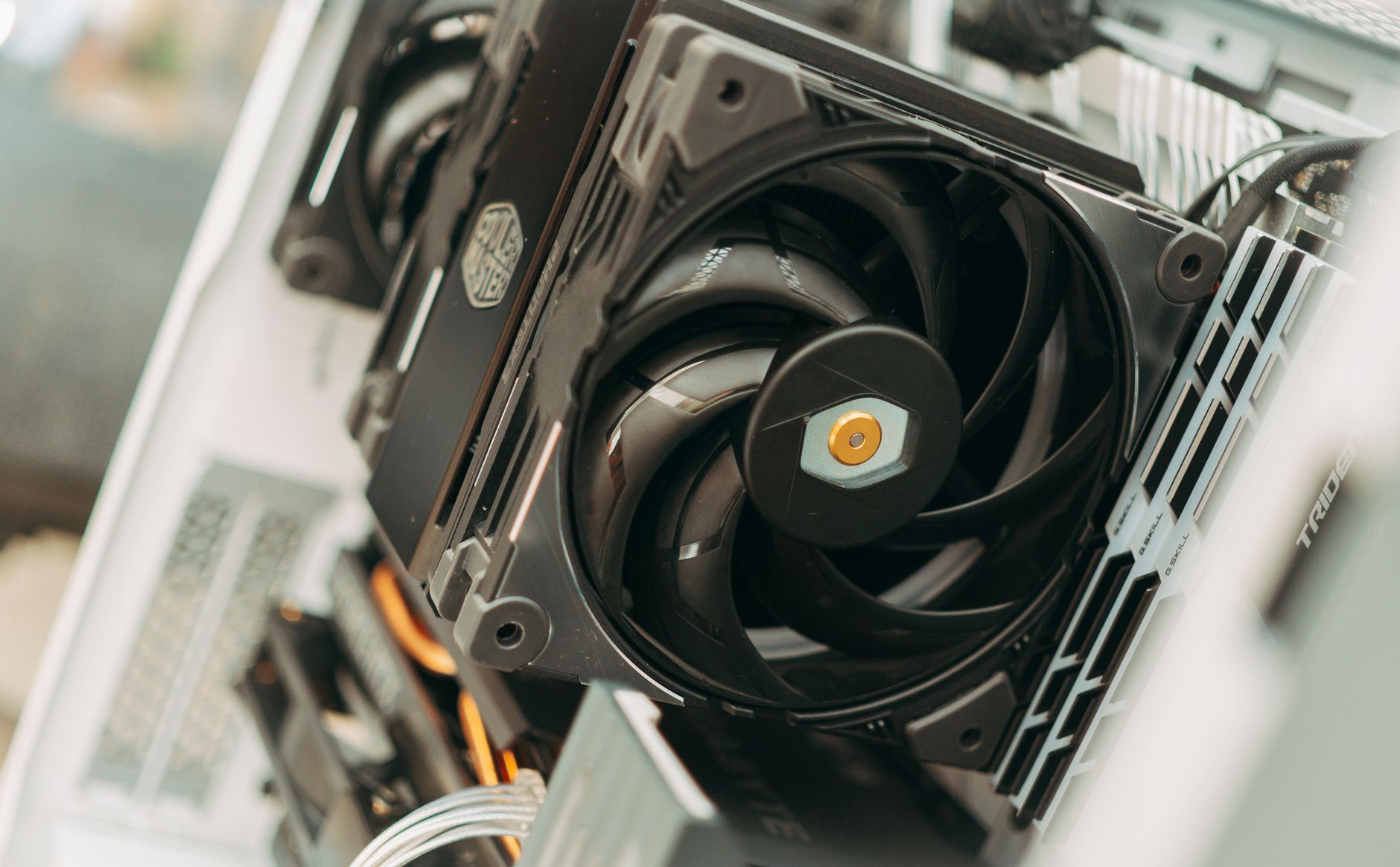
My laptop started sounding like a jet engine during Zoom calls. People on the other end could hear it. Someone asked if I was vacuuming. I was not — I was just trying to have a meeting.
I assumed the fan was dying. Opened it up to replace it and found the real problem in about four seconds.
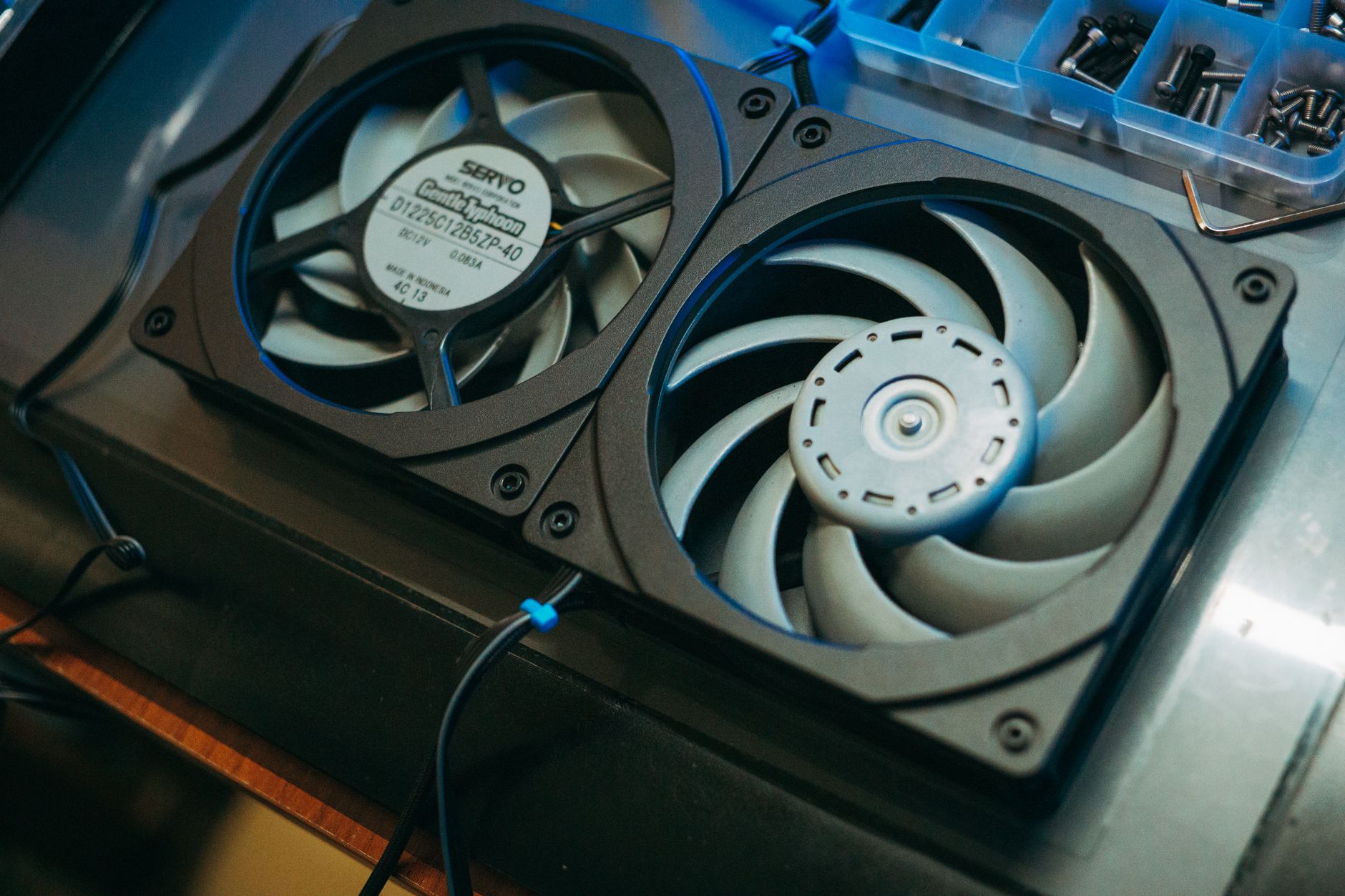
Dust: The Silent Fan Killer
Computer fans pull air through the case to cool the components. That air carries dust. Over months, dust builds up on the fan blades, the heatsink fins, and — critically — the exhaust vent. When the vent gets blocked, hot air cannot escape. The internal temperature rises. The fan spins faster to compensate. Faster spin = more noise.
When I opened my laptop, the exhaust vent was completely caked. Air had nowhere to go. The fan was running at full speed trying to push through a wall of dust. No wonder it sounded like a hair dryer.
How to Clean It (Laptop)
- Shut down and unplug. Remove the battery if possible.
- Open the bottom panel. Most laptops have screws on the bottom — check a YouTube teardown for your specific model.
- Hold the fan blades still with one finger. Spinning the fan with compressed air can damage the bearings.
- Blow compressed air through the exhaust vent from the outside in. Then blow from the inside out. Alternate until no more dust comes out.
- Gently wipe the fan blades with a cotton swab and a tiny bit of isopropyl alcohol. Dust stuck to the blades adds weight and makes the fan unbalanced and louder.
- Reassemble and test.
Desktop Tower: Same Problem, Easier Fix
Desktop fans are louder because they are bigger. The fix is the same — dust in the heatsink and vents. Open the side panel (usually two thumbscrews), hold the fans still, blow compressed air through every vent and heatsink. Pay extra attention to the CPU cooler — that heatsink is usually the most clogged.
If cleaning does not fix the noise, check your fan curves in the BIOS or in software like Fan Control. Some manufacturers set aggressive curves that ramp the fan to 100% at low temperatures. Dropping the curve slightly at idle and moderate loads makes a big noise difference with minimal temperature impact.
📋 Quick Summary: A loud computer fan is almost always a blocked exhaust vent full of dust. Hold the fan still, blow compressed air through the vents from both directions, and clean the blades with alcohol. Takes ten minutes.