The Hair Dryer Trick That Revives a Dead Laptop Battery Temporarily

My laptop died at 47% battery. Not “low battery” died — full shutdown, black screen, would not turn back on. The battery was three years old and had been acting weird for weeks, but I needed it to last one more day until the replacement arrived.
An IT friend suggested something I thought was a joke: “Warm it up.” He was not joking.
Why Heat Temporarily Revives Old Batteries
Lithium-ion batteries degrade through a process called internal resistance buildup. Over hundreds of charge cycles, chemical byproducts form inside the cells, making it harder for ions to move between the electrodes. At a certain point, the battery can no longer deliver enough voltage to power the laptop — even though energy is still stored inside.
Heat lowers internal resistance temporarily. It makes the electrolyte more conductive. The battery can deliver more of its remaining charge before the voltage drops below shutdown threshold. This is not a fix — it is squeezing a little more life out of a dying battery.
How to Warm It Safely
- Remove the battery from the laptop if it is removable. If it is sealed inside (most modern laptops), skip this step.
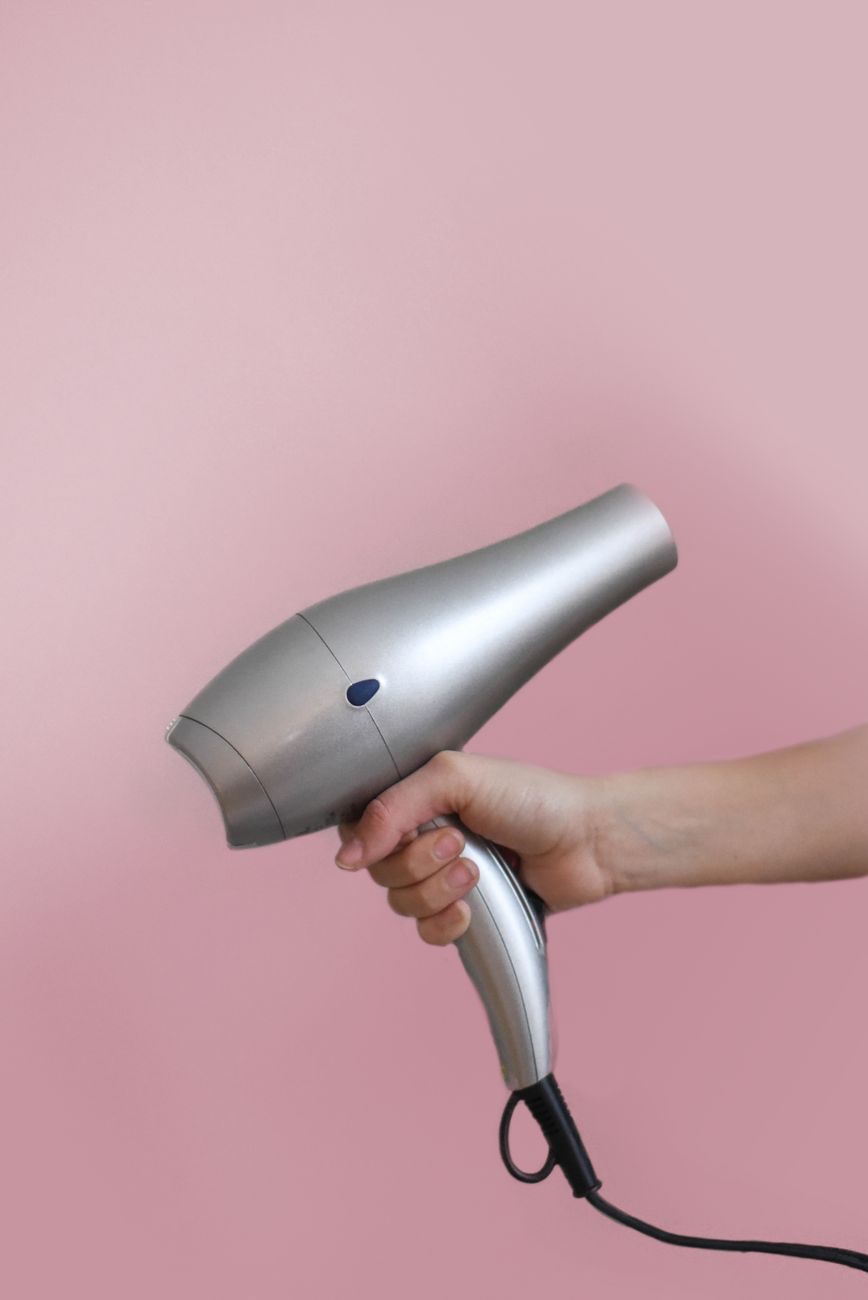
- Use a hair dryer on low heat. Hold it about 12 inches from the battery. Move it back and forth — do not concentrate heat on one spot.
- Warm for about two minutes. The battery should feel warm to the touch, not hot. If it is uncomfortable to hold, stop immediately.
- Reinsert and charge or, if it was already charged, try powering on.
Do not use an oven, microwave, or direct flame. I should not have to say this but people have done it. Lithium batteries can catch fire or explode if overheated. A hair dryer on low is as far as you should go.
The Reality Check
This trick might get you another hour or two of use. It might not work at all if the battery is completely dead rather than just high-resistance. It is an emergency measure — a way to pull a file off the laptop or finish a project before the new battery arrives. It is not a way to avoid buying a replacement.
If your battery is bulging, swelling, or has been doing this for months, skip the hair dryer and replace it. A swollen battery is a fire risk.
📋 Quick Summary: Warming a dying laptop battery with a hair dryer on low heat temporarily lowers internal resistance and may give you an extra hour of use. Emergency measure only — not a permanent fix.