Why You Should Restart Your Router Once a Month and How to Schedule It

My internet was getting sluggish. Pages loaded with a half-second hesitation. Video calls would freeze for three seconds then catch up in fast-forward. I blamed my ISP like a normal person. Then I restarted the router and everything went back to full speed. I had not rebooted that router in over a year.
Routers are basically small, underpowered computers that run 24/7. Over time, they develop memory leaks, their NAT tables fill up, and their firmware gets bogged down with stale connections. A quick reboot clears all of that. Once a month is about right for most home routers.
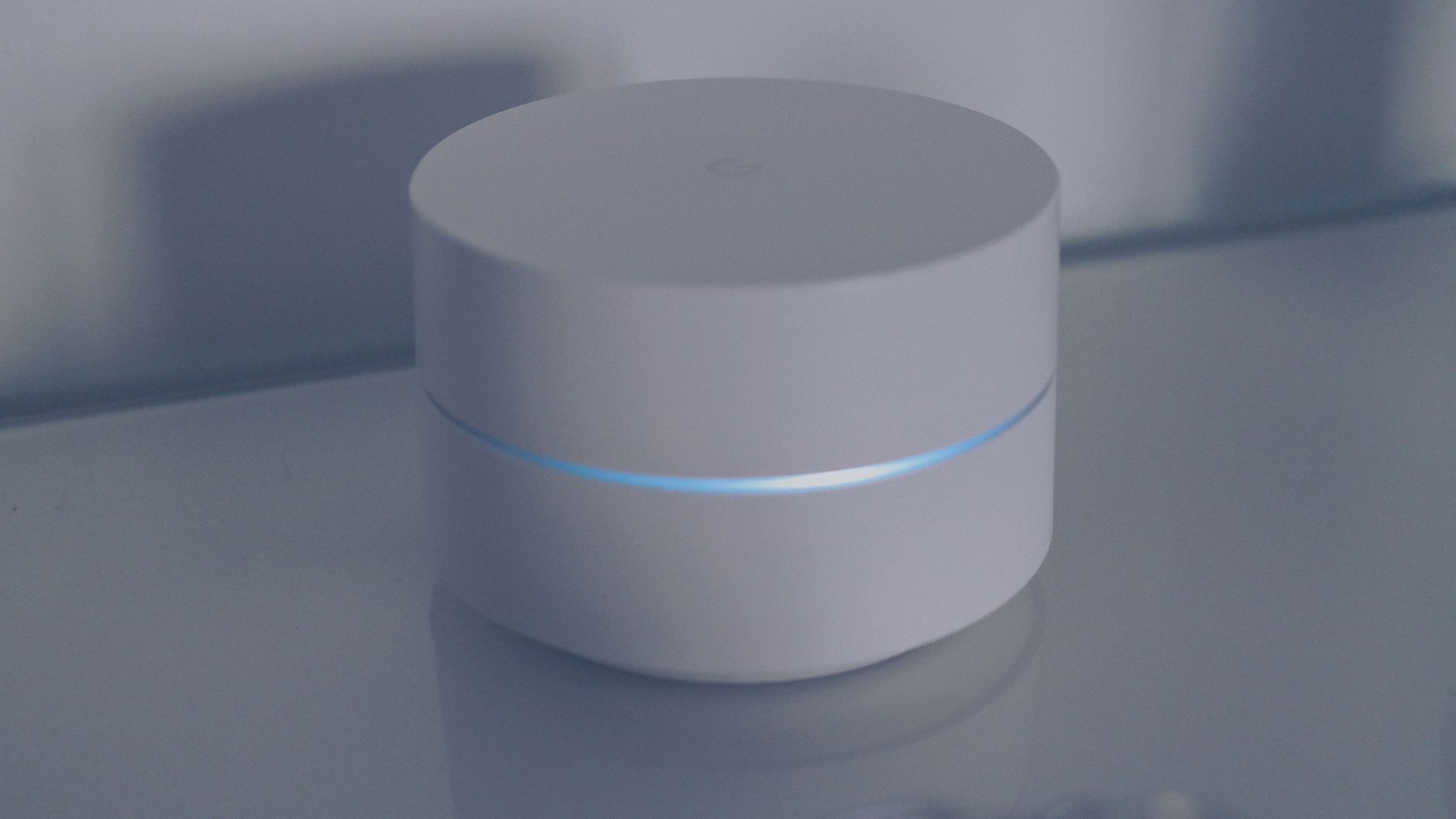
Why rebooting actually helps
Your router maintains a table of every device connected to it and every connection those devices have open. Over weeks and months, this table accumulates entries for devices that have disconnected but weren’t properly cleaned up. A reboot wipes the table and starts fresh.
Also: routers have a tiny amount of RAM. As the firmware runs continuously, small memory leaks build up. It’s not a lot — maybe a few megabytes a month — but on a device with only 128 MB of RAM to begin with, it adds up. Rebooting reclaims that memory.
And sometimes your router just needs to grab a new IP address from your ISP. ISPs periodically reassign IPs, and a long-running router might be clinging to an old lease that’s causing routing inefficiencies. A reboot forces a fresh DHCP negotiation.
How to automate it (so you never have to remember)
Method 1: Smart plug. Plug your router into a cheap smart plug. Set a schedule in the smart plug app to turn off at 3 AM on the first Sunday of every month and turn back on at 3:02 AM. Two minutes of downtime while everyone’s asleep. I set this up two years ago and I have not manually restarted my router since.
Method 2: Router’s built-in scheduler. Some routers let you schedule automatic reboots in the admin settings. Log into your router (usually at your router’s default gateway address — check the sticker on the bottom of the device), look for System Tools or Maintenance, and find the reboot scheduler. Not all routers have this, but it’s worth checking before buying a smart plug.
The difference is noticeable
I didn’t think it would make a difference until I did it. My buffer-free streaming returned immediately. My Zoom calls stopped doing the fast-forward catch-up thing. It’s not a placebo — the router genuinely runs better after a clean boot.
A router that’s running slow before the reboot is basically a router slowly drowning in its own stale data. Take two minutes a month and give it a fresh start.
- Why: Memory leaks, stale NAT tables, old IP leases
- How often: Once a month is plenty
- Smart plug method: Off at 3 AM, back on at 3:02 AM, nobody notices
- Router scheduler: Check admin settings for built-in reboot schedule
📋 Quick Summary: Routers accumulate memory leaks and stale data over weeks of uptime — rebooting once a month clears everything and noticeably improves speed. Use a smart plug to automate it at 3 AM so you never have to think about it.