The Standing Desk Alternative That Costs Under Twenty Dollars
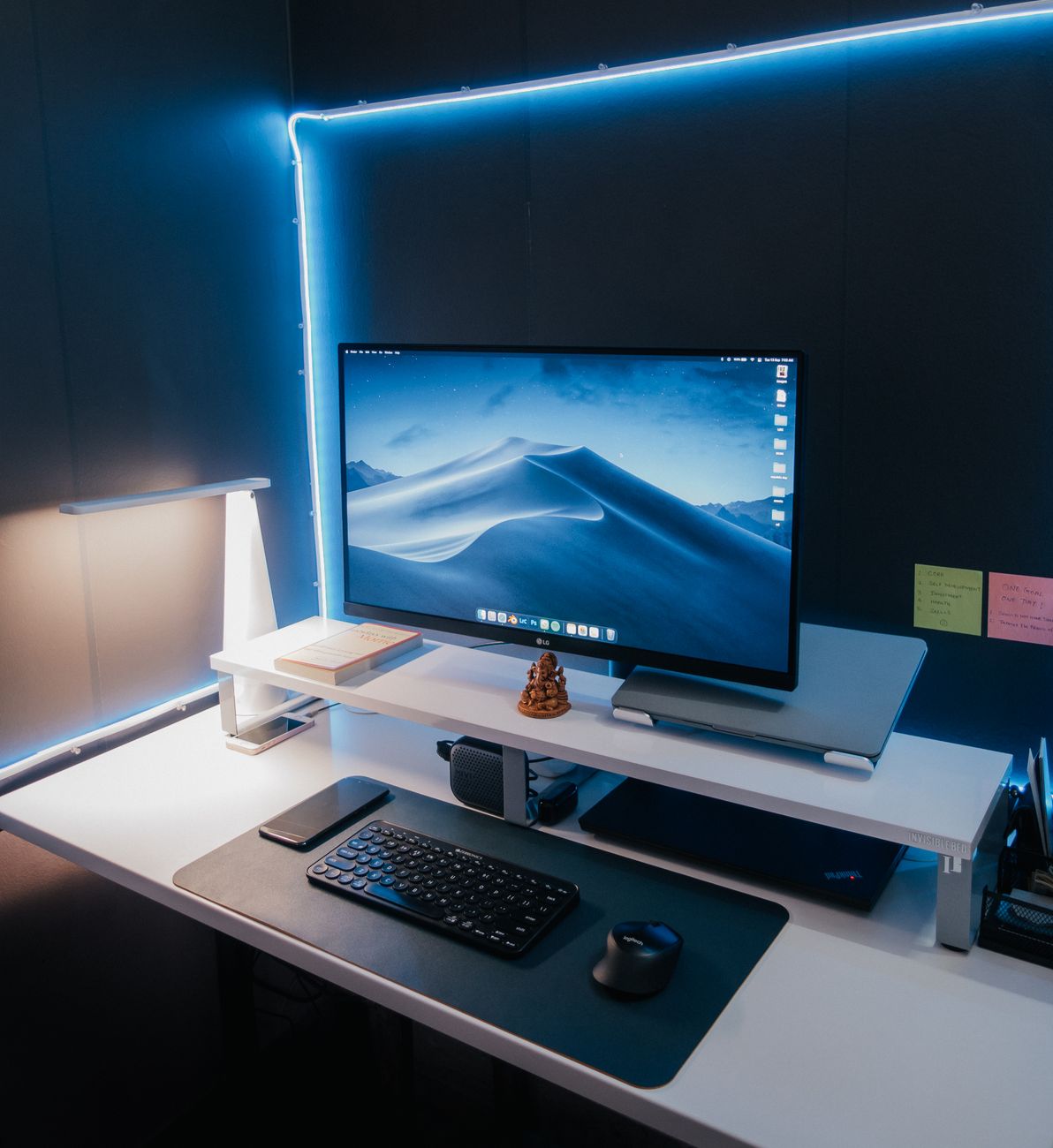
Standing desks are expensive. The motorized ones start at $300 and go up from there. I wanted to try standing while I worked without committing that much money before I knew if I would even like it. So I built a setup for seventeen dollars and used it for three months. Then I did buy a real standing desk — but only because I knew it was worth it.
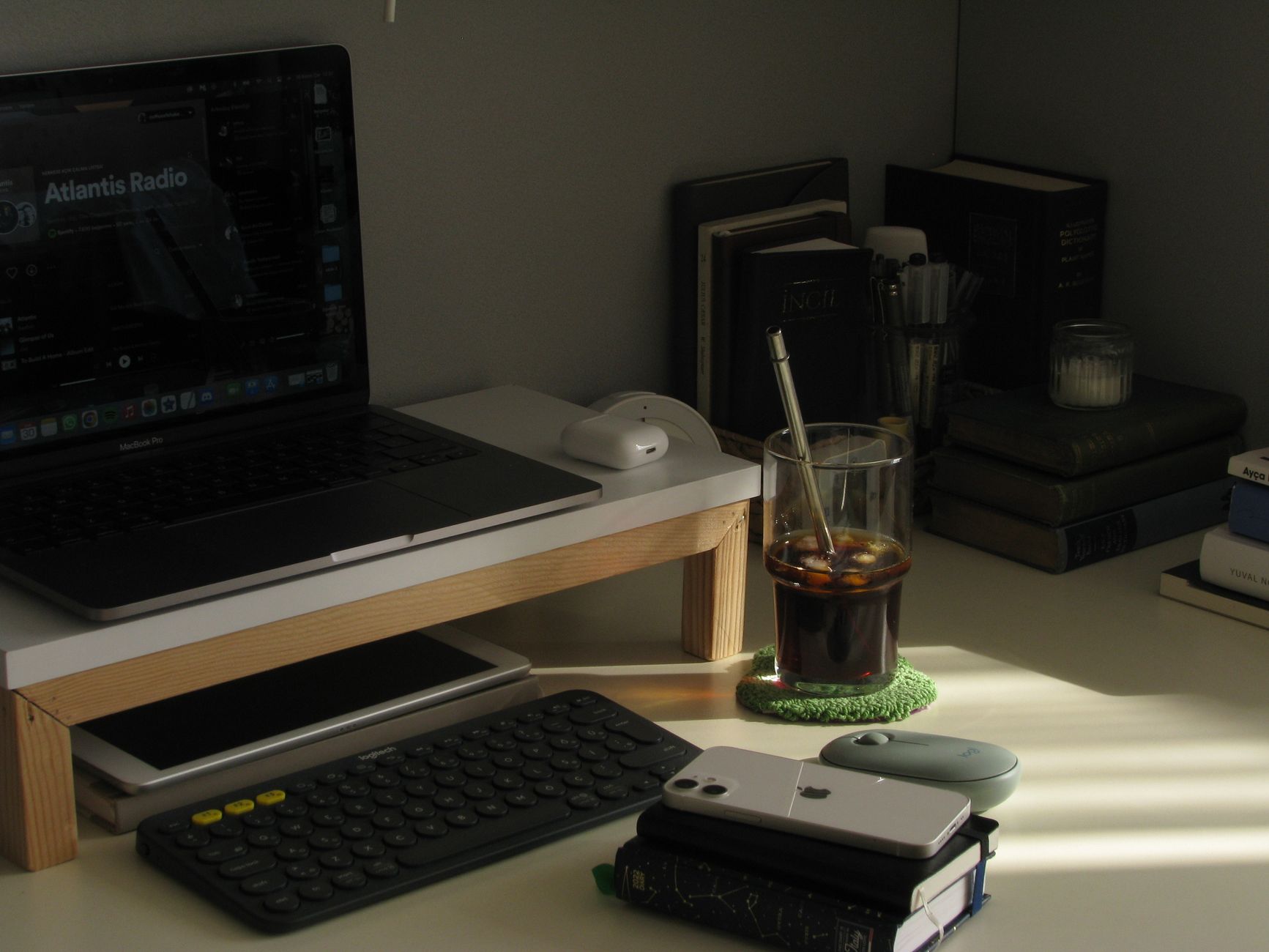
The $17 setup
You need two things: a sturdy box or crate that raises your laptop or monitor to eye level, and something to raise your keyboard and mouse to elbow height. For the monitor stand, I used a wooden wine crate from a liquor store — they give them away for free if you ask. It was exactly the right height to bring my monitor to eye level. A stack of large books works fine too.
For the keyboard and mouse, I used a simple laptop stand — the kind that folds flat and costs twelve to fifteen dollars online. Set it on your existing desk and put your keyboard and mouse on it. When you stand, the stand raises your typing surface by about six inches. That was enough for my arms to be at a comfortable 90 degrees.
The math: wine crate = free, laptop stand = $15, total = $15. I already owned the keyboard and mouse.
What I learned in three months
Standing all day is just as bad as sitting all day. The people who tell you to stand for eight hours have never tried it. Your feet hurt, your lower back tightens up, and by 3 PM you are leaning on everything. What actually works is switching positions every hour. Sit for an hour, stand for an hour. The cheap setup made this annoying because I had to move the laptop stand on and off the desk each time.
That is why I eventually bought a real adjustable desk — not because standing is magical, but because switching is, and the switch needs to be fast and frictionless. But the $17 setup proved the concept. If you are curious about standing desks, try the cheap version first. Three months in, you will know if you actually use it or if it is just a nice idea you abandon after a week.
One non-negotiable: an anti-fatigue mat
Do not stand on a hard floor. Your feet and knees will hate you. A cheap anti-fatigue mat costs about twenty dollars and makes more difference than the standing desk itself. I used a thick yoga mat folded in half for the first month — not ideal, but better than nothing.
📋 Quick Summary: Use a wine crate or books to raise your monitor, and a $15 laptop stand for your keyboard. Switch between sitting and standing every hour. Get an anti-fatigue mat. Try the cheap version for a few months before buying a real standing desk.