The Charging Habit That Is Killing Your Phone Battery
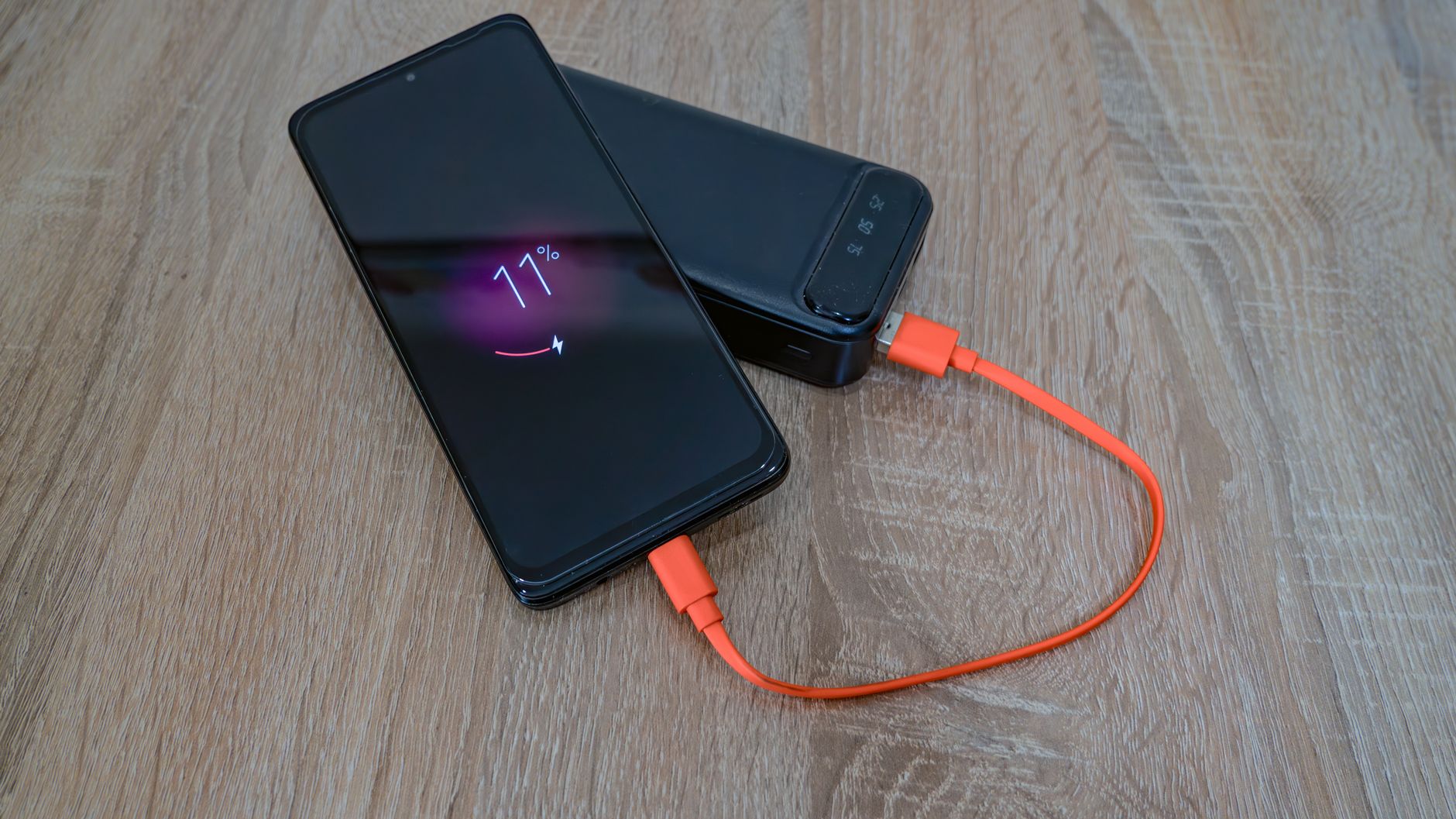
I used to plug my phone in at night and wake up to 100%. Every night. For years. My battery health dropped to 79% in 18 months and I did not understand why — I was “taking care” of my battery by keeping it fully charged.
I was doing the exact thing that kills lithium-ion batteries fastest.
The 100% Problem
Lithium-ion batteries degrade fastest at two extremes: 0% and 100%. Sitting at 100% — especially for hours every night — stresses the battery chemistry. It is like keeping a rubber band stretched to its limit permanently. The battery does not “overcharge” — modern phones stop drawing power at 100% — but holding that maximum voltage still accelerates degradation.
Battery researchers call the 20-80% range the “sweet spot.” Batteries stored at 40% degrade slowest. Batteries stored at 100% degrade fastest.
What to Do Instead
- Use Optimized Battery Charging. On iPhone, Settings > Battery > Battery Health > turn on Optimized Battery Charging. It learns your routine and holds the battery at 80% until just before you wake up. On Android, look for Adaptive Charging or Battery Protection.
- Set a charge limit if your phone supports it. Some Android phones let you cap charging at 80% or 85% in settings. Use it.
- Charge during the day instead of overnight. Unplug at 80-90% instead of letting it sit at 100% for hours.
- Avoid heat. Charging generates heat, and heat is the second-biggest battery killer. Do not charge your phone under a pillow, on a bed, or in direct sunlight.
I switched to charging during my morning routine — 30 minutes gets me from 40% to 85%, which is enough for the day. My next phone’s battery health was still at 95% after two years.
📋 Quick Summary: Keep your battery between 20-80%, use optimized charging, avoid overnight 100% charges, and never charge in heat — lithium batteries last years longer.