The Library Card Benefit Most People Forget About
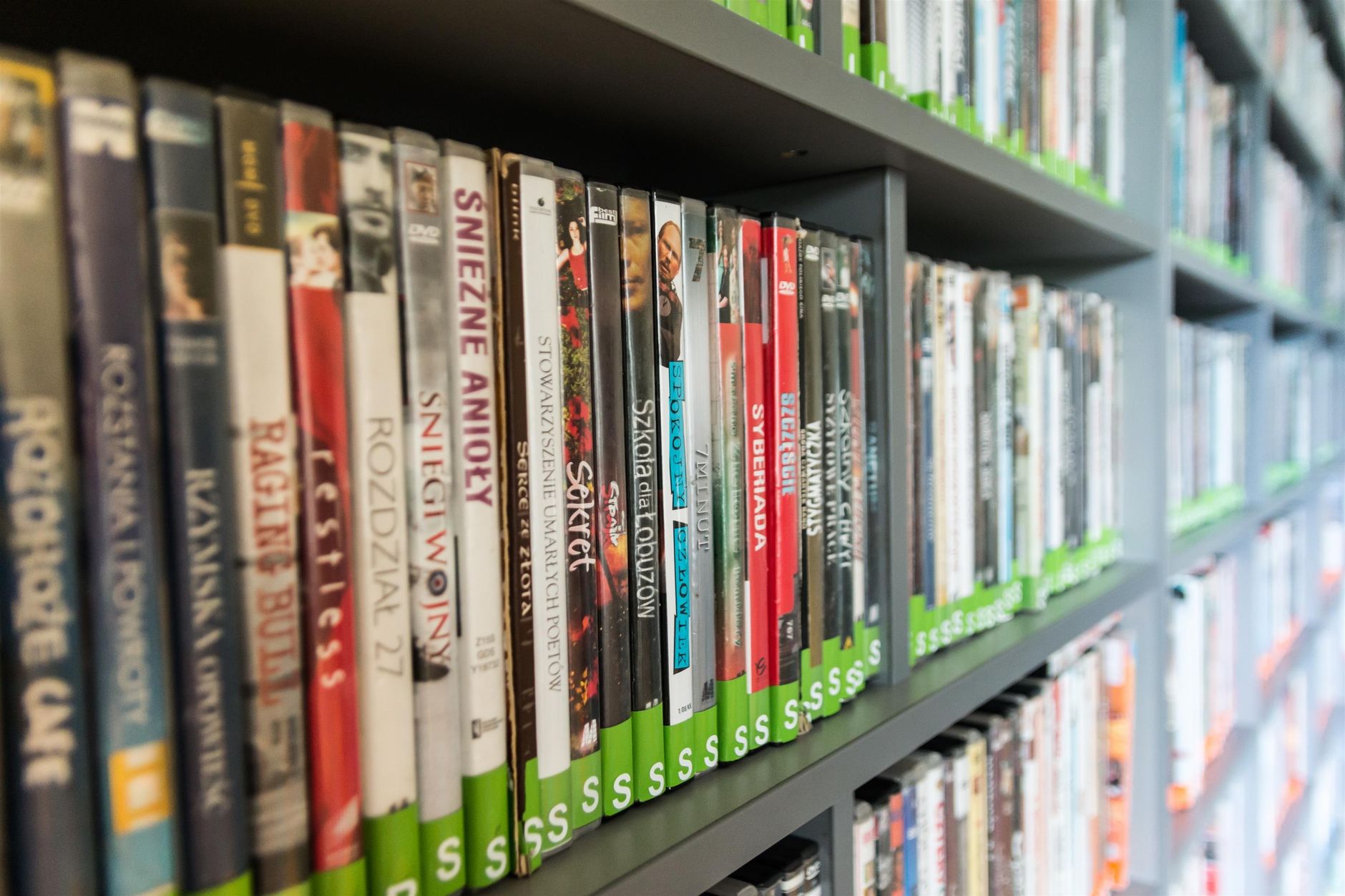
“You still go to the library?” my coworker asked, genuinely confused. “Everything is digital now.” I pulled up the library app on my phone and showed him. Free audiobooks. Free streaming movies. Free language courses. Free museum passes. Free 3D printing. He got a library card that weekend.
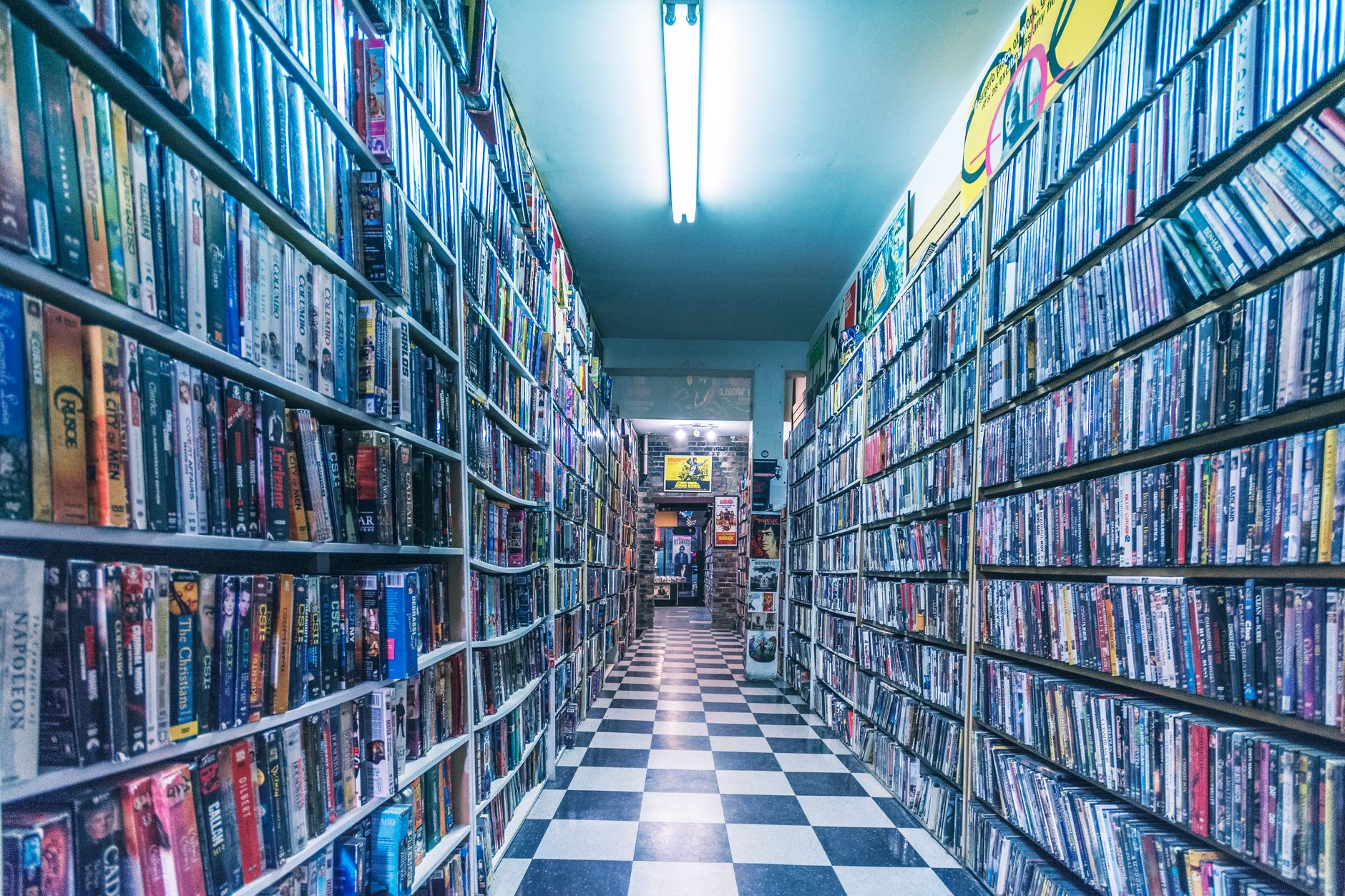
Your local library card is probably the most underused item in your wallet. Here is what it actually gives you access to — most of which you can use from your couch.
Digital Content You Are Probably Paying For
eBooks and audiobooks — Libby or Hoopla: Almost every US library system uses one or both of these apps. You borrow digital books just like physical ones. They automatically return after the loan period, so no late fees. I have listened to something like forty audiobooks through Libby in the past two years. If I had bought them on Audible, that would be about six hundred dollars.
Streaming movies and TV — Kanopy: Eight to ten free streams per month, depending on your library. The catalog leans toward independent films, documentaries, classic cinema, and educational content. It is not Netflix, but it has things Netflix does not. I watched a documentary about the history of fonts that was genuinely fascinating and cost zero dollars.
Digital magazines — PressReader or Flipster: Full current issues of major magazines readable on your tablet. No more paying eight dollars per issue at the newsstand.
Weirdly Valuable Physical Things
Museum and park passes: Many libraries lend day passes to local museums, zoos, state parks, and even aquariums. You check them out like a book, use them, and return them. My library has passes to the art museum (normally twenty dollars admission) and the botanical garden (fifteen dollars). I have used these at least ten times.
Tools and equipment: Some libraries have a “library of things” — you can borrow power drills, sewing machines, cake pans, telescopes, thermal cameras, and in some cities, even 3D printers. The library I used in Portland had a ukulele you could check out. I did not borrow the ukulele. But I could have.
Meeting rooms: Free private rooms you can reserve for studying, meetings, or tutoring sessions.
Online Learning Worth Actual Money
LinkedIn Learning (formerly Lynda.com): Many libraries offer free access to the full course library — normally thirty dollars a month. Coding, design, business, photography, all of it. Free with your card number.
Mango Languages or Rosetta Stone: Full language learning programs. I started learning Spanish through Mango Languages entirely for free.
Consumer Reports: Full digital access. Before I buy any appliance, I check Consumer Reports through the library portal. Saved me from a terrible dishwasher purchase last year.
How to Check What Your Library Offers
Go to your library’s website and look for a section called “Digital Resources,” “eLibrary,” or “Online Learning.” It is usually in the top navigation. If you cannot find it, walk in and ask a librarian. They are genuinely excited when people ask about these services because almost nobody does.
I canceled three subscriptions after discovering what my library card gave me. The card is free. It pays for itself every single time I use it.
Quick Summary: Free with a library card: Libby for eBooks/audiobooks, Kanopy for movies, LinkedIn Learning, Mango Languages, Consumer Reports, museum passes, and sometimes power tools. Check your library’s “Digital Resources” page. Cancel some subscriptions.