Extend Your Phone Battery Life With Settings You Probably Ignore
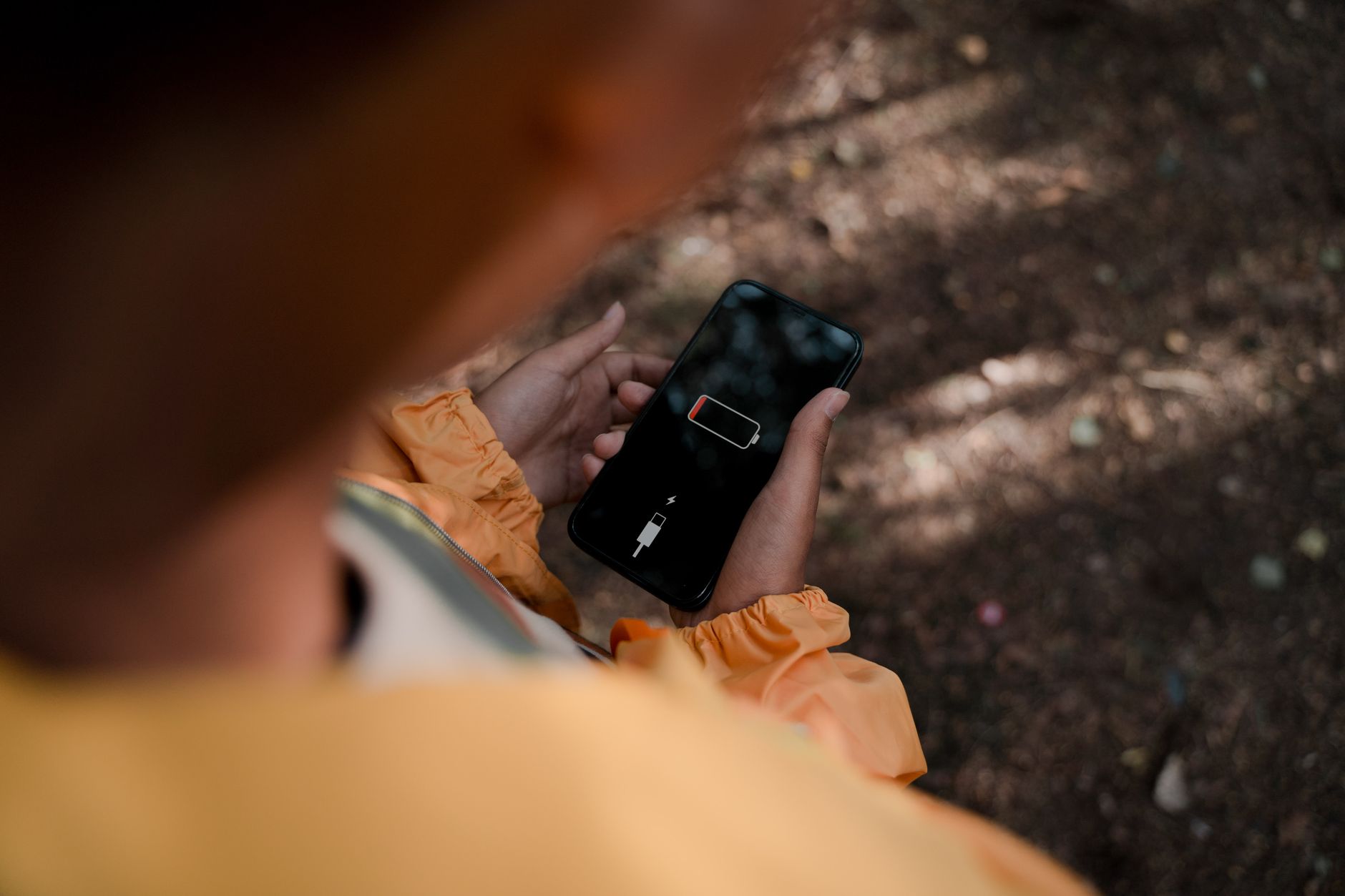
My phone battery used to die by 4 PM. I would charge it twice a day and still end up with single digits by evening. I assumed the battery was just old and I needed a new phone.
Then I spent twenty minutes going through settings and my battery started lasting until bedtime — same phone, same battery, same usage. Most of the drain was coming from features I had turned on years ago and forgotten about. Here is what I changed.
Screen Brightness — The Biggest Drain
Your screen is the single largest consumer of battery power. Auto-brightness is better than manual, but it tends to run brighter than you actually need. I set mine to about 40% manually and only bump it up when I am outside in direct sunlight. The difference in battery life was immediate and dramatic.
Also: reduce the screen timeout. Set it to 30 seconds or one minute instead of two or five. Every minute your screen stays on after you stop looking at it is wasted battery.
Background App Refresh — The Silent Killer
Go to your settings and find “Background App Refresh” (iPhone) or “Background data” (Android). You will find a list of apps that are allowed to update themselves even when you are not using them. Most of them do not need this. Facebook, Instagram, games, shopping apps — turn them all off. Keep it on for messaging apps and email if you need instant notifications.
I turned background refresh off for everything except Messages and my calendar app. My phone still gets notifications. The battery life jumped noticeably within a day.
Other Settings Worth Changing
- Turn off “Hey Siri” or “OK Google” always-listening. Your phone’s microphone is always on, waiting for the wake word. It uses a low-power chip, but it is still a constant drain. I switched to pressing the side button to activate the assistant.
- Use Dark Mode. On phones with OLED screens (most iPhones since the X, most mid-range and up Androids from the last few years), dark mode actually saves power because black pixels are turned off completely.
- Turn off location services for apps that do not need it. A weather app needs your location. A photo editor does not. Check Settings > Privacy > Location Services and switch unnecessary apps to “Never” or “While Using.”
- Disable push email. Set your email to fetch manually or every 30 minutes instead of push. Push means your phone maintains a constant connection to the email server. Unless you are a surgeon waiting for organ transplant notifications, you do not need push email.
Twenty minutes of settings changes and my phone lasts all day again. Same battery. Same phone. Just less background waste. The battery replacement I was planning to pay for? Still have not needed it.
Quick Summary: Lower screen brightness to ~40%, reduce screen timeout to 30 seconds, disable background app refresh for everything except messaging, turn off always-listening voice assistants, use dark mode on OLED screens, limit location services, and switch email from push to fetch. Twenty minutes of settings changes can add hours of battery life.