Stop Your Phone From Overheating in Hot Weather
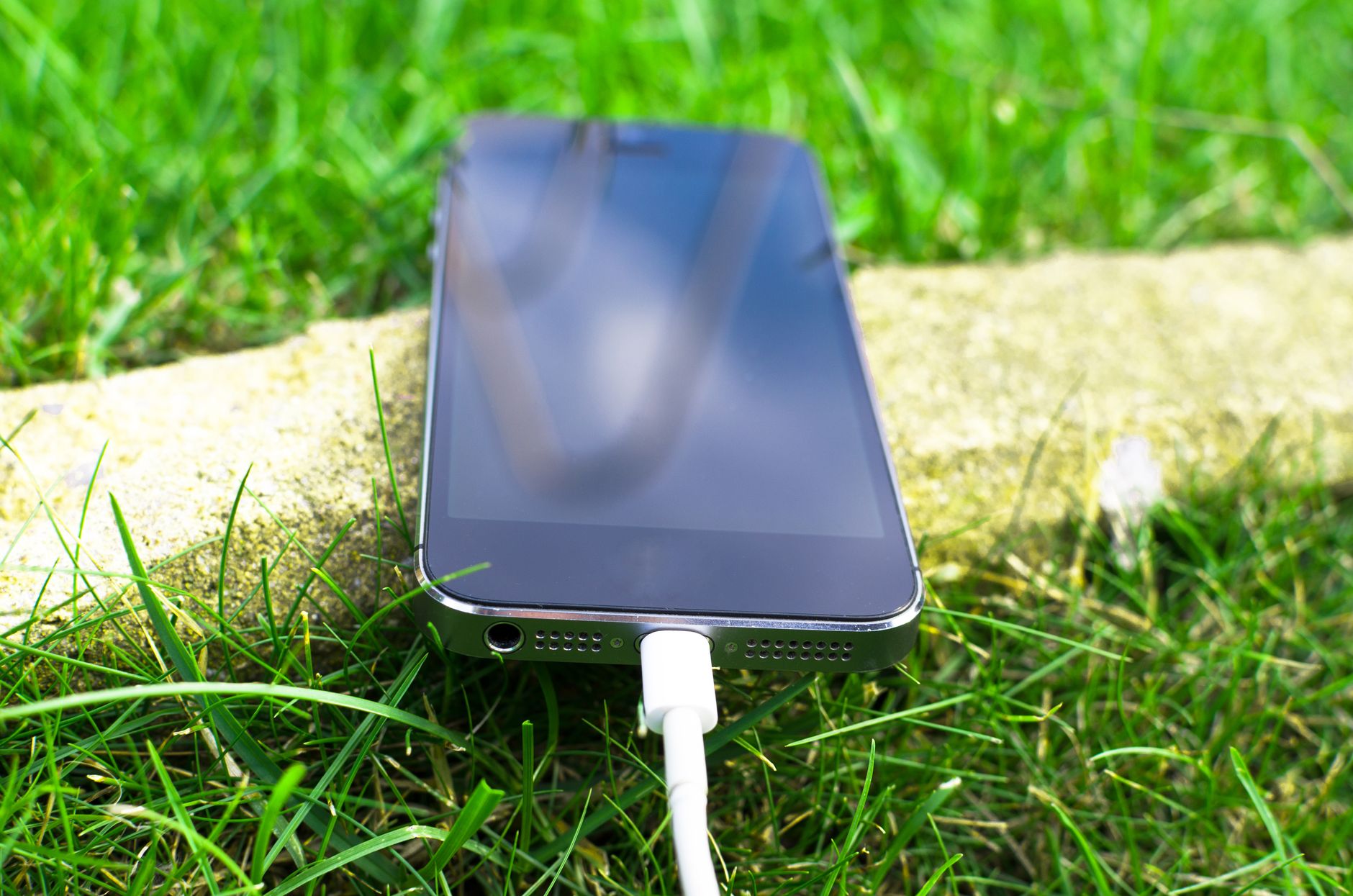
A phone left in direct sunlight on a 90-degree day can hit internal temperatures of 120°F or higher within fifteen minutes. At that point the phone will dim the screen, slow the processor, disable the camera flash, and eventually shut itself down to prevent permanent battery damage.
The fix is simple in concept: keep the phone cool. But the practical steps matter because we tend to do the wrong things instinctively.
Stop Putting It in the Fridge

I have seen people put an overheating phone in the refrigerator or, worse, the freezer. Do not do this. Rapid cooling creates condensation inside the phone. Water plus electronics equals corrosion. The damage might not show up immediately but it shortens the phone’s life.
Instead, turn the phone off. Move it to a shaded, room-temperature spot. Point a fan at it if you want to speed things up. The goal is gradual cooling, not thermal shock.
What Makes It Worse
- Charging while hot. Charging generates heat. If the phone is already hot, charging pushes it over the edge. Unplug it.
- GPS navigation on the dashboard. The phone is in direct sunlight, running GPS (processor-intensive), with the screen on full brightness, possibly also charging. This is the worst-case thermal scenario. Use a vent mount instead — air conditioning airflow keeps the phone cool.
- Heavy games or video recording in direct sun. The processor works hard and generates heat. Any intensive task in a hot environment compounds the problem.
- Leaving it in the car. A parked car in summer can hit 140°F inside. The phone will not survive that. Take it with you.
Prevention That Actually Works
Take the case off when the phone is hot. Cases trap heat. Even a thin case acts like a sweater. Removing it lets the phone body radiate heat into the air.
Lower the screen brightness manually. The screen backlight is one of the biggest heat sources. Dropping from 100% to 50% brightness reduces heat output noticeably.
Close background apps that you are not using — especially anything using GPS, Bluetooth, or mobile data in the background. These keep the processor active even when the screen is off.
If the phone displays a temperature warning, stop whatever you are doing. Turn off the screen. Put the phone somewhere cool and shaded. Let it recover for at least ten minutes before using it again.
📋 Quick Summary: Never put a hot phone in the fridge or freezer — condensation destroys electronics. Remove the case, lower brightness, stop charging. Use a vent mount instead of dashboard mount for GPS. Take the phone out of parked cars in summer.