The Cable Management Trick I Learned from a Recording Studio Engineer
📋 Quick Summary
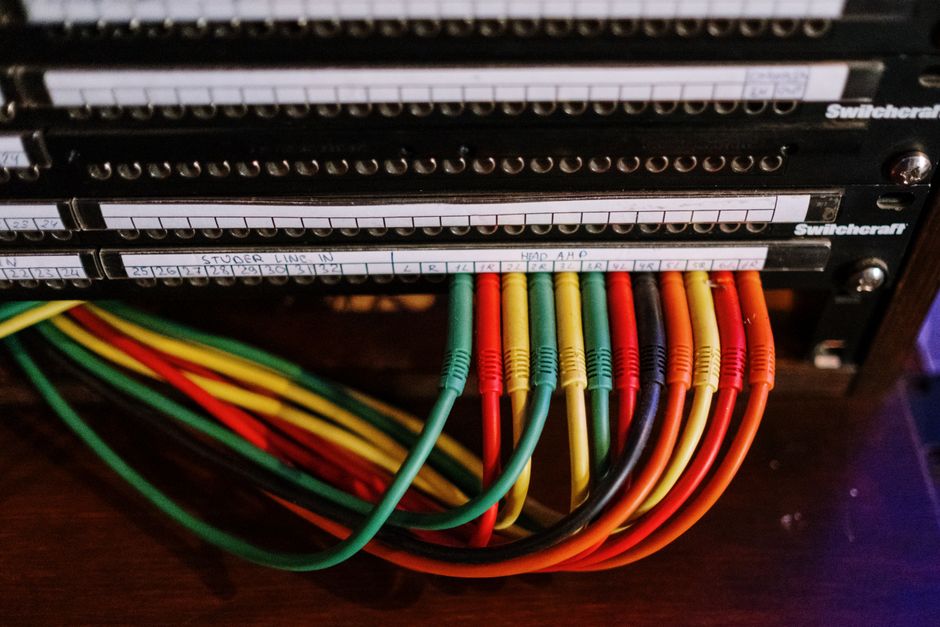
Photo by panumas nikhomkhai on Pexels Behind my television was a nest of cables so dense and tangled that I genuinely feared reaching back there. HDMI cables, power cables, Ethernet, audio cables, the power brick for the streaming stick — all of t…
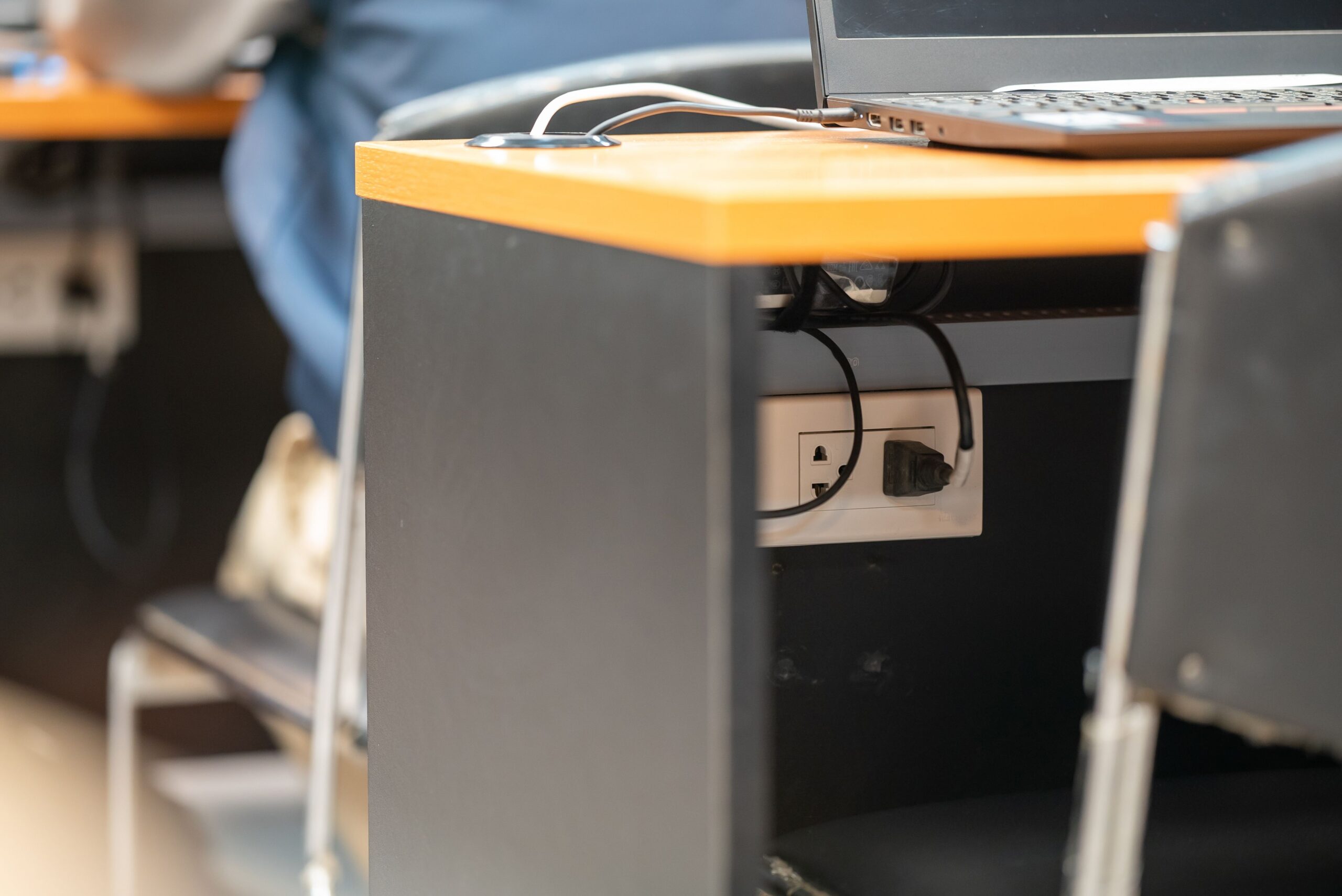
Behind my television was a nest of cables so dense and tangled that I genuinely feared reaching back there. HDMI cables, power cables, Ethernet, audio cables, the power brick for the streaming stick — all of them intertwined into a dusty, chaotic web that had been accumulating since I moved in. Every time I needed to plug in something new or troubleshoot a connection, I would spend ten minutes untangling and cursing.
The solution came from an unexpected place. My brother-in-law Dave is a recording studio engineer, and recording studios have more cables than any home theater setup could dream of. Microphone cables, instrument cables, monitor cables, patch cables — dozens of them running in every direction, and they all need to be accessible, traceable, and replaceable without dismantling the entire setup.
Dave came over for dinner, saw the horror behind my TV, and said, “Let me show you something.” He spent about forty-five minutes the following weekend transforming my cable chaos into something I actually want to show people.
His system has three components. First: label everything. This sounds obvious, but almost nobody does it. He uses a cheap label maker to print small tags for both ends of every cable — “TV HDMI 1,” “Soundbar Power,” “Router Ethernet.” When you need to unplug something, you know exactly which cable to pull without following it through a tangle. The tags are small enough to be unobtrusive but readable when you need them.
Second: bundle by direction. Cables heading to the same destination get grouped together with Velcro cable ties — never zip ties, because zip ties require scissors to remove and you will inevitably need to add or remove a cable later. Velcro is reusable and adjustable. Dave bundled all the cables going to the TV in one group, all the cables going to the soundbar in another, and all the power cables in a third.
Third: use adhesive cable clips to route bundles along the back of the furniture. Instead of cables hanging loosely in midair, they follow clean paths along the back of the TV stand. Nothing dangles. Nothing tangles. If I need to trace a cable, I can follow it visually from end to end.
The total cost of this transformation was under twenty dollars: a label maker I already had, a roll of Velcro cable ties from the hardware store, and a pack of adhesive cable clips. The time investment was under an hour. The improvement in my daily life — which sounds dramatic but is absolutely true — has been significant. I no longer dread reaching behind the TV. I added a new gaming console last month and the process took five minutes instead of an hour-long battle with a cable hydra.
I have since applied Dave’s system to my desk setup as well. The tangle of cables under my desk that my feet used to get caught in is now a tidy grid of labeled, bundled, and clipped cables. My vacuum cleaner can actually reach under the desk now. Small improvements compound.
Cable management is one of those things that seems like a luxury until you do it, and then it seems like a necessity. Thanks to Dave and forty-five minutes of work, my entertainment center looks like it belongs to a competent adult instead of a raccoon living in an electronics recycling bin.